Medication Consent Form Template
Obtain informed consent before administering medication. Capture the patient's or guardian's authorization, medication details, and relevant health history in a compliant, documented format.



Administering medication without documented consent creates legal exposure and patient safety risk. A medication consent form captures the specifics of what's being administered, why, the known risks and side effects, alternative options, and the patient's or guardian's informed agreement — creating a record that protects both the patient and the practitioner.
This template covers patient name and date of birth, the medication name and dosage, the condition being treated, how and when the medication will be administered, known side effects and risks, alternatives considered, whether the patient has received information about the medication, questions or concerns noted, and a signature confirming informed consent. A guardian section appears automatically when the patient is a minor.
Healthcare providers, school nurses, care facilities, clinical trial coordinators, and home health agencies use medication consent forms before initiating or changing treatment. Store signed consents in the patient's record. Connect to your electronic health record system to update medication consent status automatically.
In most jurisdictions, yes — when it captures the required elements and includes a verifiable digital signature. Confirm requirements with your legal and compliance team.
Add a conditional guardian consent section that appears when the patient's age is under 18. Collect the guardian's name, relationship, and signature.
Add an open text field where patients can note questions or concerns before signing. Follow up on these before the consent is considered complete.
Retention periods vary by jurisdiction and setting. Follow your organization's records retention policy and applicable healthcare regulations.
Create a medication change consent form for updates. Reference the original consent and document exactly what changed and why.
Get inspired by relevant templates and categories
3200+ Templates, 300+ Integrations
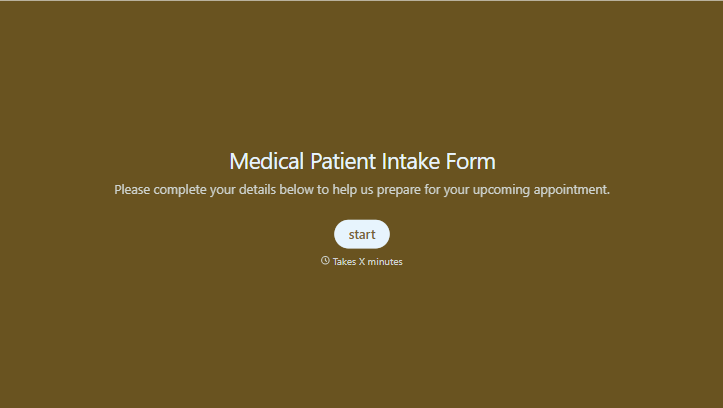
Medical Patient Intake Form
Move past a clipboard that captures a name and an insurance card. Screen for the medical history that actually changes how a patient is treated, document informed consent and privacy acknowledgment, and keep a timestamped signature on file for exactly what your patient agreed to.
View template
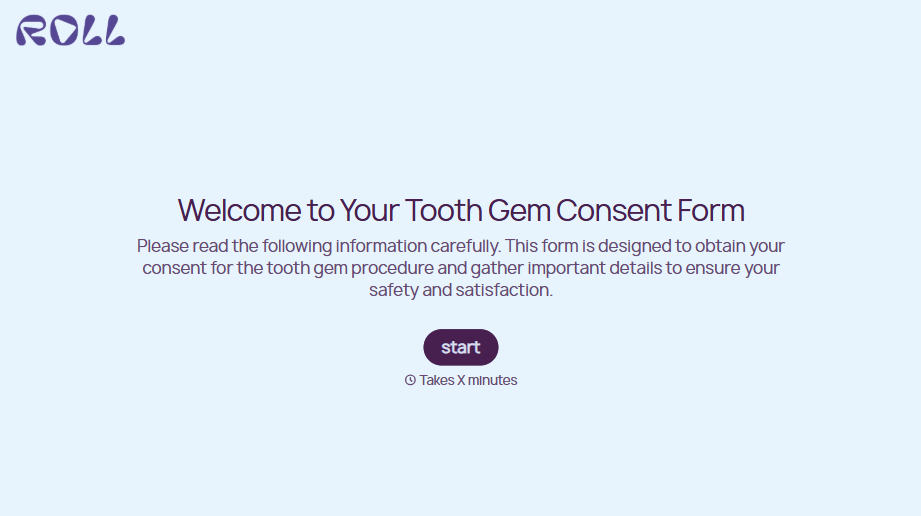
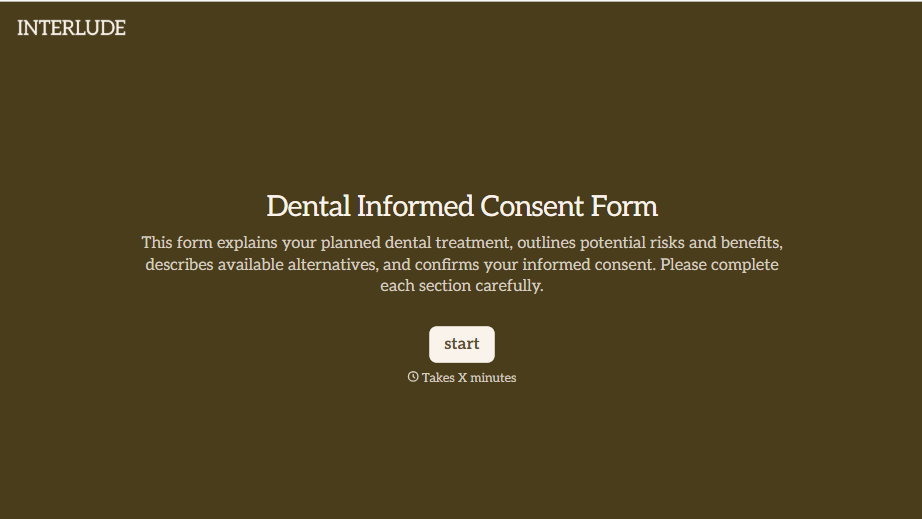


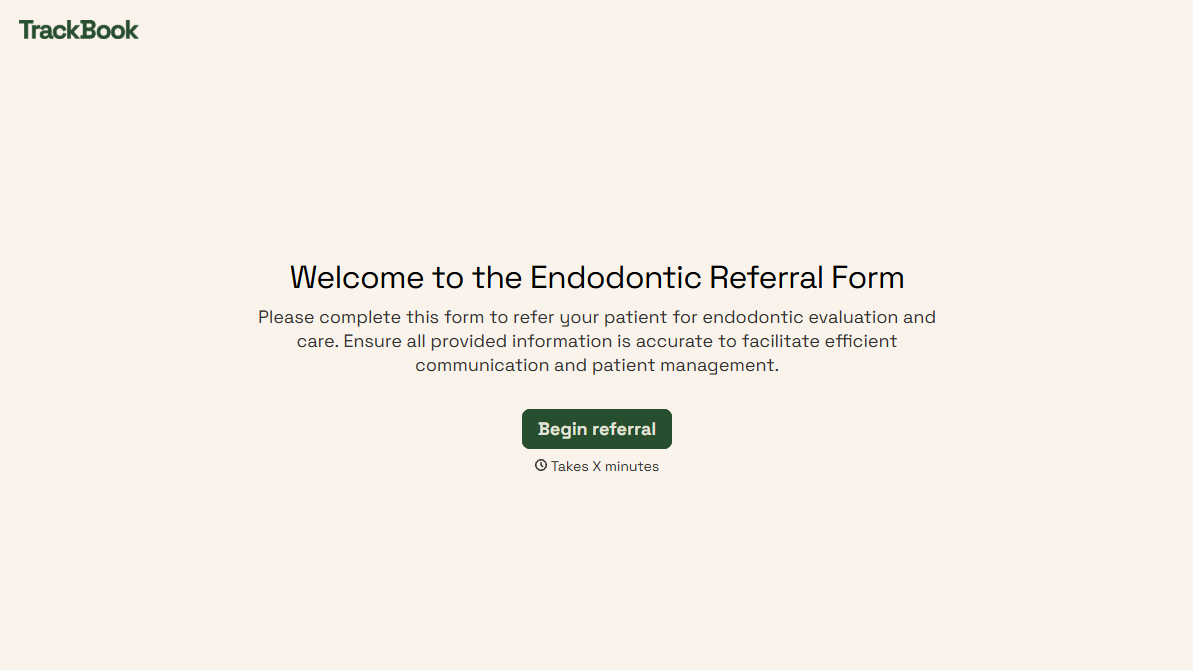
With Typeform, you can customize everything
Change text, colors, and even logos to match the look and feel of your brand. Then embed forms smoothly onto web and email.
Make forms feel effortless to fill out. Pace questions, call people by their name, and adapt the flow based on the data they share.
Stay efficient by connecting forms to your workflow. Typeform integrates with 300+ tools including Slack, Zapier, and HubSpot.


