Multiple Choice Quiz Template
Build quizzes that test knowledge, drive engagement, and deliver instant results, without writing a line of code.



Multiple choice quizzes are everywhere — classrooms, corporate training, lead magnets, social media, trivia nights. But building one that looks professional, scores automatically, and works on any device usually means wrestling with quiz-builder software that hasn't been updated since 2012. You end up spending more time fighting the tool than writing good questions.
This multiple choice quiz template gives you a clean foundation. Present questions one at a time to keep participants focused, use conditional logic to create branching paths (harder questions for correct answers, review material for incorrect ones), and deliver personalized results on the end screen. Responses collect in Google Sheets for analysis, or push to your email marketing tool via Zapier to segment audiences based on quiz results.
Add your own questions, customize the answer options, set up scoring logic, and brand the whole thing. Whether it's a knowledge check for employees, a fun quiz for your audience, or a lead-qualifying assessment, you're live in minutes.
A multiple choice quiz is an assessment format where participants select the correct answer from a set of options for each question. It's one of the most versatile and widely used quiz formats — applicable to education, training, marketing, hiring, and entertainment. The format is easy for participants to understand and efficient to score.
Online quizzes grade themselves, work on any device, and give you instant analytics. You can see which questions participants get right, which ones they struggle with, and how long they spend on each. For educators, that's pedagogical insight. For marketers, it's segmentation data. For trainers, it's a skills gap analysis — all automatic.
Quality matters more than quantity. For an effective quiz:
- Include questions that test understanding, not just recall
- Write 1 clearly correct answer and 3-4 plausible distractors
- Vary difficulty levels throughout the quiz
- Keep questions concise and unambiguous
- Avoid "all of the above" and "none of the above" when possible
- Include a mix of conceptual and application-based questions
It depends on the purpose. Knowledge checks and engagement quizzes work best at 5-10 questions. Formal assessments and certification tests might need 20-50. For marketing and lead gen quizzes, shorter is better. 5-7 questions maximizes completion rates. The key is making every question count rather than padding for length.
Yes. Configure the end screen to display scores, correct answers, or personalized feedback based on performance tiers. You can create different result messages. "Expert level: 9/10" vs. "Room to grow: 4/10". Using conditional logic on the thank-you screen. Immediate feedback is especially valuable for educational and training quizzes.
Get inspired by relevant templates and categories
3200+ Templates, 300+ Integrations
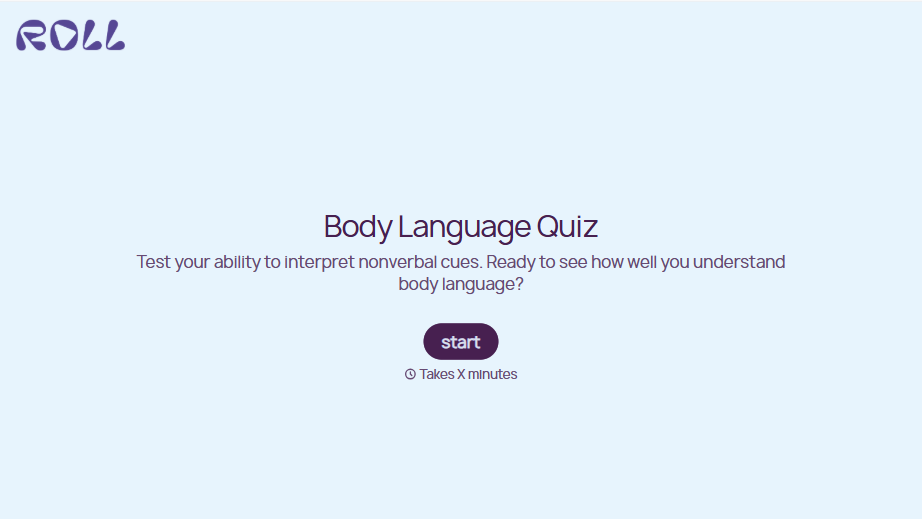
Body Language Quiz
A quiz that hands back the same score no matter which questions someone actually missed isn't teaching anyone to read a room. Ask what the quiz is actually measuring, attraction cues, deception tells, stress signals, and let each wrong answer route somewhere that explains what the cue really meant.
View template
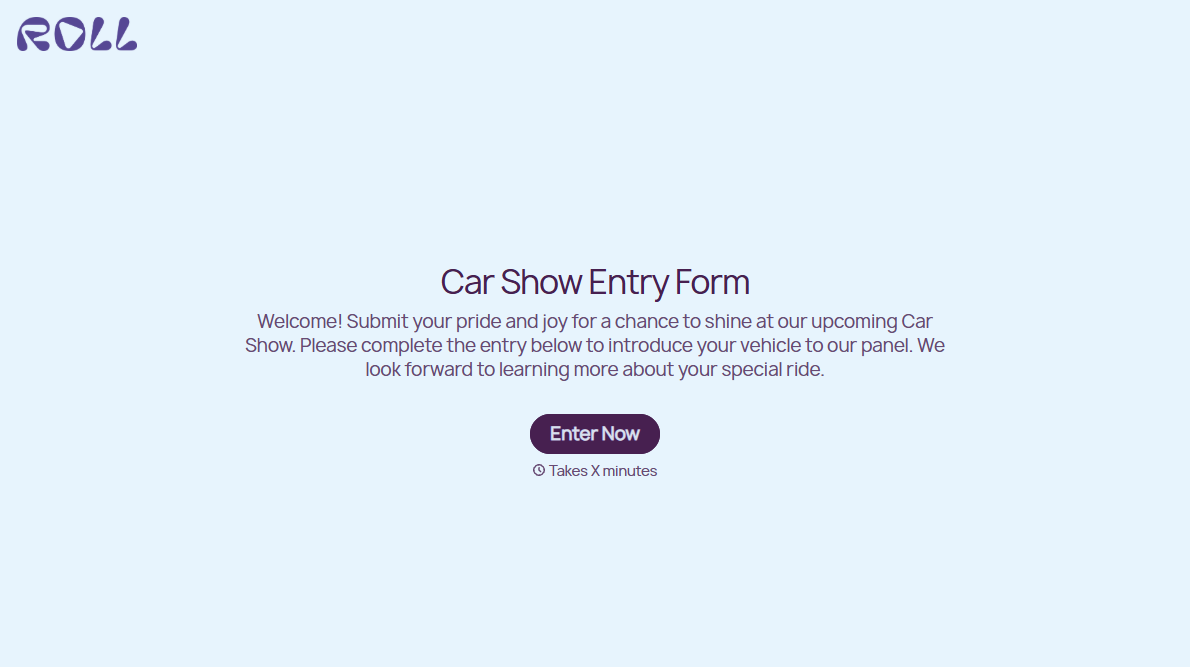

With Typeform, you can customize everything
Change text, colors, and even logos to match the look and feel of your brand. Then embed forms smoothly onto web and email.
Make forms feel effortless to fill out. Pace questions, call people by their name, and adapt the flow based on the data they share.
Stay efficient by connecting forms to your workflow. Typeform integrates with 300+ tools including Slack, Zapier, and HubSpot.


