Take the Challenge Form
A challenge people forget about by day three isn't a challenge, it's a headline. Collect what your campaign actually needs, a personal commitment, contact info, how they'll track progress, before day one starts.



"Take the challenge" campaigns usually launch with a landing page and a big "I'm in" button that just captures an email. Nobody's actually stated what they're committing to, and there's no way to follow up beyond a generic message blasted to everyone on the list, whether they're three days in and crushing it or quietly dropped out on day two.
Typeform's take the challenge form asks for what your campaign needs to make the follow-up actually mean something, participant information, a personal goal or commitment within the challenge, and how they want to track or share progress, and uses conditional logic to branch from there. Someone taking on the team version of the challenge can branch to a team name question; someone doing it solo can skip straight to reminder preferences, instead of every sign-up working through fields that don't apply to how they're participating.
Every sign-up lands in one place instead of a spreadsheet of emails with no context attached. Connect the form to your email or CRM tool through Zapier, and a submission can tag a participant by their specific commitment automatically. Ask for their goal up front, and day one starts with something to hold them to instead of a vague promise nobody, including them, can actually track.
A "take the challenge" sign-up form is an online form campaigns use to collect a participant's personal commitment and contact information before a group challenge begins. Instead of a generic "I'm in" button, the participant states what they're actually signing up for, and you start the challenge with something specific to follow up on.
A button captures a click, not a goal, a team name, or how someone wants to hear from you. A form gets that context up front, so your follow-up messages can actually reference what a participant said they'd do instead of reading like it was sent to everyone.
Ask for what will actually make the follow-up feel personal:
- Participant name and contact information
- Personal goal or commitment for the challenge
- Team name, if it's a group challenge
- Preferred reminder frequency and channel
- Consent to share progress publicly, if that's part of the campaign
Not in any binding sense, it's a stated intention, not a contract. What the form does is give you something concrete to reference in follow-up messages, which tends to matter more for actually finishing than a generic reminder would.
Yes. Add a file upload question and participants can attach a starting photo or a baseline stat in the same submission, no separate email required. Pair it with conditional logic so the upload only appears for participants tracking that kind of progress.
Get inspired by relevant templates and categories
3200+ Templates, 300+ Integrations
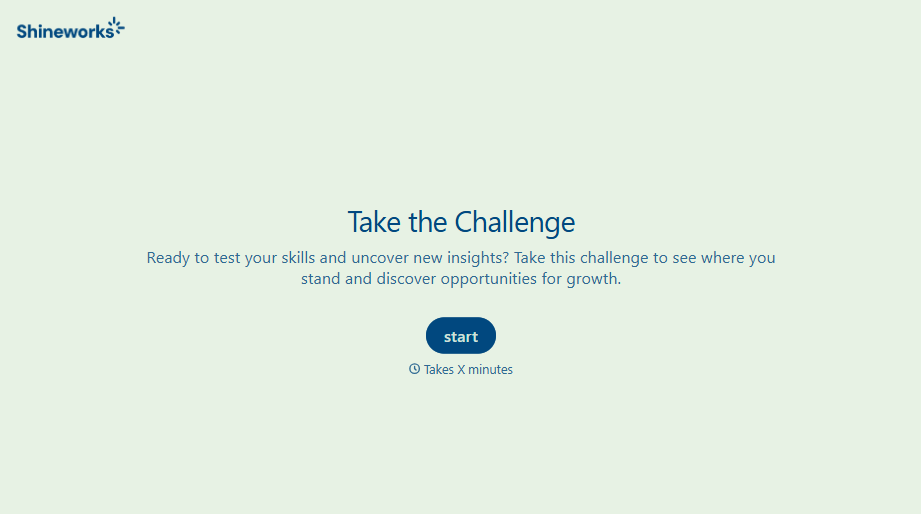
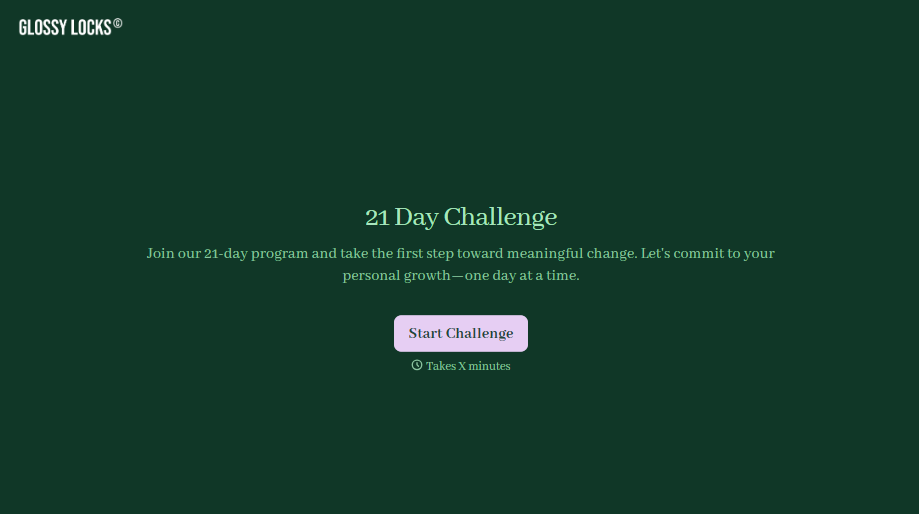
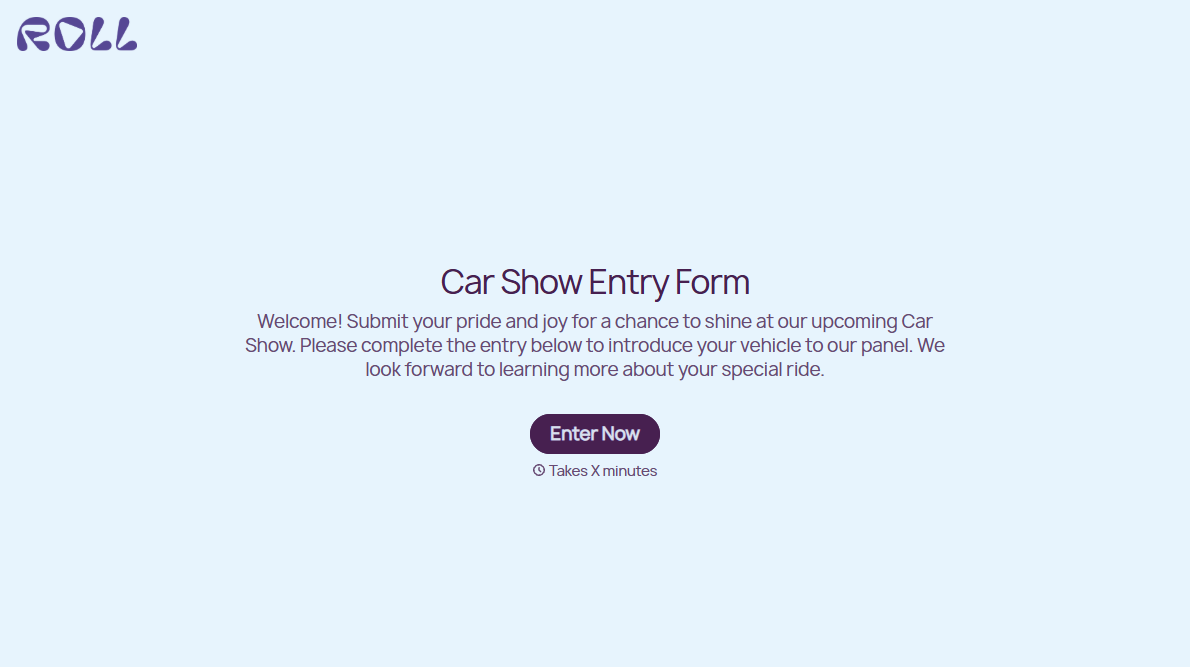

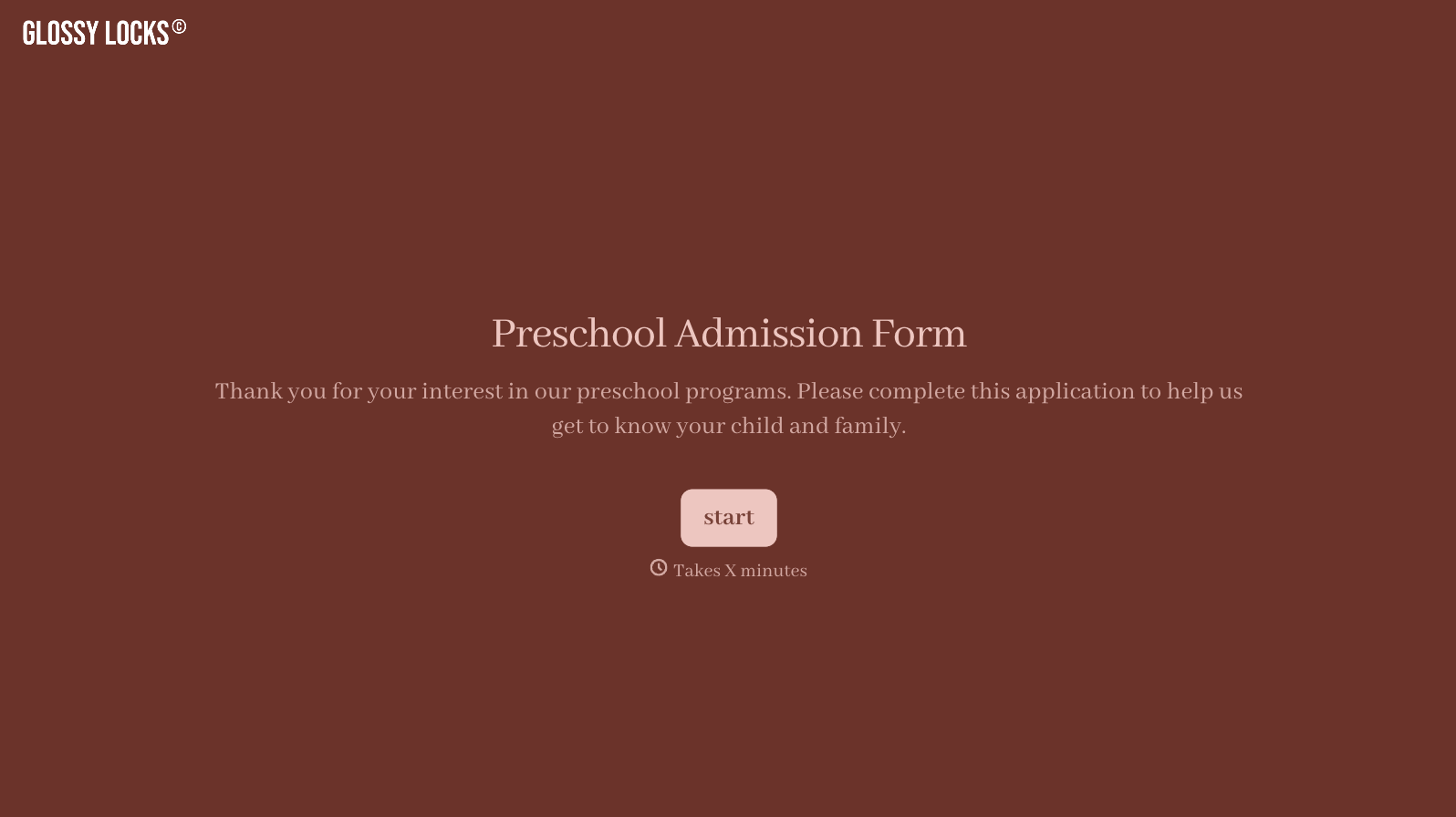
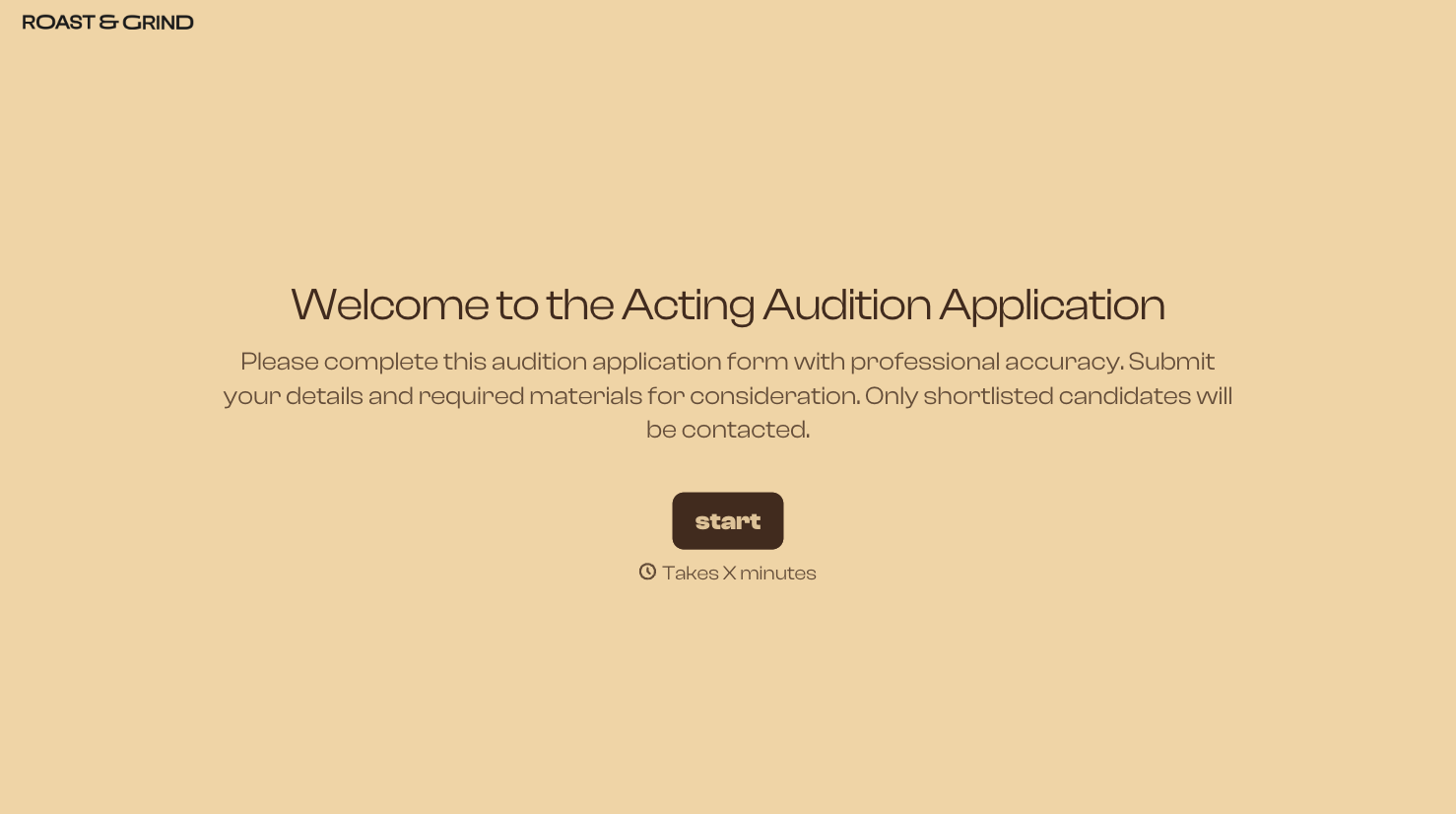
With Typeform, you can customize everything
Change text, colors, and even logos to match the look and feel of your brand. Then embed forms smoothly onto web and email.
Make forms feel effortless to fill out. Pace questions, call people by their name, and adapt the flow based on the data they share.
Stay efficient by connecting forms to your workflow. Typeform integrates with 300+ tools including Slack, Zapier, and HubSpot.


