Oral Surgery Consent Form
Capture informed consent before every oral surgery procedure, so your clinical team operates with a complete, signed record in hand.



Paper consent forms create information gaps your clinical team needs to chase down before any procedure. Missing signatures, undisclosed allergies, and unsigned risk acknowledgments don't just cause delays; they expose your practice to liability. Typeform's oral surgery consent form gives practices a reliable way to collect complete, signed consent from every patient before their appointment.
The form captures patient details, the procedure being performed, medical history, current medications, allergies, anesthesia consent, and acknowledgment of associated risks. Typeform walks patients through one question at a time, so consent feels straightforward rather than clinical. Conditional logic tailors the form based on the patient's medical profile and the procedure scheduled. A patient disclosing a blood-thinning medication sees follow-up questions about dosage and prescribing physician that others skip.
Customize the form with your practice name, procedure types, anesthesia options, and any pre-operative instructions specific to your patients. Send it to patients by email before their appointment, or have them complete it on a tablet on arrival. Every signed submission routes to your patient management system or Google Sheets via Zapier, keeping consent records organized and retrievable. Your clinical team walks into every procedure with confirmed consent, a signed record—no outstanding documentation to chase.
An oral surgery consent form documents a patient's informed agreement to undergo a specific dental surgical procedure. It captures patient details, the procedure being performed, medical history, current medications, allergies, anesthesia consent, and acknowledgment of the associated risks. It functions as the official clinical and legal record confirming that consent was given before treatment began.
Performing a procedure without documented informed consent is a clinical and legal risk no practice should take. A patient who later disputes an outcome will ask for the consent record, and a missing or incomplete form offers little protection. A structured digital consent form ensures every patient confirms their medical details and acknowledges the procedure's risks before a single instrument is used. Use it for tooth extractions, implant placements, bone grafting, corrective jaw surgery, and any procedure requiring anesthesia or sedation.
Cover both patient background and procedure-specific consent:
- Patient name, date of birth, and contact details
- Procedure name and clinical description
- Medical history, current medications, and known allergies
- Type of anesthesia or sedation and associated risks
- Acknowledgment of procedure risks and alternatives discussed
- Patient or legal guardian signature and date
Set up conditional logic to branch based on patient age, so minors automatically see a guardian consent section. A patient under 18 triggers fields for the parent or legal guardian's name, relationship, contact details, and signature. An adult patient moves directly to personal consent and risk acknowledgment. Your practice collects the right authorization for every patient without a separate form for minors.
Typeform encrypts all responses in transit and at rest, so patient medical details and signatures are protected from the moment they're submitted. You control who on your clinical team can access submission data, and you can restrict visibility to authorized staff only. For HIPAA-compliant practices, add a data handling disclosure directly in the form before the patient signs. Every submission creates a timestamped record your team can retrieve whenever documentation is needed.
Get inspired by relevant templates and categories
3200+ Templates, 300+ Integrations
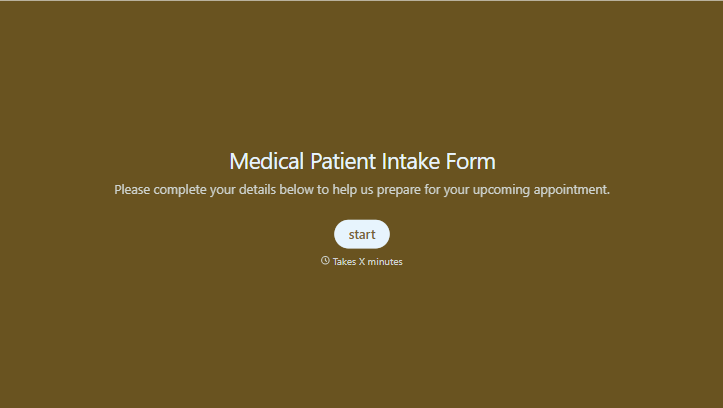
Medical Patient Intake Form
Move past a clipboard that captures a name and an insurance card. Screen for the medical history that actually changes how a patient is treated, document informed consent and privacy acknowledgment, and keep a timestamped signature on file for exactly what your patient agreed to.
View template
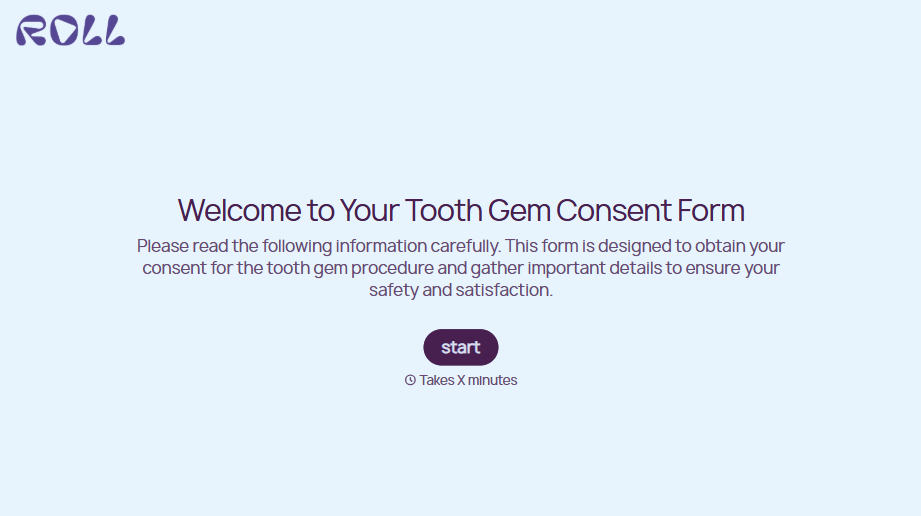
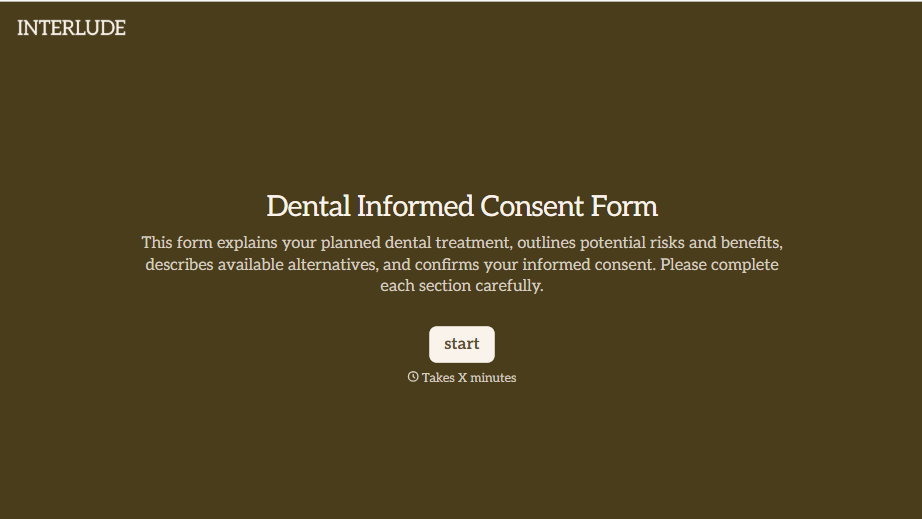


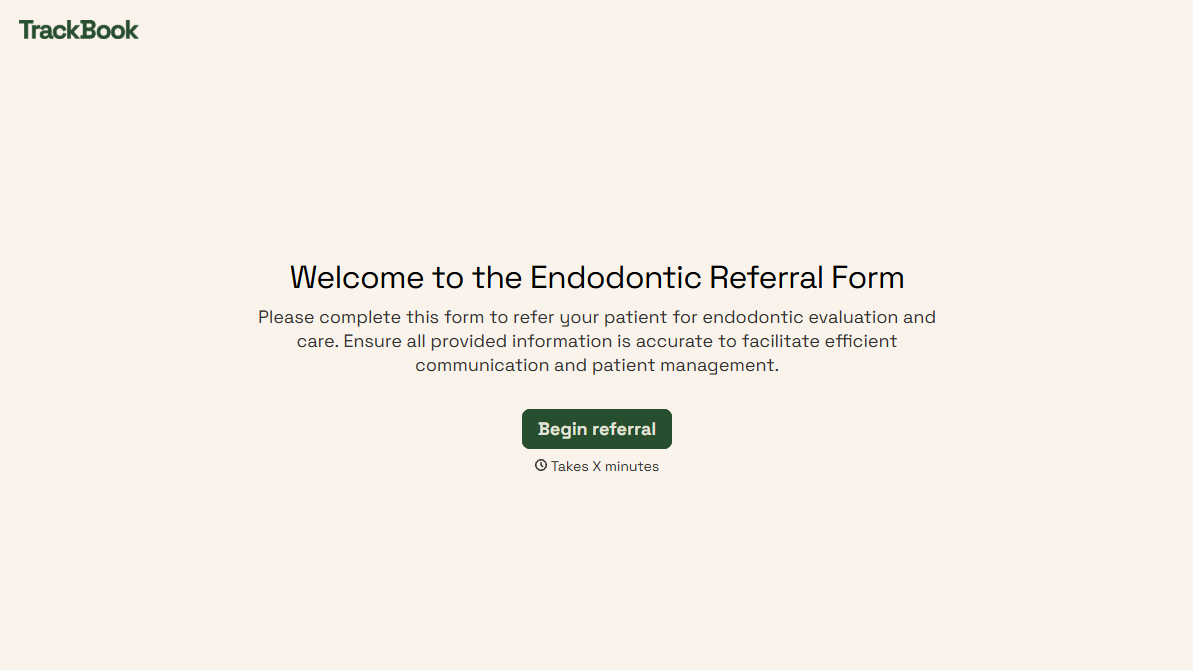
With Typeform, you can customize everything
Change text, colors, and even logos to match the look and feel of your brand. Then embed forms smoothly onto web and email.
Make forms feel effortless to fill out. Pace questions, call people by their name, and adapt the flow based on the data they share.
Stay efficient by connecting forms to your workflow. Typeform integrates with 300+ tools including Slack, Zapier, and HubSpot.


