Parent Handbook Template
Deliver key policies to every family and collect signed acknowledgment before the school year begins.


Schools and childcare centers that distribute paper handbooks rarely know which families read them. Without a clear acknowledgment record, schools can't confirm that families understand the policies around attendance, behavior, or emergency procedures. Typeform's parent handbook template gives schools and childcare centers a digital way to deliver key policies and collect family acknowledgment.
The form presents key policies section by section, capturing parent name, child details, and a final acknowledgment. Parents work through one section at a time, so each policy gets individual attention before they complete their acknowledgment. Conditional logic guides parents through the sections most relevant to their child's year level, program, or enrollment type. A family enrolling a child in after-school care sees different sections than one starting full-day care.
Customize it with your school name, the policies families must understand, and any program-specific or year-level sections. Share it at enrollment, at the start of each school year, or when your handbook updates. Every acknowledgment routes to your admin team via Zapier, giving your school a signed digital record for every family. When every family has signed, your school can confirm that every parent received and acknowledged the same information, and it’s on record.
A parent handbook template delivers key policies to families and collects signed acknowledgment in one digital form. It covers attendance, behavior, communication, emergency procedures, and any other policies families need to understand before the year begins. Use it to replace paper handbooks and collect signed acknowledgment from every family in a single digital form.
Paper handbooks get lost, skipped, or unsigned, leaving schools without confirmation that families received key policies. A digital form ensures every family reviews the same policies and signs in the same place. Use it at enrollment and re-share it any time a policy update requires fresh family acknowledgment.
Screen for the right acknowledgments from the start:
- Parent or guardian name, contact details, and their child's details
- Key policy sections reviewed (attendance, behavior, communication, emergencies)
- Any sections requiring specific additional consent or agreement
- Signed acknowledgment that policies have been read and understood
- Date of acknowledgment
Add an acknowledgment field after each key policy section so parents confirm their understanding before moving to the next. A section-by-section confirmation is more meaningful than a single checkbox at the end of a long document. For sections covering medical consent, photography, or behavior management, add a dedicated consent field for formal parental agreement.
Sharing a link is faster than printing, distributing, and collecting paper forms from every family. Send the link via email or your school communication platform, and every family receives the same version at once. If a family misses the initial send, resend the link directly without reprinting or redistributing a paper document.
Get inspired by relevant templates and categories
3200+ Templates, 300+ Integrations
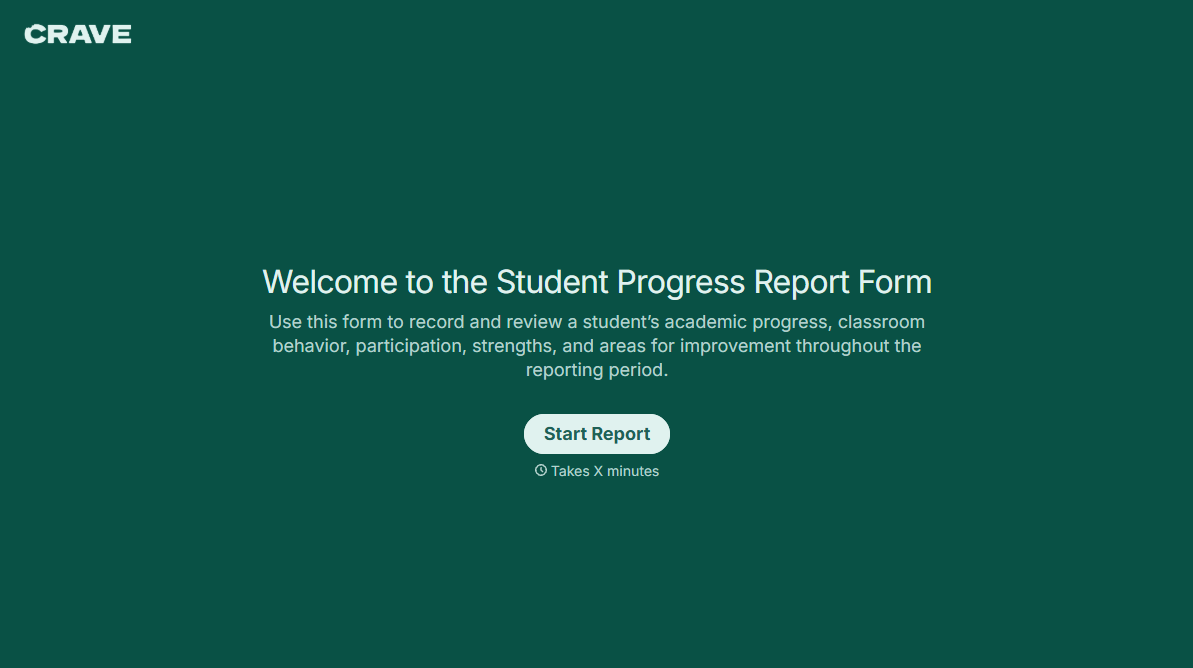
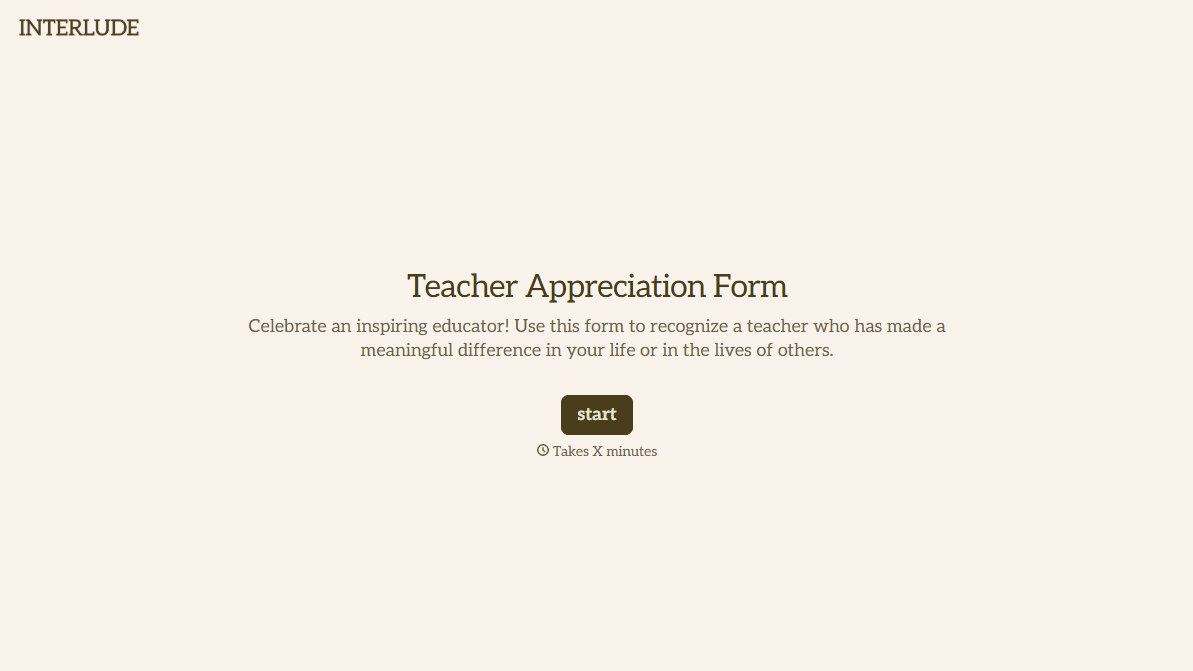

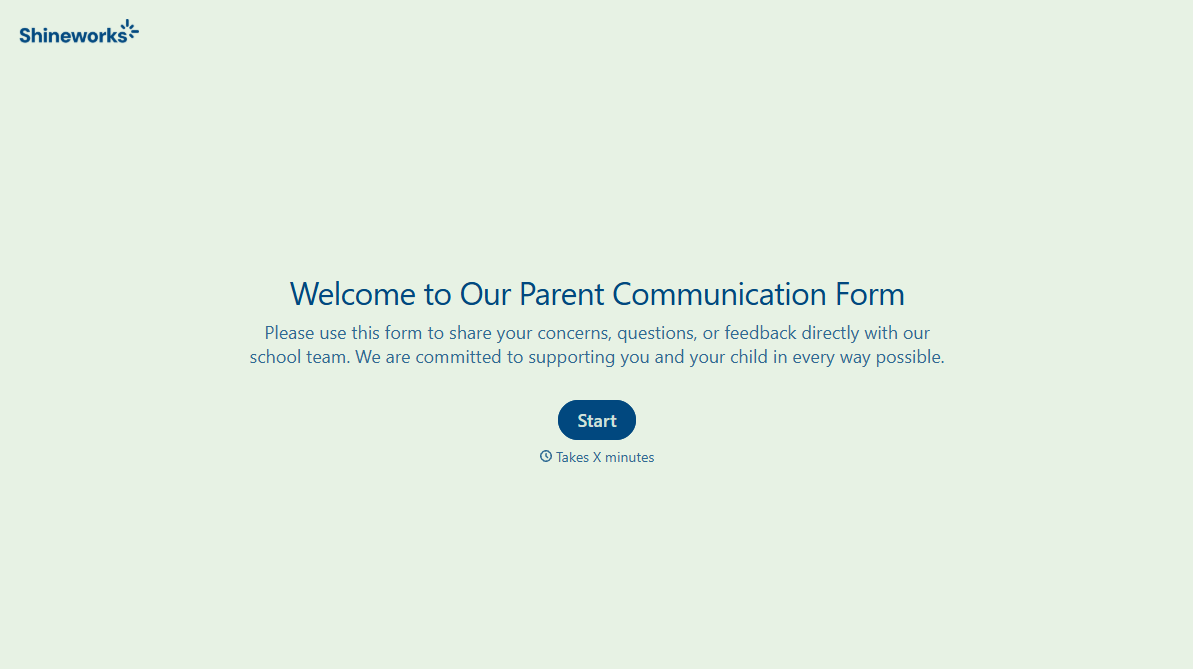


With Typeform, you can customize everything
Change text, colors, and even logos to match the look and feel of your brand. Then embed forms smoothly onto web and email.
Make forms feel effortless to fill out. Pace questions, call people by their name, and adapt the flow based on the data they share.
Stay efficient by connecting forms to your workflow. Typeform integrates with 300+ tools including Slack, Zapier, and HubSpot.


