Patient Satisfaction Questionnaire Form Template
Find out what patients really thought — and use it to make care better.



Patient satisfaction data is only useful if you actually collect it. This form gives healthcare providers a quick, respectful way to hear from patients after their visit — about the care they received, how they felt, and what could be improved.
The template covers the patient's visit date and care type, ratings for wait time, staff friendliness, communication, facility cleanliness, and overall experience, an open-ended comments field, and a net promoter question about whether they'd recommend the practice.
Aggregated responses reveal what's working and what needs attention — from front desk interactions to care quality — so improvements are targeted and measurable over time.
Within 24 to 48 hours of the visit while the experience is fresh. Response rates drop significantly after 72 hours. For immediate feedback, a post-visit kiosk or QR code at checkout also works well.
A 1-to-5 scale is intuitive for most patients. Five-point scales are also easier to aggregate and benchmark against industry standards. Avoid 10-point scales for healthcare — they tend to cluster at the extremes.
Anonymous surveys typically yield more honest responses, especially when asking about manager behavior or perceived fairness. If you want to track responses by department or role, Typeform lets you include optional demographic fields without requiring personally identifying information.
Don't treat low scores as criticism — treat them as specific feedback. A pattern of low scores on wait time tells you something operational. Low scores on communication point to a training opportunity. The data is only useful if you act on it.
Some healthcare settings are required to collect patient experience data — for example, HCAHPS surveys for Medicare and Medicaid-funded hospitals in the U.S. Check your specific regulatory environment.
Get inspired by relevant templates and categories
3200+ Templates, 300+ Integrations
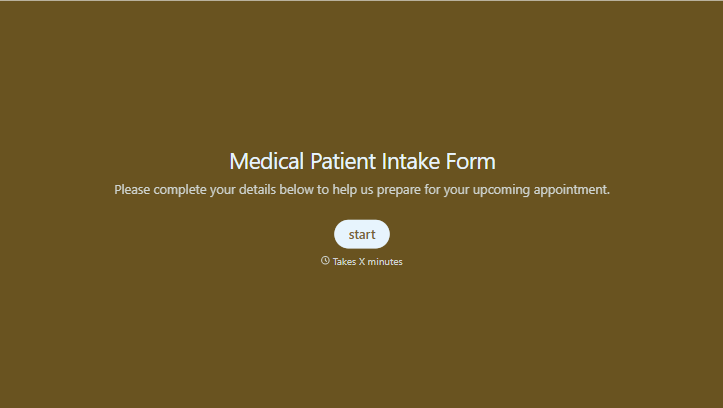
Medical Patient Intake Form
Move past a clipboard that captures a name and an insurance card. Screen for the medical history that actually changes how a patient is treated, document informed consent and privacy acknowledgment, and keep a timestamped signature on file for exactly what your patient agreed to.
View template
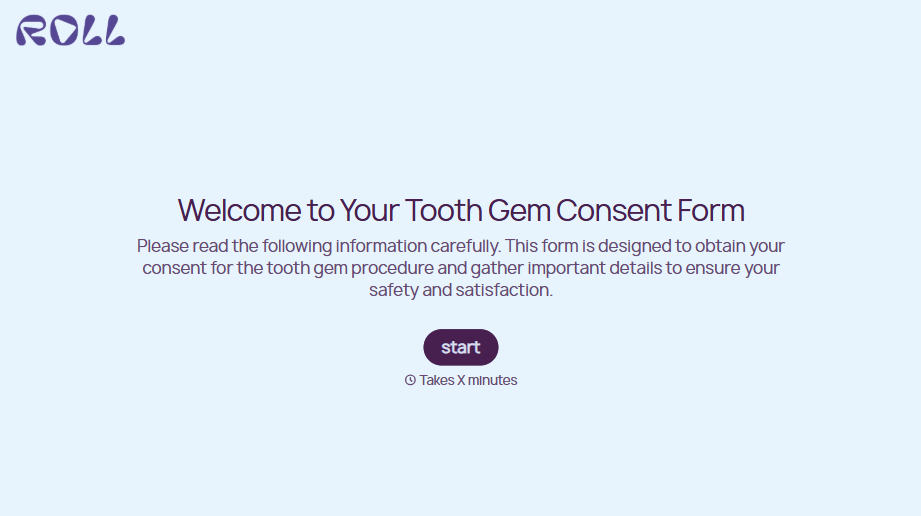
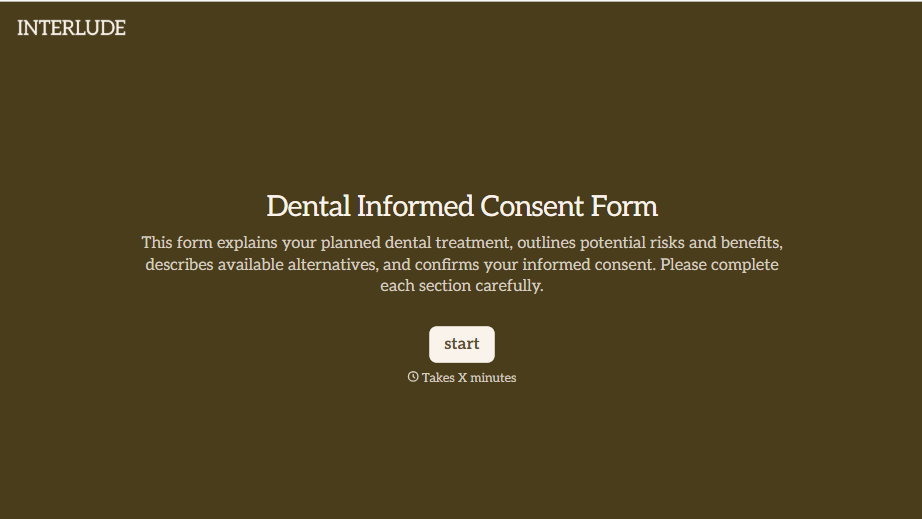


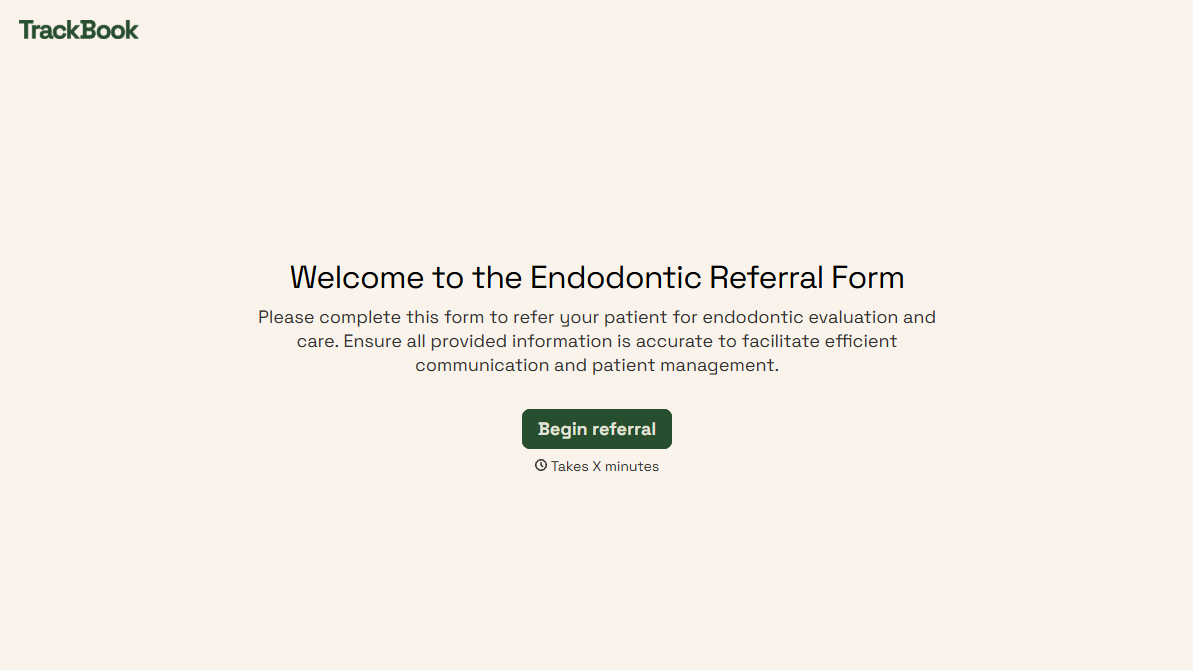
With Typeform, you can customize everything
Change text, colors, and even logos to match the look and feel of your brand. Then embed forms smoothly onto web and email.
Make forms feel effortless to fill out. Pace questions, call people by their name, and adapt the flow based on the data they share.
Stay efficient by connecting forms to your workflow. Typeform integrates with 300+ tools including Slack, Zapier, and HubSpot.


