Photography Booking Form Template
Book shoots without the email ping-pong. Get every detail upfront.



Booking a photography session should be exciting for your client, not exhausting. But when the process starts with a vague email — "I'd like some photos taken" — you're in for five rounds of follow-up before you know the date, location, style, number of people, and budget. That's time neither of you can afford.
This photography booking form template collects everything in one go — session type, date preferences, location, number of subjects, style references, and budget range — all before you reply to a single email. Conditional logic tailors the form to the type of shoot: a wedding inquiry asks different questions than a corporate headshot session.
Add your portfolio images, branding, and pricing tiers. Share the form on your website, social profiles, or in your email signature. Inquiries arrive complete and organized, so you can respond with a quote instead of a list of questions.
A photography booking form is an online intake form that captures the details a photographer needs to understand, price, and schedule a shoot. It typically covers session type, date and location preferences, creative direction, and budget. It replaces the back-and-forth of email inquiries with a single, structured submission.
It makes you look professional, saves you time, and ensures you never lose a lead to slow response time. When a potential client fills out a detailed form, you can respond with a tailored proposal instead of generic questions. Faster, more relevant responses convert more inquiries into bookings, and the form works 24/7, even when you're behind the camera.
- Type of session (wedding, portrait, event, product, etc.)
- Preferred date(s) and time
- Location or venue
- Number of people to be photographed
- Style preferences or reference images
- Budget range and any specific deliverable expectations
Use conditional logic to branch the form based on session type. Each branch can display relevant pricing information, ask type-specific questions, and set expectations for deliverables. A portrait client sees 1-hour session pricing; a wedding client sees full-day packages. One form, multiple experiences — all automatically tailored.
Collecting a deposit at booking reduces no-shows and secures the date. You can integrate a payment processor to collect a booking fee when the form is submitted, or use the form as an inquiry step and follow up with a payment link after confirming details. Either approach works — the key is having a clear policy stated in the form.
Get inspired by relevant templates and categories
3200+ Templates, 300+ Integrations
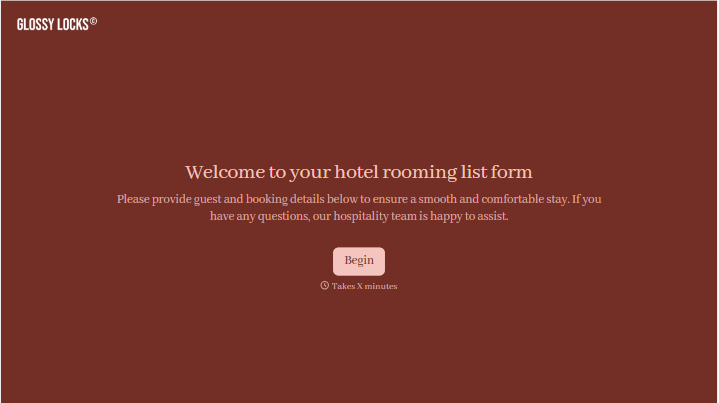
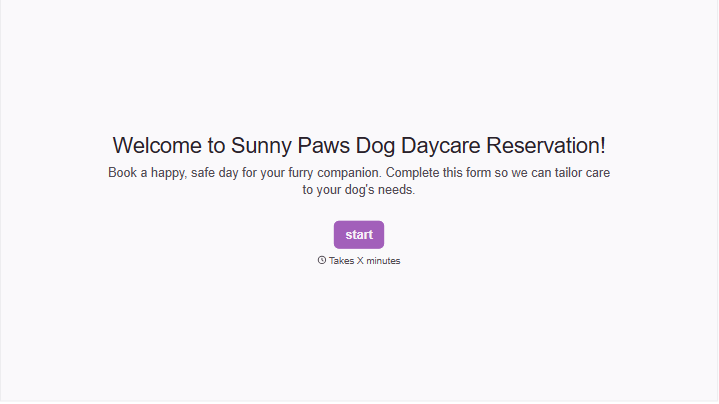
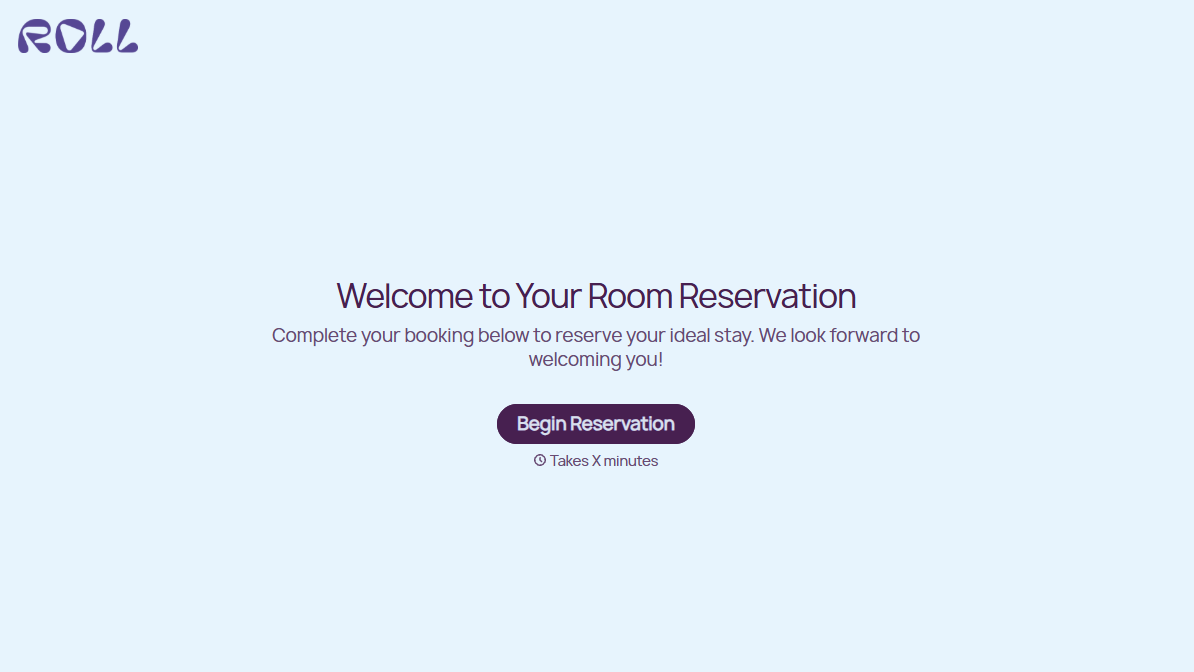
Hotel Room Booking Form
A room booked over the phone with "we'll figure out the room type when you get here" doesn't leave the front desk anything to actually plan around. Collect what your hotel actually needs, guest information, dates, and room preferences, before the reservation gets confirmed.
View template
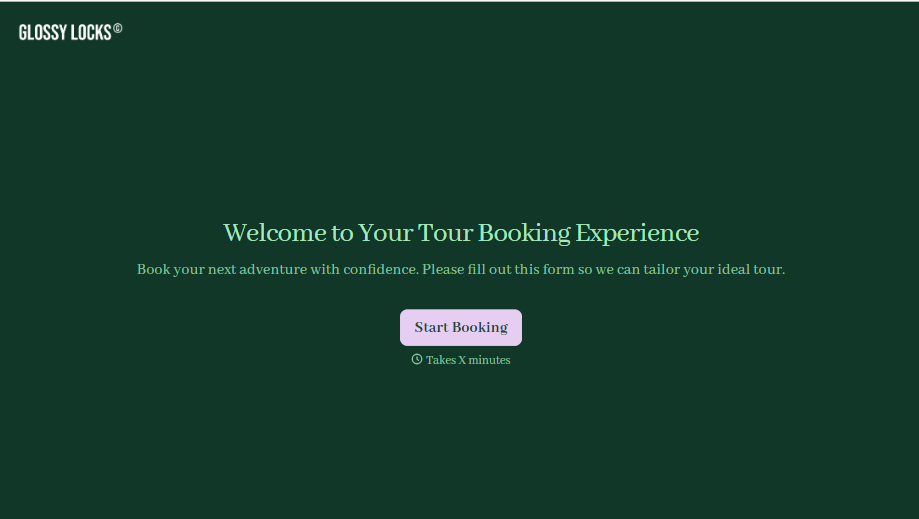
Tour Booking Form
A booking inquiry that starts with "what dates work for you?" and ends up as six emails back and forth, dates, group size, dietary needs, whether anyone in the party can handle three miles of uneven trail, is six emails too many before you've even confirmed there's a spot available. Collect it once, upfront, and start the actual planning from a complete picture.
View template
Bus Ticket Booking Form
Move past a booking form that only asks for a name, a date, and a seat count. Screen for the accessibility needs that come with a legal notice window attached, capture who's actually on the bus, and keep a timestamped record of exactly what was booked and confirmed.
View template
With Typeform, you can customize everything
Change text, colors, and even logos to match the look and feel of your brand. Then embed forms smoothly onto web and email.
Make forms feel effortless to fill out. Pace questions, call people by their name, and adapt the flow based on the data they share.
Stay efficient by connecting forms to your workflow. Typeform integrates with 300+ tools including Slack, Zapier, and HubSpot.


