Physical Therapy Evaluation Form Template
Document patient evaluation findings before treatment begins. Capture pain location, functional limitations, treatment goals, and clinical observations in one structured form.



A thorough initial evaluation shapes everything that follows in physical therapy. When evaluation findings are documented consistently, practitioners spend less time reconstructing notes and more time delivering care. A structured form captures the clinical picture accurately — from pain history and functional limitations to objective measurements and the patient's own goals.
This template covers the patient's chief complaint, pain onset and mechanism of injury, pain scale ratings, affected body regions, functional limitations, relevant medical history, prior treatments, objective findings, and short and long-term treatment goals. Body diagram fields let practitioners mark pain locations visually. Range of motion and strength testing sections capture objective baseline data.
Outpatient PT clinics, sports medicine practices, hospital rehab departments, and telehealth providers use this form as the foundation for individualized care plans. Connect to your electronic health record system to populate patient records automatically. Date-stamped evaluations serve as baseline documentation for progress tracking and insurance claims.
Yes — send the patient-facing sections (chief complaint, pain history, goals) in advance. Clinicians complete the objective findings section during the evaluation.
Add an image field with a body diagram and ask patients to describe or label the affected area. Some clinicians use annotated image uploads for this purpose.
Use Zapier or a webhook to push submitted data into your electronic health record or practice management system.
Add conditional fields that adjust language and include parent or guardian information when the patient's age is under 18.
Store initial evaluation responses and compare against re-evaluation submissions at set intervals. Export to a spreadsheet to track changes over time.
Get inspired by relevant templates and categories
3200+ Templates, 300+ Integrations
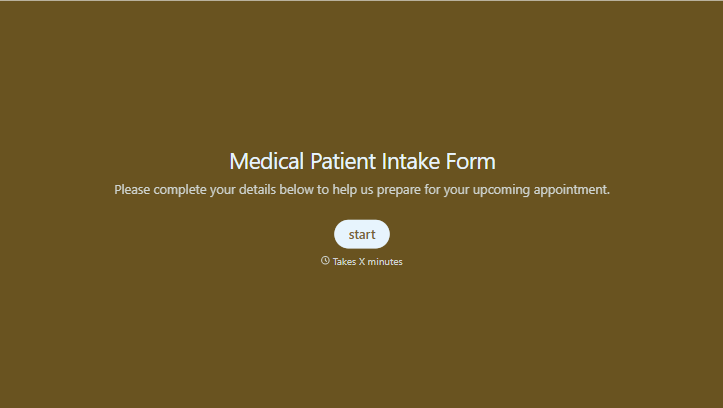
Medical Patient Intake Form
Move past a clipboard that captures a name and an insurance card. Screen for the medical history that actually changes how a patient is treated, document informed consent and privacy acknowledgment, and keep a timestamped signature on file for exactly what your patient agreed to.
View template

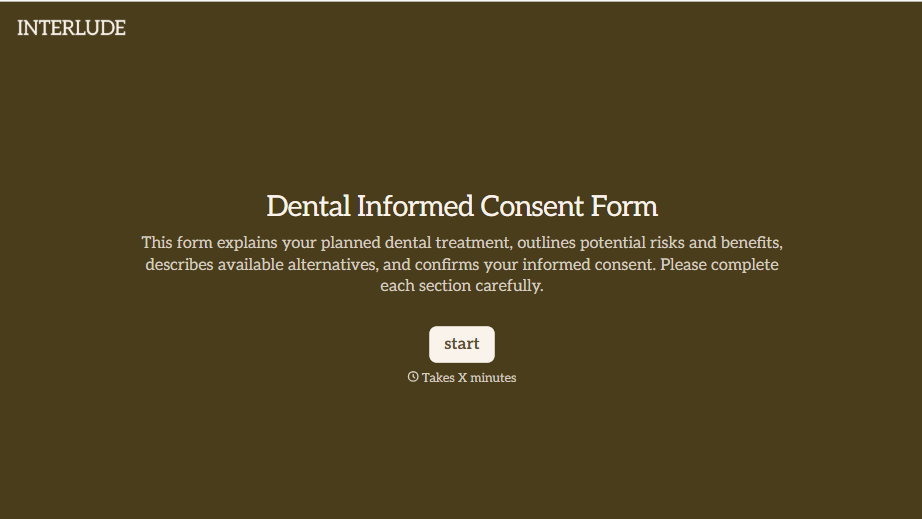


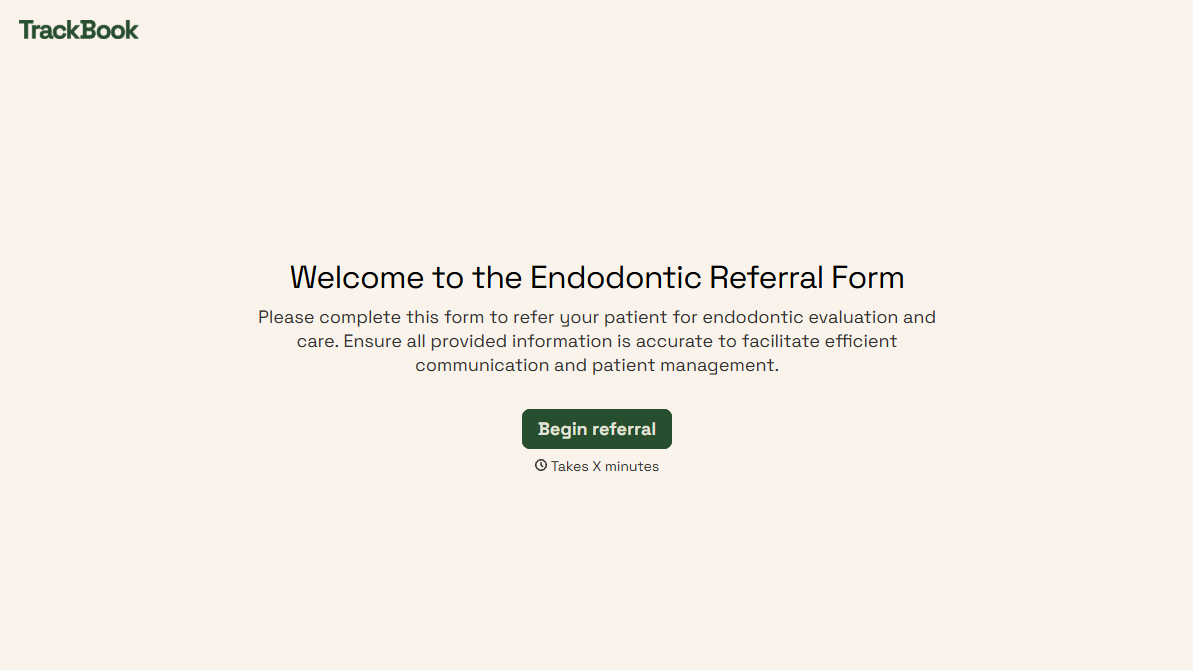
With Typeform, you can customize everything
Change text, colors, and even logos to match the look and feel of your brand. Then embed forms smoothly onto web and email.
Make forms feel effortless to fill out. Pace questions, call people by their name, and adapt the flow based on the data they share.
Stay efficient by connecting forms to your workflow. Typeform integrates with 300+ tools including Slack, Zapier, and HubSpot.


