Police Report Template
Document incidents accurately and completely, so nothing important gets left out of the record.



When an incident needs to be documented, the details matter. A report that's missing key information, hard to read, or inconsistently formatted creates problems down the line, whether for follow-up investigations, legal proceedings, or departmental records. Relying on handwritten reports or generic forms often produces exactly that.
A Typeform police report template guides the reporting officer through each required field in sequence, one section at a time. Conditional logic means the form can branch based on incident type, showing relevant follow-up questions for a vehicle incident that don't apply to a property crime. All responses are captured consistently and stored in one place, ready to review or export.
You can customize the template with your department's incident categories, required fields, and officer identification fields. It works on any device, so reports can be completed in the field or at the station.
A police report template is a structured form used to document the details of an incident, including what happened, who was involved, where and when it occurred, and any witness or evidence information. It creates a consistent, official record of the event.
Consistency is critical in law enforcement documentation. A standardized template ensures every report captures the same core information, reduces the risk of omissions, and makes records easier to search and reference later.
Capture everything needed to build a complete record:
- Date, time, and location of the incident
- Names, contact details, and descriptions of all parties involved
- Type of incident and detailed description of what occurred
- Names and statements of witnesses
- Property or vehicle information, if relevant
- Officer's name, badge number, and signature
- Any evidence collected or referred to
Yes. The same structured approach works for internal departmental incidents, use-of-force reports, or equipment loss reports. You can create separate versions of the form for different report types and route responses to the appropriate supervisors automatically.
Typeform lets you control who has access to form responses. For sensitive law enforcement records, you can restrict access to specific team members, require login to view results, and connect to secure internal systems via integrations or API.
Get inspired by relevant templates and categories
3200+ Templates, 300+ Integrations
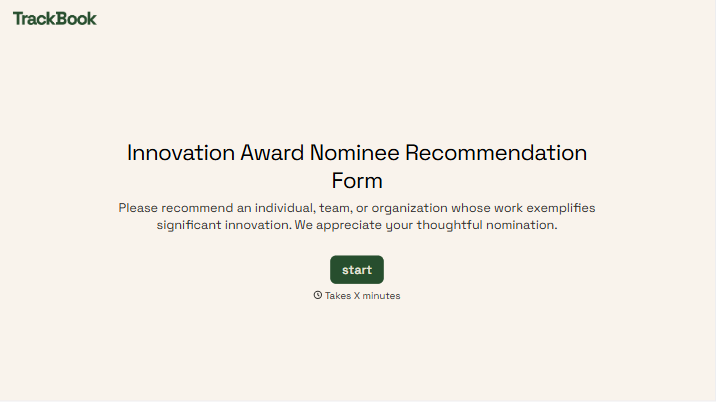
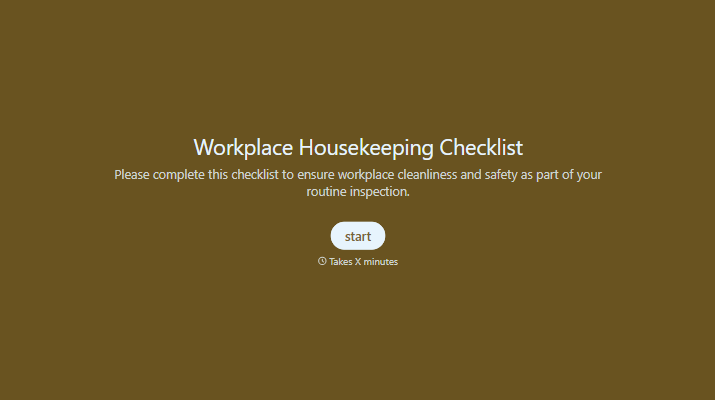
With Typeform, you can customize everything
Change text, colors, and even logos to match the look and feel of your brand. Then embed forms smoothly onto web and email.
Make forms feel effortless to fill out. Pace questions, call people by their name, and adapt the flow based on the data they share.
Stay efficient by connecting forms to your workflow. Typeform integrates with 300+ tools including Slack, Zapier, and HubSpot.


