Product evaluation form template
Collect structured product feedback with ratings, open-ended responses, and follow-up logic — so you know what to fix, improve or double down on.



Product feedback is only useful when it's specific. Knowing that users gave your product a 3.5 out of 5 tells you something is off but nothing about what to fix. When feedback is too vague, product decisions get made on assumptions rather than evidence, and improvements don't match what users actually need.
A Typeform product evaluation form goes deeper. It walks respondents through individual features, usability, value, and overall satisfaction, with prompts that surface specific opinions rather than generic ratings. Conditional logic routes dissatisfied users to a follow-up question asking what’s not working, while satisfied users move through faster.
The template is free to use. Customize it for your product type, add your branding, and share it with users, testers, or your team during any stage of development or post-launch review.
A product evaluation form collects structured feedback from users or reviewers about a product's performance, usability, design, and value. It's used during testing, after launch, or at regular intervals to understand how the product is meeting user needs.
Structured evaluations produce data you can act on. When every respondent answers the same questions about the same features, you can compare responses, identify patterns, and prioritize improvements based on actual user input rather than guesswork.
Cover the dimensions that drive product decisions:
- Ease of use and onboarding experience
- Performance and reliability
- Quality of specific features (listed individually)
- Value relative to price or alternatives
- Aesthetic design and visual appeal
- Customer support experience (if applicable)
- Likelihood to recommend
- What's missing or needs improvement
Use it during beta testing to gather input before release, immediately after launch to capture first impressions, and periodically with existing users to track satisfaction over time. It's also useful for gathering structured feedback after a major feature update or redesign.
Look at aggregate scores for each dimension to identify the weakest areas. Then read the qualitative comments associated with low scores for specific context. Segment responses by user type, plan level, or tenure if you have that data, since different user groups often have very different evaluations of the same product.
Get inspired by relevant templates and categories
3200+ Templates, 300+ Integrations
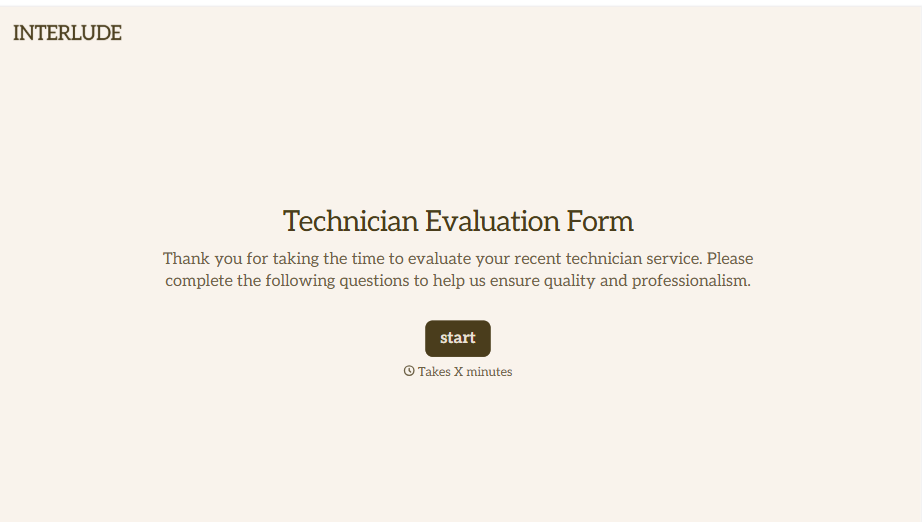
Technician Evaluation Form
A ride-along evaluation scribbled on a clipboard in the truck isn't the kind of record that holds up months later when it's time to talk about a raise or a certification renewal. Collect specific skill, safety, and customer service observations while the job's still fresh, so a technician's review is built on more than a supervisor's memory of the day.
View template
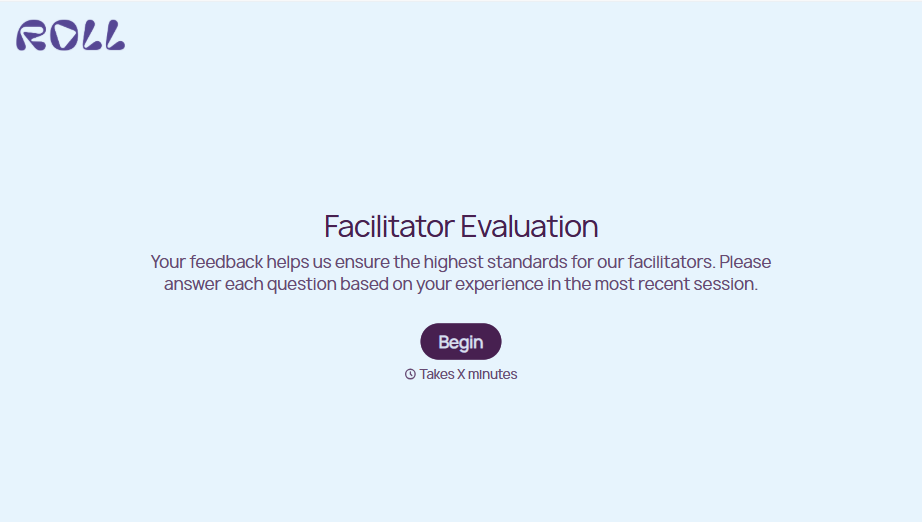
Facilitator Evaluation Form
A round of applause and a few nodding heads doesn't tell your program which facilitator's session actually clicked and which one needs coaching before the next cohort. Collect what your team actually needs, session details, ratings, and specific feedback, before everyone moves on to the next session.
View template
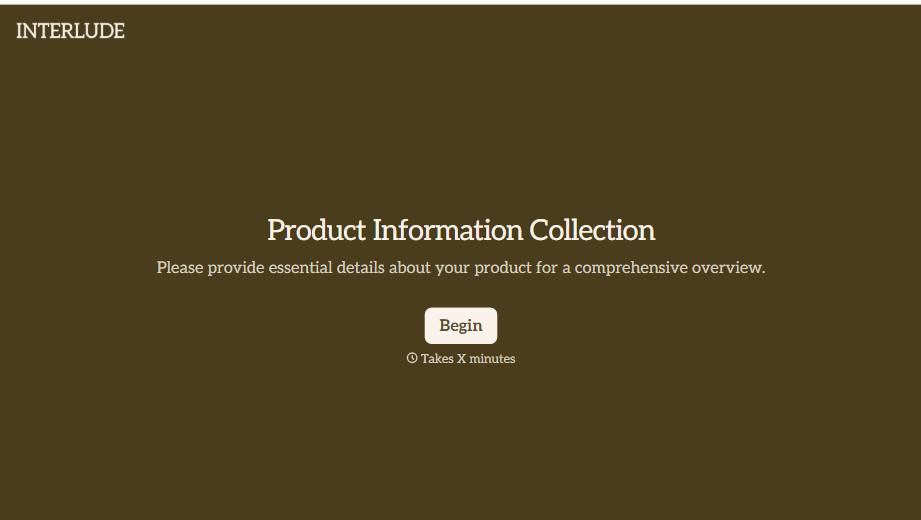
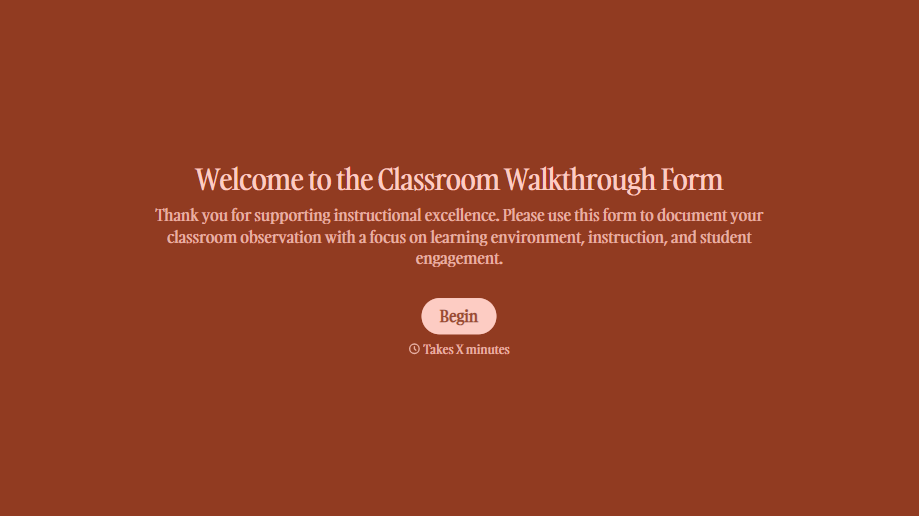

With Typeform, you can customize everything
Change text, colors, and even logos to match the look and feel of your brand. Then embed forms smoothly onto web and email.
Make forms feel effortless to fill out. Pace questions, call people by their name, and adapt the flow based on the data they share.
Stay efficient by connecting forms to your workflow. Typeform integrates with 300+ tools including Slack, Zapier, and HubSpot.


