Psychotherapy Informed Consent Form Template
Establish clear, ethical agreements with new therapy clients. Capture consent to treatment, confidentiality disclosures, practice policies, and the client's understanding before the first session.



Psychotherapy informed consent is more than a legal formality — it's the foundation of a transparent, ethical therapeutic relationship. Clients who genuinely understand what they're agreeing to, what's confidential, and what their rights are enter therapy with greater trust and clearer expectations. A well-written consent form is itself a therapeutic document.
This template covers the therapist's qualifications, licensure, and theoretical orientation, the nature and limitations of psychotherapy, session structure and fee schedule, cancellation policy and consequences of missed appointments, confidentiality and its limits (mandated reporting, duty to warn, court orders, insurance billing), record keeping and data security, telehealth policies if applicable, what to do between sessions if in crisis, and the client's right to withdraw consent at any time.
Licensed psychotherapists, counselors, social workers, and psychologists in private practice, group practice, and agency settings use informed consent forms before the first session with every new client. Send digitally as part of new client onboarding. Store signed consents in the client file. Review and refresh consent when significant policy changes occur.
Psychotherapy consent typically includes more detailed disclosures about the nature of the therapeutic process, risk of emotional distress, and the therapist's clinical approach. The core elements overlap, but depth differs.
Yes — send it as part of new client onboarding paperwork. Many therapists prefer clients to read it at home, then address any questions in the first session.
Create a version of the consent that addresses who the 'client' is (the relationship or family unit), how confidentiality works when multiple parties are involved, and what happens if members disagree about continuing.
Yes — include a section on your social media policy (whether you accept friend requests, how you handle online reviews) and preferred communication methods between sessions.
Your availability between sessions, what to do if the client is in crisis (crisis hotline numbers, emergency services), and whether you have an on-call arrangement for after-hours emergencies.
Get inspired by relevant templates and categories
3200+ Templates, 300+ Integrations
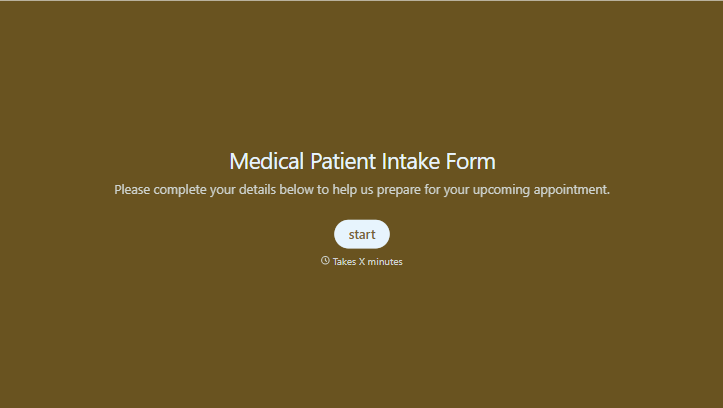
Medical Patient Intake Form
Move past a clipboard that captures a name and an insurance card. Screen for the medical history that actually changes how a patient is treated, document informed consent and privacy acknowledgment, and keep a timestamped signature on file for exactly what your patient agreed to.
View template
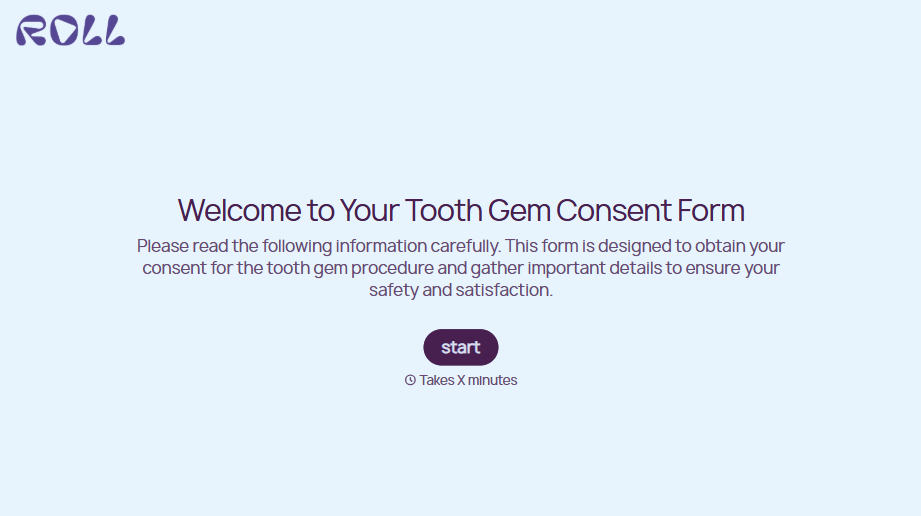
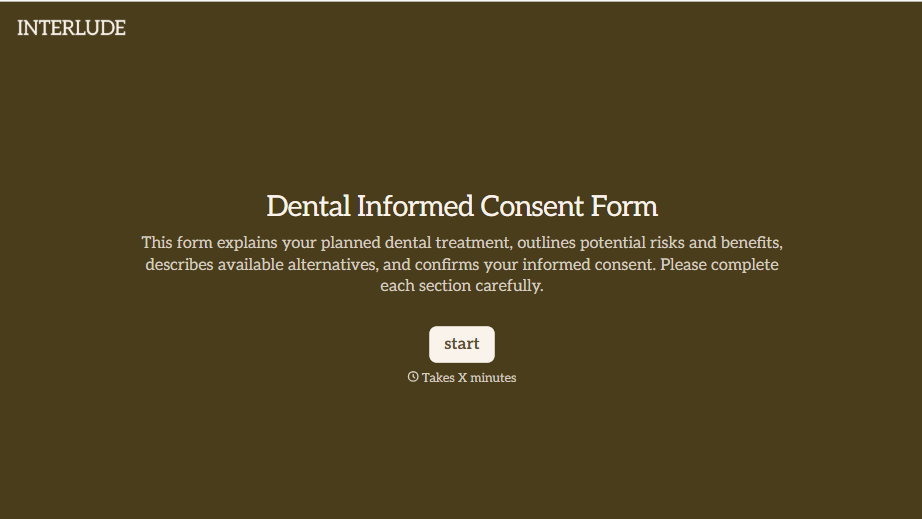


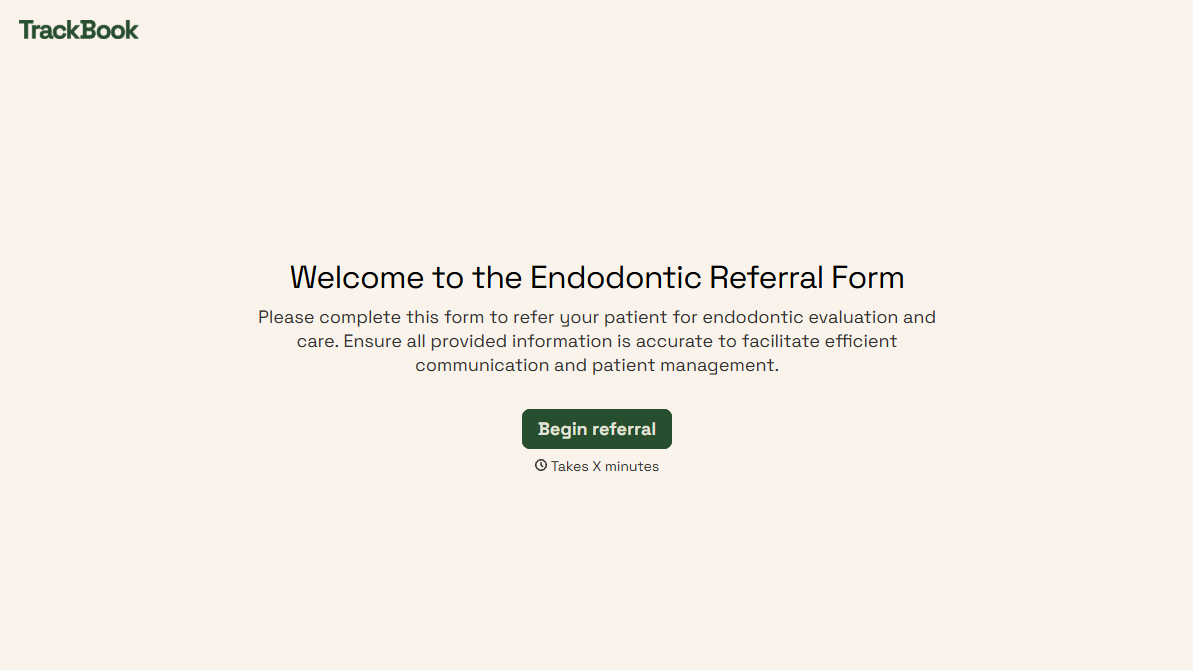
With Typeform, you can customize everything
Change text, colors, and even logos to match the look and feel of your brand. Then embed forms smoothly onto web and email.
Make forms feel effortless to fill out. Pace questions, call people by their name, and adapt the flow based on the data they share.
Stay efficient by connecting forms to your workflow. Typeform integrates with 300+ tools including Slack, Zapier, and HubSpot.


