Teacher & Course Evaluation Form Template
Give students a voice in their education, and give educators the feedback they need to grow.



Course evaluations matter, but the standard approach doesn't exactly inspire thoughtful responses: a generic form handed out in the last 5 minutes of class. Students rush through bubble sheets, leave comment fields blank, and the resulting data is too thin to drive meaningful improvement. The problem isn't that students don't have opinions. It's that the format doesn't encourage them to share.
This teacher and course evaluation form template uses a conversational, one-question-at-a-time approach that prompts more thoughtful, specific responses. Conditional logic adapts questions to the course type (lecture, lab, seminar) and invites students to explain low ratings. Responses flow into Google Sheets for department-level analysis or route to administrators via email or Slack through Zapier.
Customize the evaluation criteria to match your institution's framework, add your school's branding, and share it via email, LMS, or QR code. It's mobile-friendly, takes 5-10 minutes to complete, and produces feedback worth reading.
Ask for feedback while there’s still time to use it
By the time students fill out an end-of-term evaluation, they’ve missed the chance to benefit from any changes their feedback inspires. A short check-in halfway through the term gives instructors time to make adjustments for the students in front of them.
Keep it to 3 or 4 questions. Ask what’s helping students learn, where they’re getting stuck, and how the pace feels.
For the end-of-term evaluation, open the form before final exams and close it before grades are posted. Students can reflect while the course is still fresh and before they know their final grade.
Write questions that point to a next step
A low score on “Was the instructor effective?” gives an instructor little to go on. Try questions like these: Did you get feedback on your work in time to use it on the next assignment? Were the expectations clear before major assignments were due? Could you get help outside class when you needed it?
Keep each question focused on one thing. If you ask students to rate “course content and materials” together, you won't know which one drove the rating. Ask about teaching practices and course design separately, too.
Turn responses into changes students can see
Use Hidden Fields in each form link to capture the course code, section, and term automatically. Students can skip entering those details, and your team can compare sections of the same course side by side in Google Sheets.
When reviewing written comments, group them by theme. If several students say the grading rubric was hard to interpret, that gives you a concrete place to start.
On the first day of the next term, take a minute to share one change you made based on previous feedback. Hearing how last term’s comments shaped the course gives students a reason to be specific when it’s their turn to weigh in.
A course evaluation form is a feedback questionnaire that students complete to assess the quality of a course and its instructor. It typically covers teaching effectiveness, course content, workload, materials, and overall learning experience. Institutions use this data for faculty development, curriculum planning, and accreditation.
Evaluations create a feedback loop that benefits everyone. Instructors learn what resonates and what doesn't. Departments identify trends across courses. Administrators make informed decisions about curriculum and staffing. And students feel their perspective matters, which contributes to a more engaged learning community.
- Overall satisfaction with the course (rating scale)
- Quality and relevance of course content
- Effectiveness of the instructor's teaching style
- Adequacy of course materials and resources
- Course pacing (too fast, too slow, or just right)
- Open-ended: what would you change about this course?
Make it easy and worth their time. The conversational format helps. It feels less like a bureaucratic exercise. Use open-ended questions with prompts like "What's one specific thing the instructor could do differently?" rather than a blank "Comments" field. Also, explicitly share how previous feedback led to changes. Students respond more when they see impact.
In most cases, yes. Anonymity leads to more honest feedback, especially when students are evaluating the person who determines their grade. Some institutions offer a semi-anonymous option where responses are shared with instructors only after grades are submitted. Whatever you choose, clearly communicate the policy so students feel safe being candid.
Get inspired by relevant templates and categories
3200+ Templates, 300+ Integrations
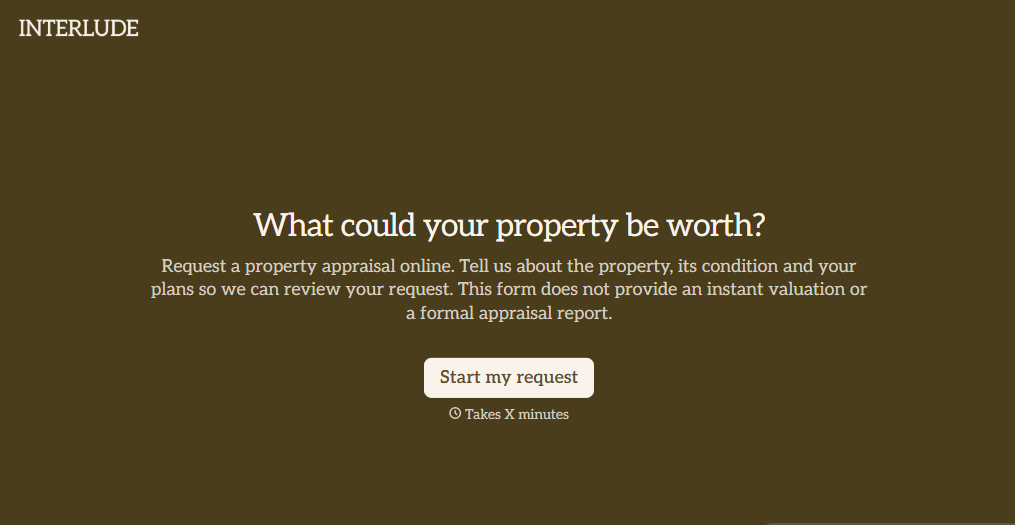
Digital Property Appraisal Form
Give property owners a convenient way to request real estate appraisals with a form that collects property details, ownership information, and valuation needs. Keep appraisal requests organized so real estate professionals can review submissions, evaluate property characteristics, and coordinate accurate property assessments.
View template
With Typeform, you can customize everything
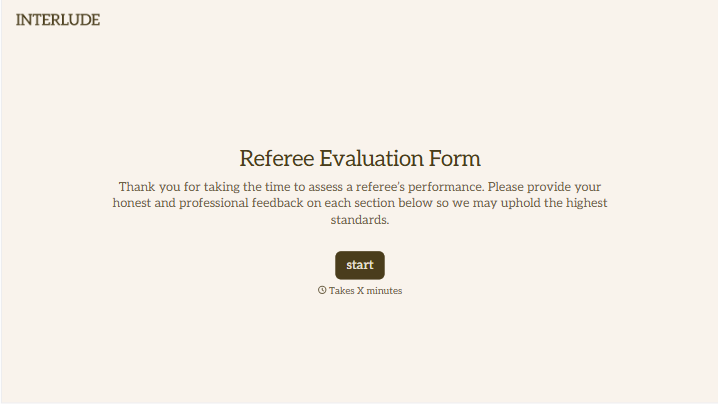
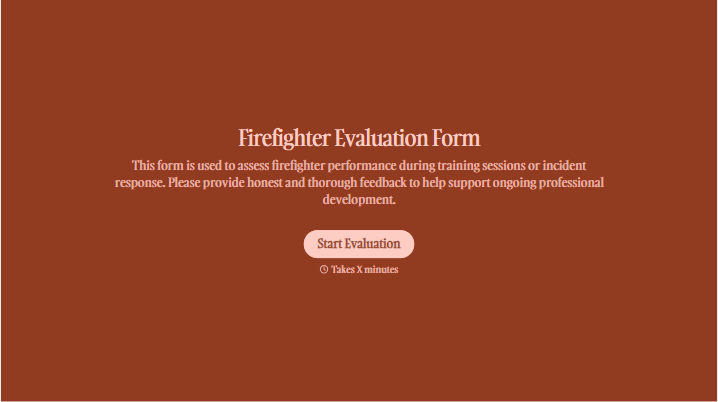
Change text, colors, and even logos to match the look and feel of your brand. Then embed forms smoothly onto web and email.
Make forms feel effortless to fill out. Pace questions, call people by their name, and adapt the flow based on the data they share.
Stay efficient by connecting forms to your workflow. Typeform integrates with 300+ tools including Slack, Zapier, and HubSpot.


