Online suggestion box: how to run one that actually works
Learn how to create an online suggestion box that encourages useful feedback, builds trust, and turns good ideas into action.

Key takeaways
- An online suggestion box gives employees, customers, or other groups an ongoing way to submit ideas and feedback.
- Effective suggestion boxes have a clear purpose, simple questions, and an easy-to-find submission form.
- Anonymous responses can encourage candid feedback, particularly when people may be uncomfortable attaching their names to criticism.
- Organizations should regularly review, organize, and prioritize suggestions instead of simply collecting responses.
- Closing the feedback loop by communicating decisions and changes shows participants that their suggestions are being considered.
An online suggestion box gives people a simple way to share ideas, concerns, and feedback whenever they have something to say. Unlike periodic surveys, a suggestion box remains available as an ongoing feedback channel.
A successful suggestion box also needs a clear purpose, an accessible form, and a process for reviewing and acting on submissions. When people see that their feedback receives attention, they have more reason to keep participating.
Here’s how to create an online suggestion box that collects useful feedback and turns good ideas into action.
What is an online suggestion box?
An online suggestion box is a digital feedback channel that allows people to submit ideas, concerns, or recommendations to an organization. Businesses can use suggestion boxes to collect feedback from employees, customers, community members, or other groups.
Traditional suggestion boxes rely on handwritten submissions placed in a physical location. Online versions use forms that people can access from a computer or mobile device, making it possible to collect feedback from different locations at any time.
Organizations can give respondents the option to identify themselves or submit suggestions anonymously. Depending on the purpose, an online suggestion box might collect ideas for improving workplace processes, products, customer experiences, company culture, or other areas where participants can provide useful input.
Benefits of an online suggestion box
An online suggestion box gives people an easy way to share feedback. Instead of waiting for a scheduled survey or meeting, participants can submit ideas when an issue or opportunity comes to mind.
Digital suggestion boxes can also make feedback easier to organize and review. Organizations can categorize submissions by topic, identify recurring themes or issues, and direct suggestions to the people responsible for evaluating them.
Offering anonymous submissions can also help participants feel more comfortable sharing criticism or raising sensitive concerns. At the same time, allowing people to identify themselves gives organizations an opportunity to ask follow-up questions when more information is needed.
Most importantly, an online suggestion box creates an ongoing feedback channel. When organizations regularly review submissions and communicate what they do with them, participants can see that providing feedback is worth their time.
How to set up an online suggestion box
A successful online suggestion box needs a clear purpose, a simple submission process, and an accessible location. Before collecting responses, decide what feedback you want and how your organization will handle it.
Define what you want to learn
Start by establishing the purpose of your suggestion box. You might want ideas for improving workplace processes, customer experiences, products, or company policies.
A clear purpose helps participants understand what kinds of suggestions are useful. You can also create categories for different topics so submissions are easier to organize and direct to the appropriate team.
Decide whether responses will be anonymous
Determine whether participants can submit suggestions anonymously or with their names attached. Anonymous submissions may make people more comfortable sharing criticism or feedback. Organizations can also offer both options and let participants choose.
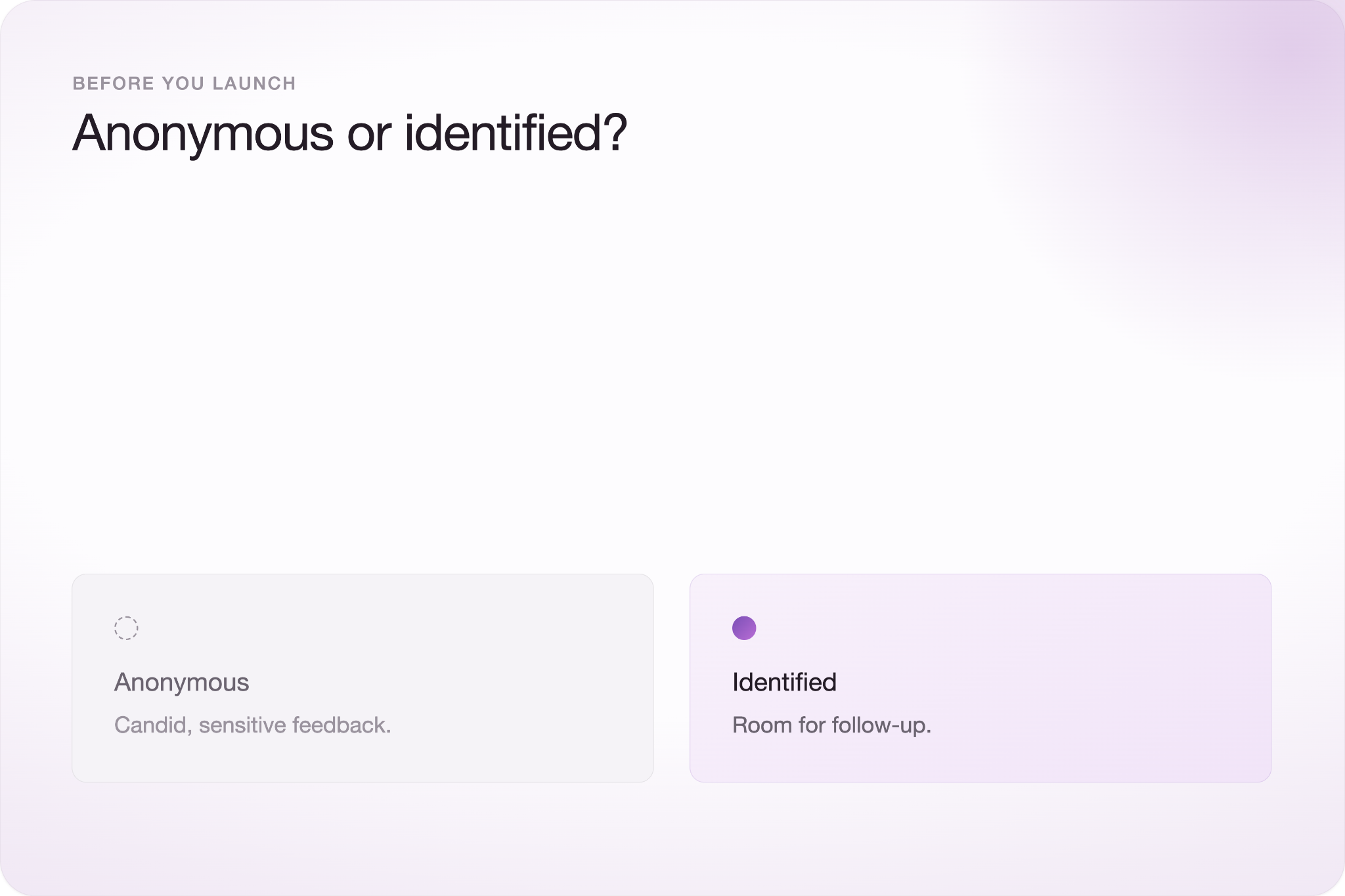
However, identified responses allow you to contact participants when a suggestion requires clarification.
Keep the suggestion form simple
When creating your feedback form, ask only for information you need to understand and evaluate a suggestion. A basic form might ask participants to select a category, describe their suggestion, explain the problem it could solve, and provide any additional context.
Avoid adding unnecessary questions that make submitting a simple idea feel like a lengthy survey. Typeform's online suggestion box template provides a starting point that organizations can customize for their feedback needs.
Make the suggestion box easy to find
Place the suggestion box somewhere participants already visit. For employees, that could mean an intranet, internal newsletter, or communication platform. Customer-facing suggestion boxes could appear on a website or in a follow-up email.
Keep the same link available over time and periodically remind people that the suggestion box exists. An ongoing feedback channel only works when participants know where to find it.
How to get people to actually use your suggestion box
People are more likely to use a suggestion box when they understand its purpose and trust that someone is listening. Creating a form and sharing the link may not be enough to generate useful feedback.
Explain what types of suggestions you want and how the organization will review submissions. If responses can be anonymous, clearly communicate that option so participants know what information will be collected.
Regular reminders can also keep the suggestion box visible. Share the link through the communication channels your audience already uses, but avoid sending so many reminders that feedback requests become easy to ignore.
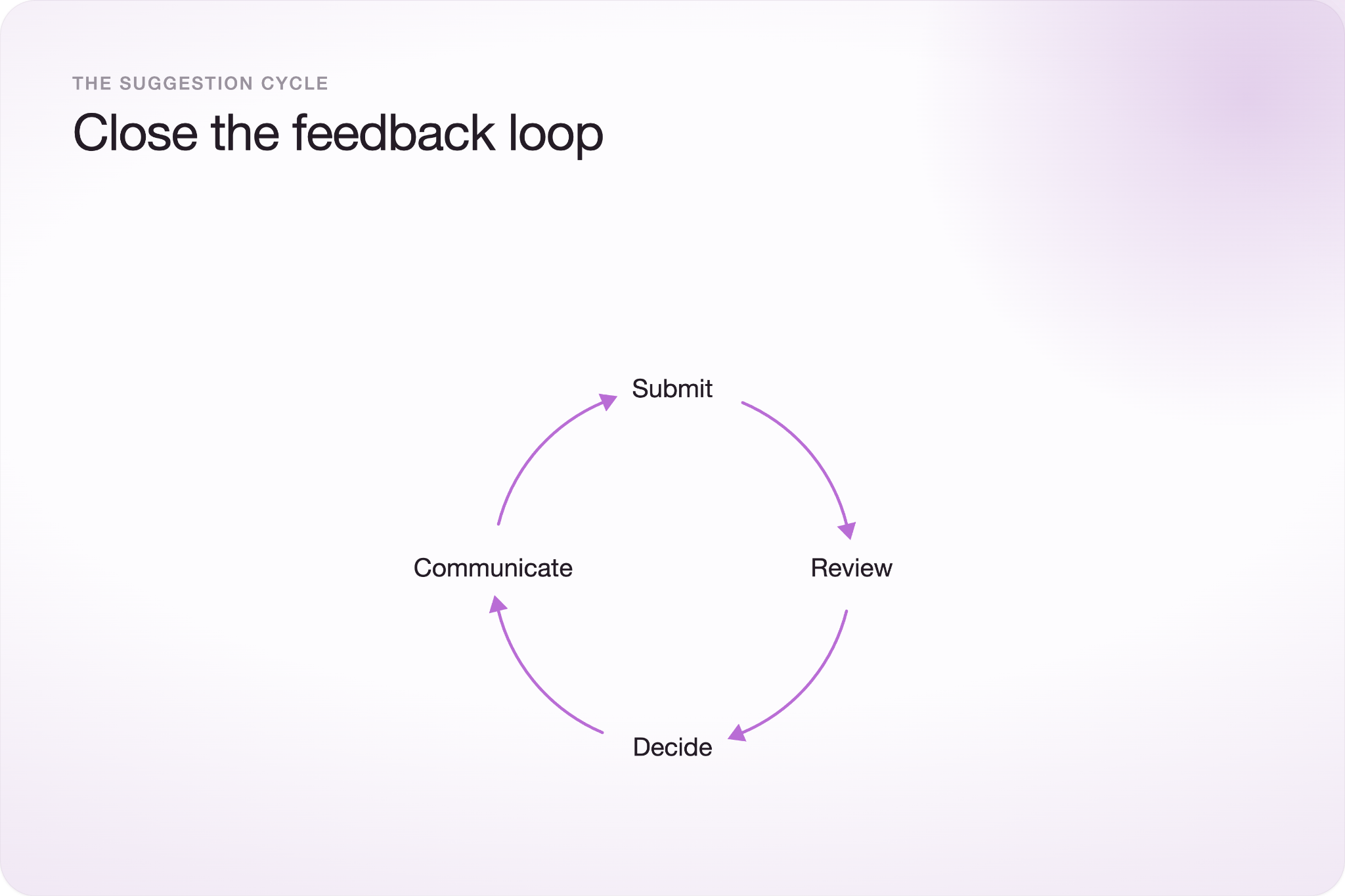
Most importantly, show participants that their suggestions matter. Share updates about ideas that were implemented, issues that are under review, or recurring feedback that influenced a decision. Not every suggestion needs to result in a change, but acknowledging feedback helps demonstrate that someone is reviewing it.
When participants can see a connection between submitting feedback and organizational action, they have a stronger reason to continue sharing ideas.
What to do with suggestions you receive
Review suggestions on a regular schedule so useful feedback does not sit unnoticed. How often you review submissions depends on response volume, but establishing a consistent process helps make sure feedback reaches the right people.
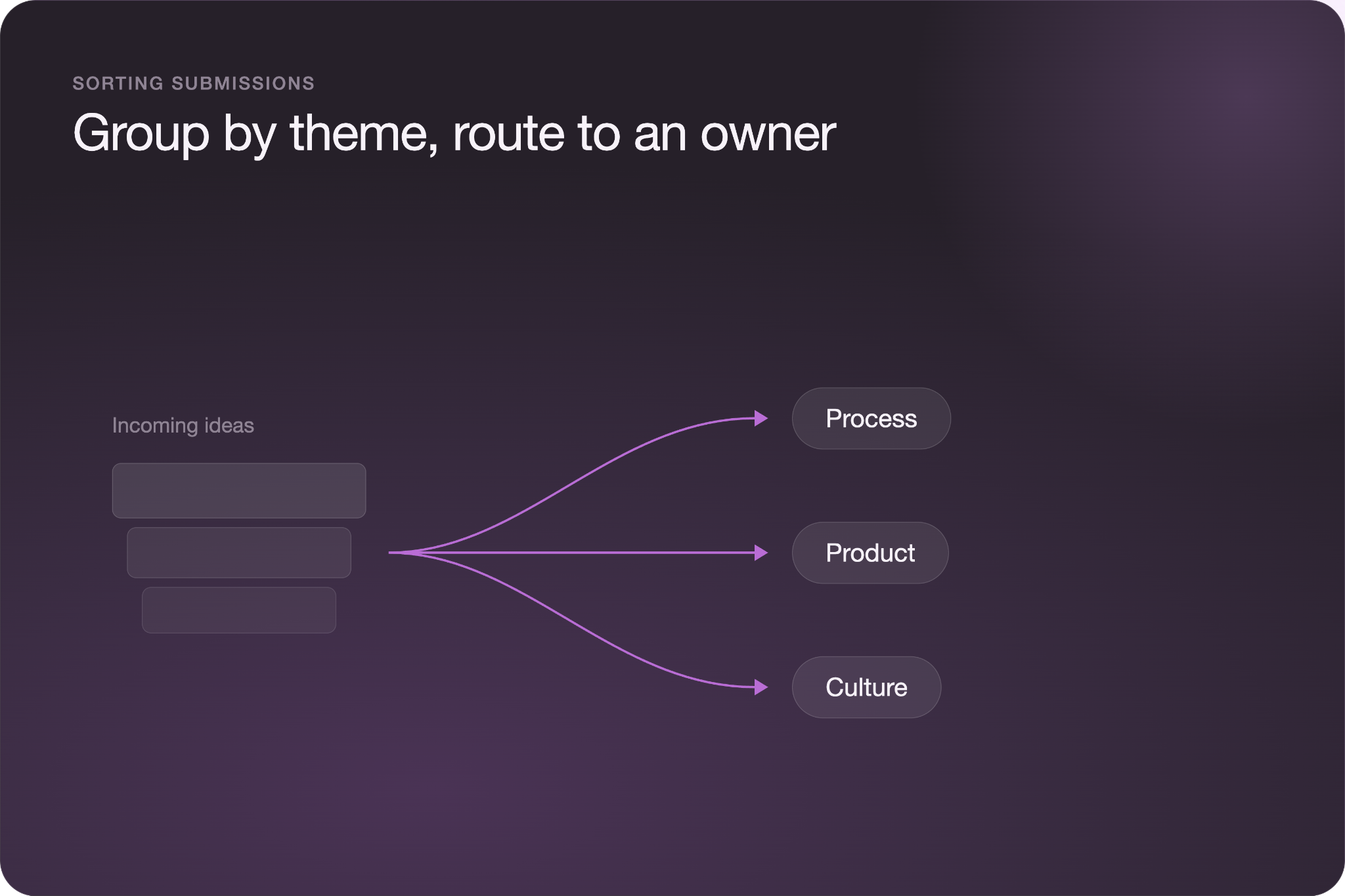
Start by organizing suggestions into categories, such as workplace policies, products, customer experience, or process improvements. Look for recurring themes rather than treating every submission as an isolated request. Then, prioritize suggestions based on factors such as potential impact, feasibility, cost, and how frequently an issue appears.
Assign promising suggestions to the person or team responsible for evaluating or implementing them. Not every idea will be practical, but each submission should have a clear path for review.
Finally, close the feedback loop. Communicate which suggestions resulted in changes, which are still under consideration, and when appropriate, why certain ideas will not move forward. Participants are more likely to keep providing feedback when they can see what happens after they submit it.
Common suggestion box mistakes
A suggestion box can lose its value when organizations collect feedback without creating a clear process for reviewing and responding to it. Avoid these common mistakes:
- Ignoring submissions: Review suggestions consistently instead of allowing responses to accumulate without action.
- Using vague prompts: Give participants enough direction to understand what types of ideas or feedback are useful.
- Making the form difficult to access: Keep the suggestion box in a consistent location and make sure participants know how to find it.
- Misrepresenting anonymity: Clearly explain whether responses are anonymous and what identifying information, if any, is collected.
- Failing to follow up: Communicate how suggestions influenced decisions or explain why certain ideas cannot be implemented.
A suggestion box does not need to produce a change from every submission. It does need a reliable process that shows participants their feedback is being reviewed.
Frequently asked questions
What should you include in a suggestion box?
A suggestion box should collect enough information to understand and evaluate each idea without making the submission process unnecessarily long. Consider asking for a suggestion category, a description of the idea, the problem it addresses, and any additional context. You can also give participants the option to provide their contact information for follow-up.
Should a suggestion box be anonymous?
A suggestion box can offer anonymous submissions when participants may be uncomfortable attaching their names to criticism or sensitive feedback. However, identified responses make it easier to ask follow-up questions. Giving participants both options can balance candid feedback with opportunities for further discussion.
How often should you review an online suggestion box?
Review an online suggestion box on a consistent schedule based on the number and urgency of submissions you receive. High-volume suggestion boxes may require weekly reviews, while lower-volume channels may need less frequent attention. The important part is establishing a reliable review process so suggestions do not go unnoticed.