Anonymous surveys: how to collect honest feedback safely
Anonymous surveys drive open, honest feedback and higher participation rates for even better data. Learn how to use Typeform to build your first anonymous survey.
Share
Latest posts on
Free online trivia maker: custom trivia quizzes in minutes
|
September 4, 2026
Read more
AI survey builder: create smart surveys in minutes
|
September 4, 2026
Read more
How to make a test online: tips and tricks
Typeform
|
September 4, 2026
Read more
How to build a landing page that converts
Typeform
|
September 4, 2026
Read more
Share
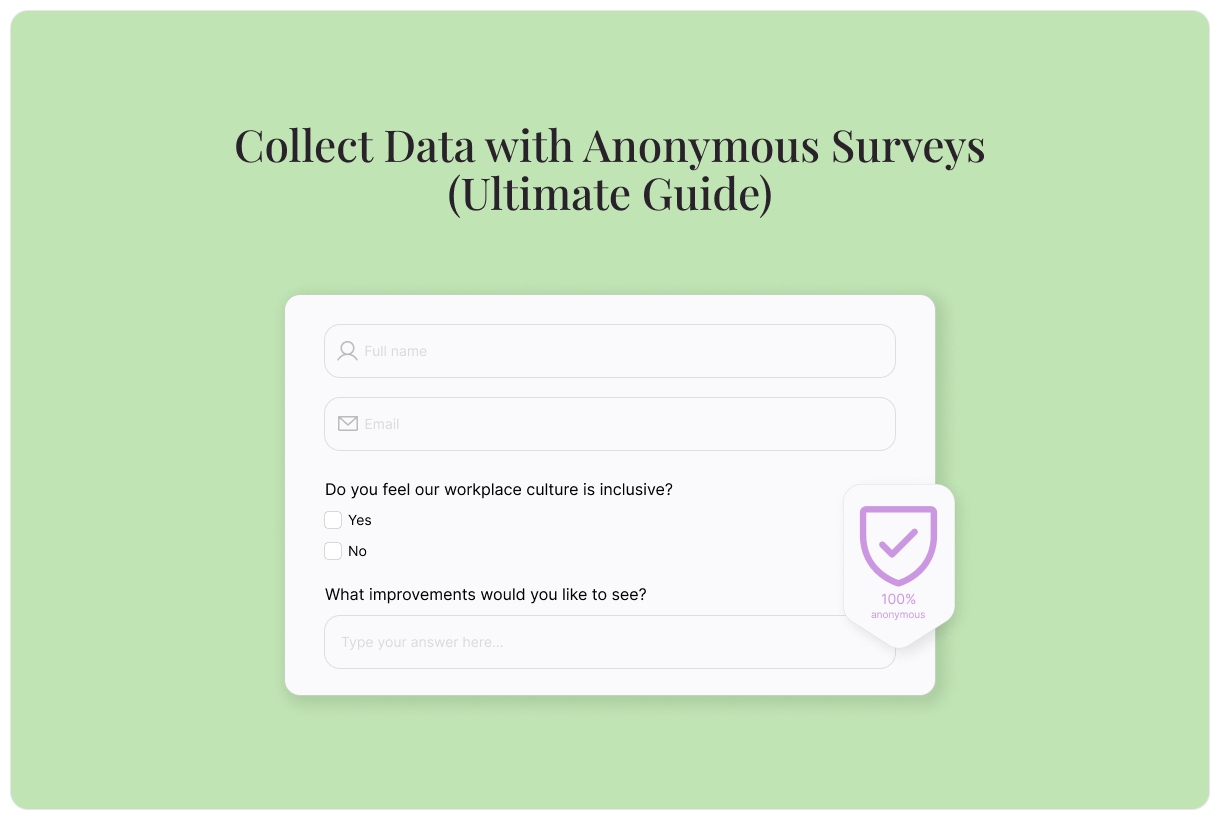
Anonymous surveys generate higher participation rates and collect more honest feedback by removing a key barrier: the fear of being identified. By omitting personally identifying information like names, contact information, and IP address, anonymous surveys create a space where people can respond honestly and openly. When people trust that their privacy is protected, they’re much more likely to share what they really think.
This is your ultimate guide to anonymous surveys. Learn what they are, why you should make your surveys anonymous, and how to build anonymous surveys with Typeform.
What are anonymous surveys?
Most surveys begin by asking a person’s name, email address, or physical address. Anonymous surveys omit these questions to protect people’s privacy. They’re designed so no personally identifiable information (PII) is ever collected. This level of protection builds trust and encourages people to share more honest feedback.
In order to achieve true anonymity, anonymous surveys go beyond simply removing name and email fields. They don’t use tracking links or other technology that could be used to pinpoint respondents. Respondents of an anonymous survey are totally unidentifiable.
Anonymous surveys vs. confidential surveys
People often mistake confidential surveys for anonymous surveys, but the two aren’t interchangeable.
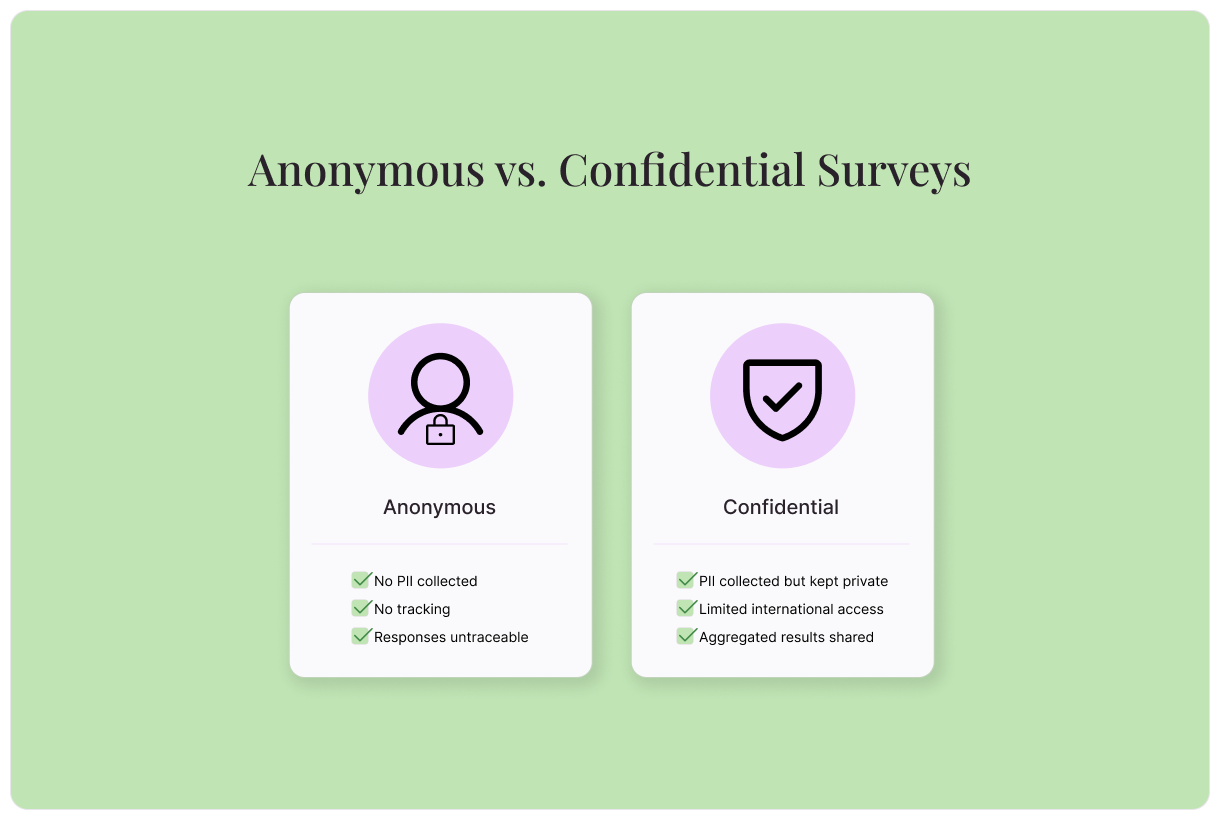
Confidential surveys collect personal identifying information, but promise to keep that information private. Individual responses are visible to only a limited number of people. For everyone else, only aggregated survey results are visible.
Anonymous surveys, on the other hand, don’t collect personal information, IP addresses, or any other identifying information. Responses can never be traced to an individual, even internally.
In short:
Confidential surveys: Personal information is collected, but not shared.
Anonymous surveys: Personal information is never collected.
Why should I keep my surveys anonymous?
Anonymous surveys elicit more honest feedback, higher participation rates, better data quality, and greater respect. Read on to learn what you can gain from anonymous surveys
They encourage more honest feedback
If you’d like to collect honest feedback, anonymous surveys are your best tool. When people worry that answering honestly may result in backlash, they’re more likely to withhold valuable information. By making your surveys anonymous, you can eliminate this concern altogether.
They drive higher participation rates
Do you struggle to get people to participate in your surveys? Making them anonymous can make a big difference. Privacy concerns are one of the biggest reasons people ignore survey requests. They may worry about backlash, their responses being tied back to them, or their data being shared without their consent. Conducting an anonymous survey removes that barrier.
They improve data quality
Traceable surveys are more likely to generate misleading or muddied data. When respondents who don’t feel comfortable answering honestly, they’re more likely to lie. By making your survey anonymous, you dramatically improve the quality of your data.
They build respect
At times it can feel like, anywhere you go, someone is trying to collect your data. Whether browsing the internet, ordering a sandwich, or buying groceries, you’re constantly asked for your information. Anonymous surveys show your clients, customers, and employees that you respect their right to privacy. They give you that same respect in return.
When to use an anonymous survey (and when not to)
In the right circumstances, anonymous surveys are an exceptionally valuable tool. Here’s when to use—and when not to use—an anonymous survey.
Do: when asking about sensitive topics
If you’re conducting a survey about topics that people feel uncomfortable answering honestly, use an anonymous survey. Surveys on sensitive subjects like physical and mental health, finances, and other personal topics have significantly higher response rates when conducted anonymously.
Do: when trust is a concern
Anonymous surveys are particularly useful when trust is a concern. Take workplace satisfaction reviews, for example. Employees may hesitate to share negative feedback about management if they fear their answer may have repercussions. When people feel too scared to speak up, serious issues can go undetected. To uncover truthful answers in untrustworthy environments, use an anonymous survey.
Don’t: when follow-up is necessary
There’s one downside of anonymous surveys: you can’t follow up with respondents.. If you anticipate that you’ll want to learn more about a person’s answers or need to address an issue directly, don’t conduct an anonymous survey.
In these scenarios, a confidential survey is the perfect alternative. While they may not offer all the benefits of a fully anonymous survey, they still instill confidence and trust.
How to build anonymous surveys with Typeform
Building an anonymous survey with Typeform is simple—our surveys are anonymous by default. As long as you don’t add fields to collect personally identifying information or URL tracking parameters, your surveys will remain anonymous and untraceable.
Build an anonymous survey with Typeform AI
To easily build a totally anonymous survey in a few clicks, use Typeform AI. Simply let our generative AI agent know what you’d like and it will get to work!
Log into Typeform and select “Create a new form”
Write a few sentences about the type of survey you’d like to create. Tell Typeform AI that you’d like your survey to be completely anonymous.
Typeform AI will guide you through a series of questions and build a survey according to your answers. Once you’re satisfied with your survey, select “Apply”
Edit questions, outcomes, branching, and more, or ask Typeform AI to make modifications for you.
Edit your survey’s appearance using the “Design” feature. Choose from your Brand Kit themes or select a theme from the Gallery.
Integrate your survey with your other tech tools in the “Connect” panel on the top. Find your desired tool, then select “Connect” and follow the prompts.
Once you’re happy with your survey, select “Share” to make it live!
Build an anonymous survey from a template
Our library of free templates is a great starting point for your anonymous survey. Either choose an anonymous survey template, or modify any other survey template to remove any personally identifying questions. It’s a simple solution!
Find a template that meets your needs, then select “Use this Template”
In the Content panel, customize the template. Select questions from the list on the left, then edit as needed. If your template isn’t anonymous by default, be sure to modify questions to make it so.
Review the survey endings on the left. This is the screen your respondents will see when the survey is complete.
Edit your survey’s appearance using the “Design” feature. Choose from your Brand Kit themes or select a theme from the Gallery.
If you’d like to add custom logic to personalize your survey flow, you can do so by selecting “Branching” on the bottom left, or in the “Workflow” panel on the top.
Integrate your survey with your other tech tools in the “Connect” panel on the top. Find your desired tool, then select “Connect” and follow the prompts.
Once you’re happy with your survey, select “Share” to make it live!
Build an anonymous survey from scratch
Want to create something totally custom? Typeform makes it easy to do so. Follow these steps to build your anonymous survey from scratch.
Log into Typeform and select “Create a new form”
Select “Start from scratch”
To add your first survey question, select a question type, then fill out the question and answers.
To add the next element, select “+Add content”
In the “Endings” panel on the left, create the end screen respondents will see when they finish the survey.
Edit your survey’s appearance using the “Design” feature. Choose from your Brand Kit themes or select a theme from the Gallery.
If you’d like to add custom logic to personalize your survey flow, you can do so by selecting “Branching” on the bottom left, or in the “Workflow” panel on the top.
Integrate your survey with your other tech tools in the “Connect” panel on the top. Find your desired tool, then select “Connect” and follow the prompts.
Once you’re happy with your survey, select “Share” to make it live!
What to do with the results of your anonymous survey
You’ve conducted your anonymous survey. Now what? Gathering responses to your survey is only one piece of the puzzle. The next step is to identify learnings and turn them into action.
Review your response summary
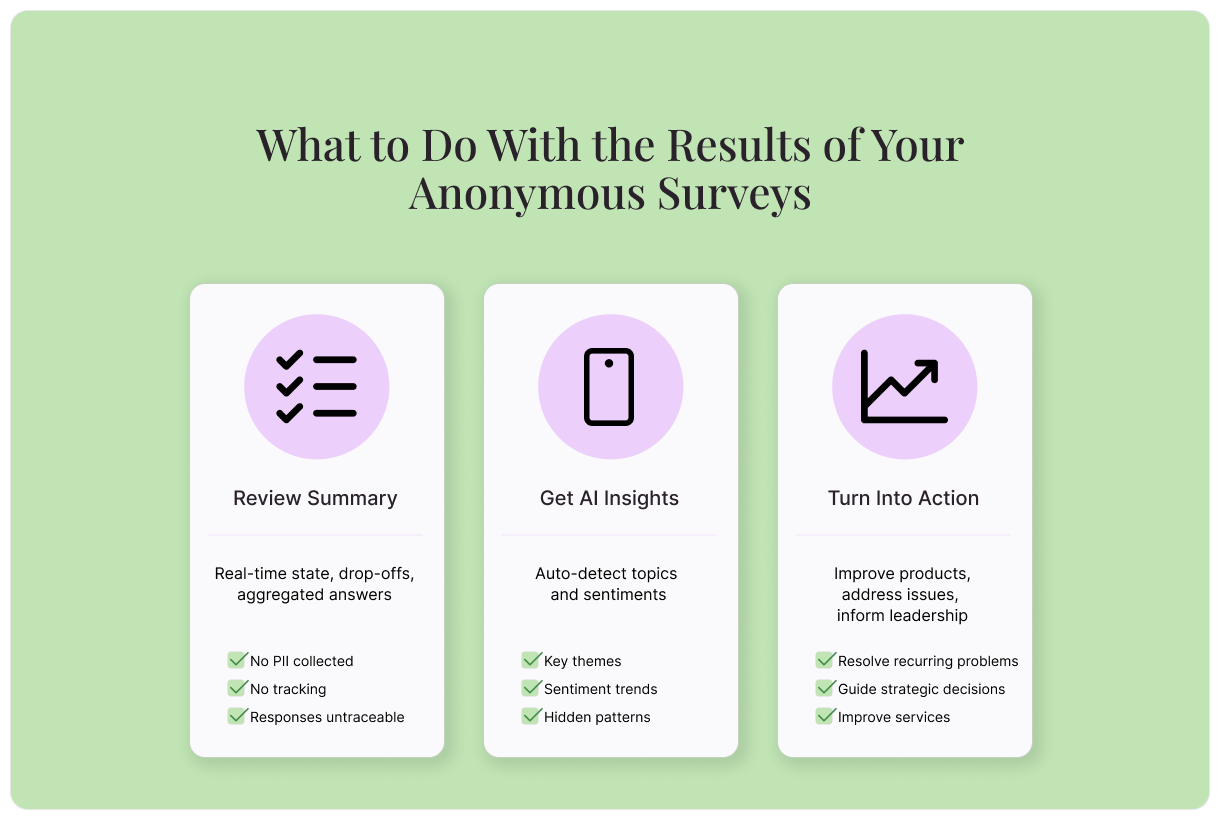
Typeform Reporting makes it easy to see all your survey results in one place. Get real-time stats like completion rate, drop-offs, and aggregated information on how respondents are answering.
Get AI-powered insights
Rather than interpreting your own data, let Typeform AI do the diffing for you. It will automatically detect key topics and sentiments. You can understand what people are saying without having to read every reply. Ask Typeform AI questions to surface even deeper insights.
Turn insights into action
All that’s left is to use those insights to inspire change:
Use customers’ pain points and challenges to improve your product offerings.
Refer employee feedback to leadership teams
Introduce solutions that address common issues.
Create anonymous surveys with Typeform
Anonymous surveys are your best tool for collecting honest feedback and reliable data. Better yet, Typeform makes it simple to create them. Every Typeform survey is anonymous by default. There’s no extra work needed to protect the privacy of your respondents. Create an anonymous survey with Typeform today.
About the author
We're Typeform - a team on a mission to transform data collection by bringing you refreshingly different forms.
Anonymous surveys: how to collect honest feedback safely
Free online trivia maker: custom trivia quizzes in minutes
Trivia is engaging. People love testing their knowledge, competing with friends, and proving they know random facts nobody asked them to memorize. That’s why trivia works as a learning tool, a marketing hook, an event activity, and just plain fun.
AI survey builder: create smart surveys in minutes
Creating effective survey questions is easier said than done. You need to ask the right things, in the right order, to the right people—and do it in a way that actually makes people want to answer. Most survey builders make this harder, not easier. You’re staring at a blank form, second-guessing every word, wondering if your logic flows or if you’ll get useful data back