Questionnaire websites are invaluable tools for marketing teams, event planners, customer support, and more. Discover the best questionnaire website builder to achieve your goals.
Share
Latest posts on
Free online trivia maker: custom trivia quizzes in minutes
|
September 4, 2026
Read more
AI survey builder: create smart surveys in minutes
|
September 4, 2026
Read more
How to make a test online: tips and tricks
Typeform
|
September 4, 2026
Read more
How to build a landing page that converts
Typeform
|
September 4, 2026
Read more
Share
If you need to collect information quickly, the last thing you want is complicated software. Whether gathering customer feedback, screening applicants, or conducting market research, simplicity matters. That’s where a questionnaire website builder comes in.
These tools let you create, customize, and publish questionnaires in minutes. There’s no need to piece together forms, plugins, and spreadsheets. Get a streamlined tool that integrates into your existing workflows.
Use this guide to learn all about questionnaire websites: what they’re used for, how to build them, and what features to look for.
What is a questionnaire website?
A questionnaire website is a standalone webpage used to collect data and develop insights about an audience. They allow organizations to conduct research, gather feedback, collect registrations, and generate leads.
Unlike a basic online form, a questionnaire website:
Has a dedicated URL
Achieves a single goal
Guides users through a series of questions
Collects and organizes responses
Parts of a questionnaire website
A well-designed questionnaire website isn’t just a list of questions on a page. It’s a structured website that guides people from start to finish.
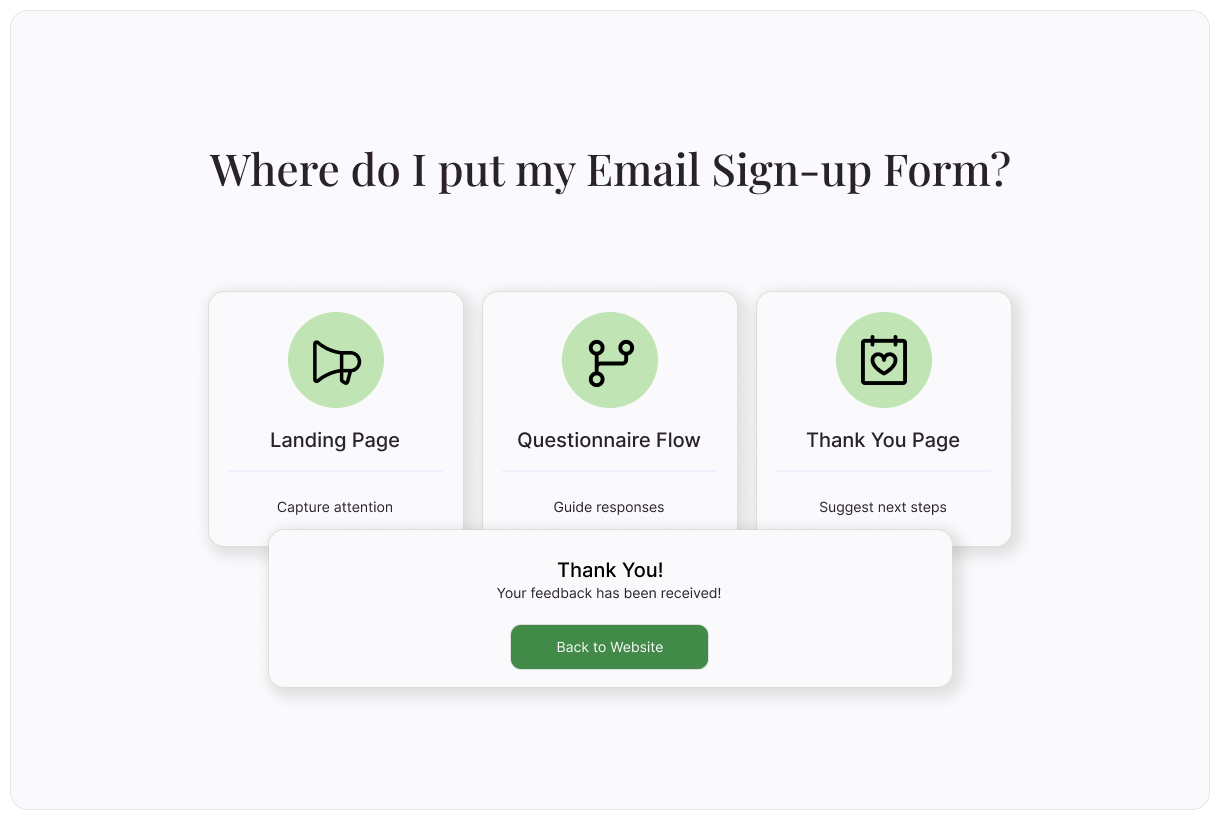
Landing page: To get responses, you need a compelling landing page. Include an attention-grabbing headline and a bit of context that explains why people should complete the questionnaire.
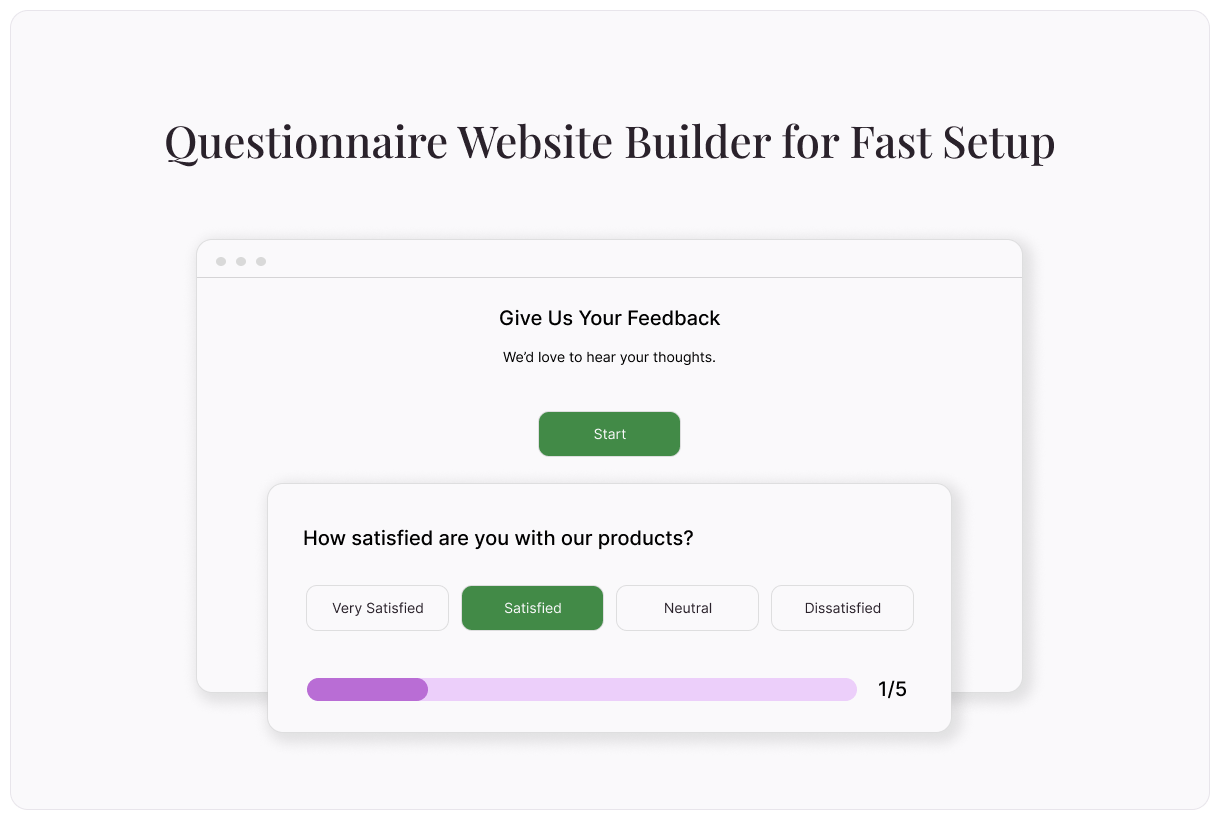
Questionnaire flow: Next comes the questionnaire itself. As people answer questions, they’ll move through the questionnaire flow. Typeform asks one question at a time, so they don’t feel overwhelmed.
Thank You page: Once the questionnaire is complete, they'll be taken to a Thank You page. This is an excellent place to include next steps.
Who should use a questionnaire website?
If you regularly collect feedback, registrations, or applications, try a questionnaire website. They provide streamlined ways to collect information and keep it organized.
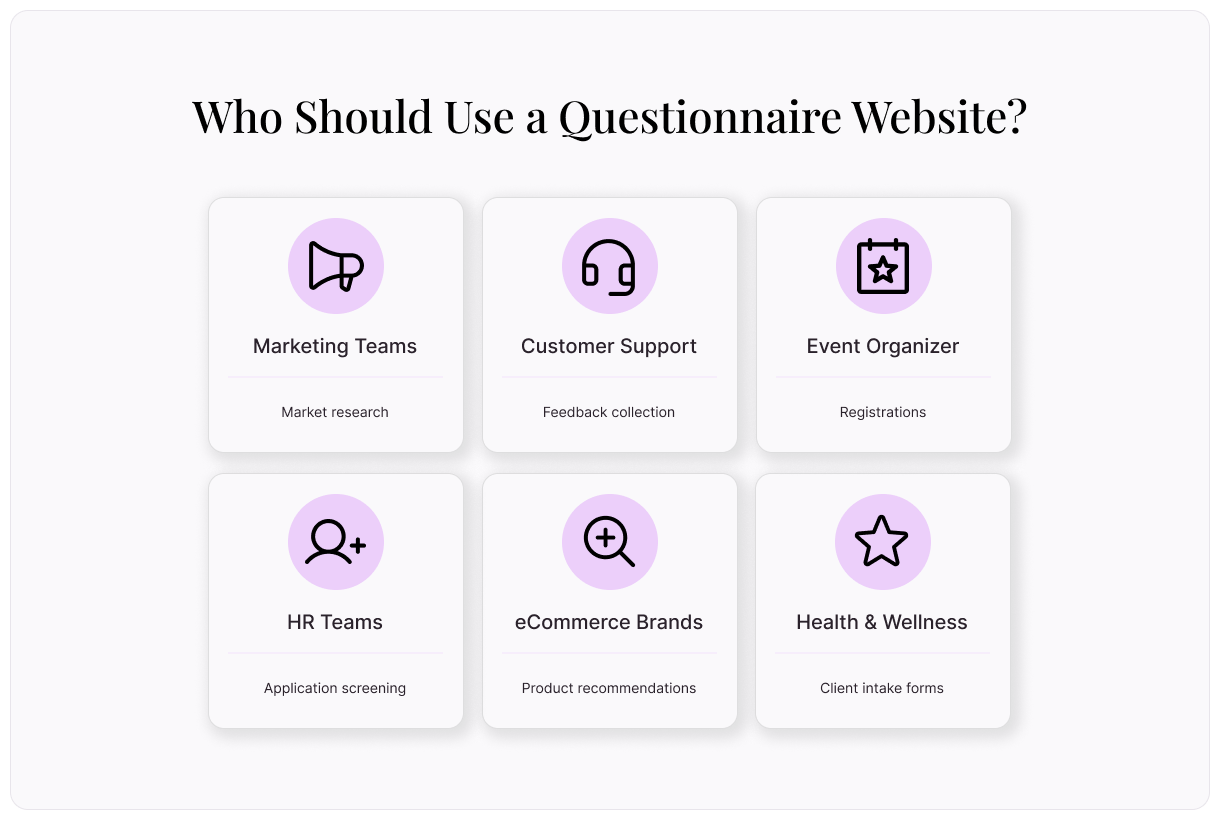
Marketing teams: Whether conducting market research or collecting testimonials for future marketing efforts, a questionnaire website is an easy way to hear directly from your target audience.
Customer support teams: Use questionnaire websites to collect feedback about support your team has provided. You can also use a questionnaire website to help customers troubleshoot common issues. Ask about their problems, then automatically direct them to the most relevant support articles.
Event organizers: Collect and organize registrations for an upcoming event with a questionnaire website. Integrate your questionnaire website with a payment processor to capture registrations and payment all in one place.
HR teams: Use a questionnaire website as the first step in pre-screening job applicants. Ask relevant questions about skills, experience, and other qualifying information before committing time in person.
eCommerce brands: Create a questionnaire website that guides customers to personalized product recommendations. It’s an easy way to pair customers with the product that best suits their needs.
Health and wellness services providers: Questionnaire websites are a great tool to help you offer more customized services to new clients. Whether collecting detailed health history or nailing down primary concerns, a questionnaire website is a convenient solution.
Benefits of using a questionnaire website builder
Rather than creating a questionnaire website from scratch, use a questionnaire website builder like Typeform. These easy-to-use tools help you build more effective questionnaire websites more quickly.
No coding necessary
You don’t have to be a developer to create powerful questionnaires. Typeform’s drag-and-drop interface makes it easy to build questionnaires with different question types, paths, outcomes, and more.
Better user experience
Questionnaire website builders provide a better experience for your respondents, too. Use Typeform logic to customize the questionnaire path according to each person’s answers. That way, they’re asked questions that are relevant and don’t waste time on questions that aren’t.
Mobile-friendly design
Mobile-friendly design is non-negotiable in today’s day and age. Research shows that mobile devices now account for an average of 60% or more of all internet traffic. Questionnaire website builders prioritize mobile design, ensuring your questionnaire looks and functions great on any device.
Custom branding
When you create a questionnaire website using a builder, it’s easy to perfectly reflect your brand. Choose a custom domain, add your logo, and use your brand colors and media. Typeform makes it possible with Brand Kits. Upload your brand assets in a single place and we’ll build a theme that matches.
Easy data collection
Creating your questionnaire website is only one piece of the puzzle. Next, analyze your responses so you can take action. Typeform compiles responses into an aggregated dashboard with AI-powered insights. See the most common answers, discover where respondents tend to drop off, and gain other information that contributes to your success.
Key features to look for in a questionnaire website builder
What sets the great questionnaire website builders apart? Look for these features when selecting a platform for your questionnaire.
Free templates
Building your questionnaire website is a cinch when you start from a pre-built template. Typeform offers tons of free templates to help get you started. They’re designed to achieve a range of goals. Collect signups and feedback, conduct research, and more. Use a template as inspiration, then customize it to make it your own.
Ready-to-use integrations
To immediately take action on the data you collect, integrate it with your existing tech stack. Look for a tool that offers integrations with your most used tools, like CRMs, email marketing software, automation platforms, and more. In just a few clicks, you can get data flowing from your questionnaire website without any manual effort.
Advanced analytics
Make sense of your data with advanced analytics. Identify where people tend to drop off, then modify those questions to improve your completion rate. Get a high-level view of themes or trends.
How to create a questionnaire website
You don’t have to hire a developer to create a high-converting questionnaire website. With the right tool, you can go from concept to launch in just a few steps.
Define your goal
Before you begin building your questionnaire website, it’s essential to define your goal. It’s best to do this in two parts. First, define the high level goal. Then, set your objectives.
To define your goal, ask two simple questions:
What do you want to learn?
What will you do with the information you learn?
Your questionnaire objectives are the things you need to learn to achieve your goal. These are smaller data points, pieces of feedback, or answers that can help you understand the bigger picture.
Outline your questions
Your goal and objective create a roadmap for your questionnaire. Use this roadmap to define your questions. Each question should help you achieve one of your objectives. Together, those objectives will help you reach your goal.
Follow these best practices when developing your questionnaire:
Ask one question at a time: Avoid double-barreled questions, which ask two questions at once. Each question should be focused and have a straightforward answer.
Keep language conversational: For the cleanest data, avoid asking complex questions or using confusing language. Your questionnaire should feel like a conversation.
Allow respondents to skip questions: Never force a respondent to answer questions that don’t apply. Allowing respondents to skip certain questions improves your data quality.
Start with easy questions: Avoid scaring respondents off by asking your most basic questions first. As the questionnaire progresses, you can move on to more detailed, open-ended questions.
Customize your design
Next, it’s time to customize the design of your questionnaire website:
Match your brand: Ensure your questionnaire website reflects your brand. Consistent branding builds trust and will generate more responses.
Keep it simple: Keep your design simple and straightforward. A cluttered or complex questionnaire can make responding difficult.
Don’t forget mobile: Again, mobile design matters. Make sure your questionnaire is easy to read and navigate on mobile and desktop devices.
Publish and promote
When you’re satisfied with your questionnaire website, it’s time to publish and promote it! Once your website is live, you can share it across all your marketing channels.
Share it on social media
Include it in your email campaigns
Embed it on your website
Use it in paid advertising
Be sure to continuously monitor your reporting dashboard to keep an eye out for problems. If you notice a high drop-off rate at a certain point, look more closely into what may be causing it. Make changes as needed!
Build a high-converting questionnaire website with Typeform
A well-built questionnaire website does more than just collect information. It’s a tool for qualifying leads, improving customers’ experiences, vetting prospective hires, and so much more.
With the right questionnaire website builder, you can quickly build high-converting questionnaire websites. Discover why 95% of the Fortune 500 trust Typeform and get started with your questionnaire website today.
About the author
We're Typeform - a team on a mission to transform data collection by bringing you refreshingly different forms.
Free online trivia maker: custom trivia quizzes in minutes
Trivia is engaging. People love testing their knowledge, competing with friends, and proving they know random facts nobody asked them to memorize. That’s why trivia works as a learning tool, a marketing hook, an event activity, and just plain fun.
AI survey builder: create smart surveys in minutes
Creating effective survey questions is easier said than done. You need to ask the right things, in the right order, to the right people—and do it in a way that actually makes people want to answer. Most survey builders make this harder, not easier. You’re staring at a blank form, second-guessing every word, wondering if your logic flows or if you’ll get useful data back