Order forms: collect payments and orders in one place
Stop managing orders manually and start using an online order form. Discover why Typeform is the best order form creator available.
Share
Latest posts on
Free online trivia maker: custom trivia quizzes in minutes
|
September 4, 2026
Read more
AI survey builder: create smart surveys in minutes
|
September 4, 2026
Read more
How to make a test online: tips and tricks
Typeform
|
September 4, 2026
Read more
How to build a landing page that converts
Typeform
|
September 4, 2026
Read more
Share
Taking orders from customers shouldn’t feel chaotic. If you’re spending more time managing orders than actually fulfilling them, it’s time to create an online order form.
Online order forms bring structure to the ordering process. They centralize necessary information, improve your order accuracy, and reduce manual work. They create a smoother and more trustworthy experience for customers, too.
In this guide, we’ll break down everything you need to know about online order forms: why use them, who they benefit, and how to build one with an order form creator.
Why use an online order form?
Online order forms break down the barriers that prevent customers from doing business with you. They improve your workflows, help get customers orders out on time, and improve your inventory management. Discover the top benefits of creating online order forms with an order form creator.
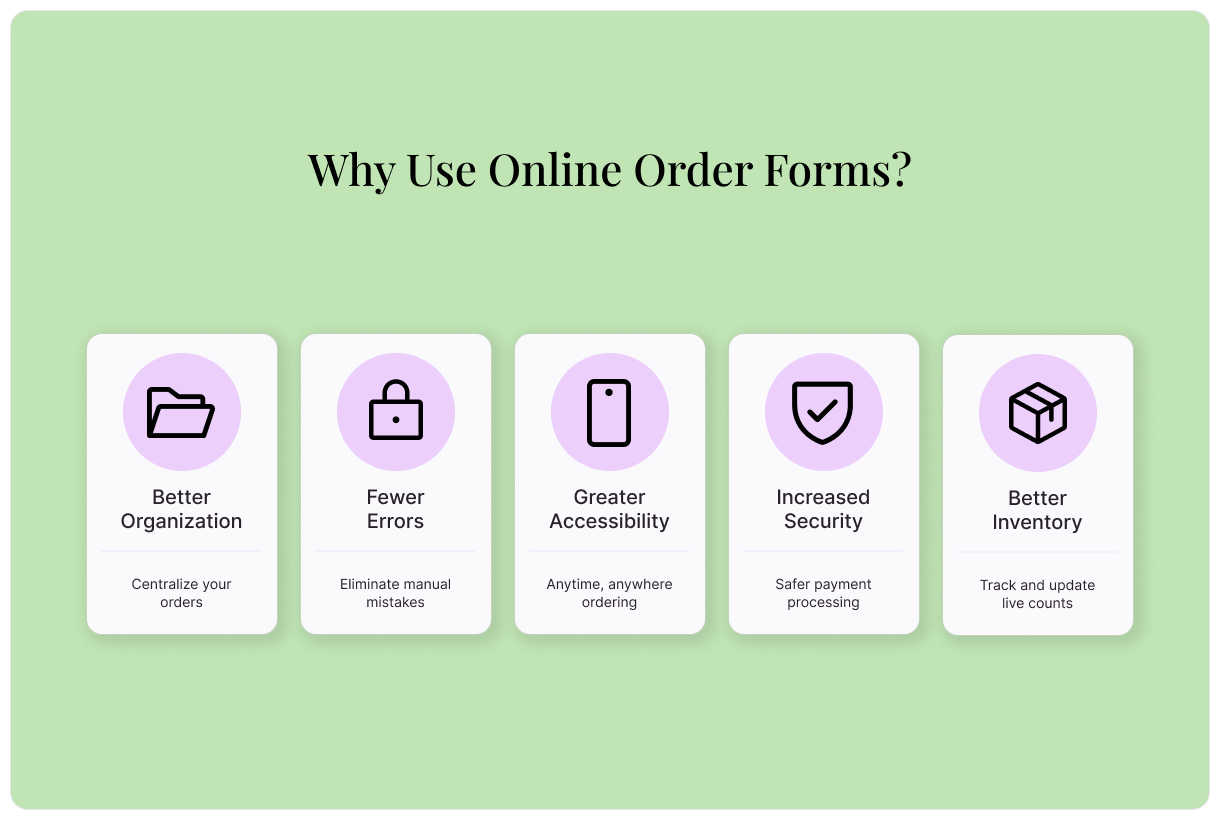
Better organization
If you’re currently collecting orders by phone, email, social media DMs, or in-person, you’re probably juggling information across multiple channels. Details get lost in inboxes, orders pile up, and spreadsheets need constant updating. Manually tracking orders, payments, fulfillment status, and customer details becomes a serious challenge.
An online order form centralizes your orders in one place. By integrating your online order form with tools like Google Drive or Excel, every order is automatically recorded the moment it’s submitted. Instead of chasing down information, you have a clean, up-to-date database of all active and past orders. That means smoother fulfillment, easier reporting, and more time to focus on growing your business.
Fewer errors
Manually managing orders leaves plenty of room for mistakes. Mistyped email addresses, missed attachments, and other small errors can lead to incorrect shipments, delays, and frustrated customers.
By switching to an online order form, you can eliminate all of these risks. Minimizing manual processes dramatically cuts down on human error. Customers input information directly into your order form, so nothing important gets left out. Then, automated confirmations allow you and your customer to make sure everything looks correct.
Greater accessibility
Today’s customers expect convenience. They’re used to the ease of doing everything online, from booking appointments to ordering products and making payments. By requiring customers to place orders in-person during business hours, you create a significant barrier and limit your business.
An online order form enables customers to place orders anytime from anywhere. The easier it is to order, the more likely people are to do business with you.
Increased security
Handling customer payments manually, especially over the phone or via email, introduces serious security concerns.. Customers may feel uncomfortable sharing sensitive payment information. Plus, storing payment details improperly can expose your business to compliance and liability issues.
By integrating your online order form with a secure payment processor, you dramatically improve your security practices. Processors encrypt payments and securely handle sensitive information. Customers can purchase with the confidence that their information is protected. This reduces risk for your business and builds trust with customers, too.
Better inventory management
If your business struggles with inventory management, it’s time to introduce an online order form. Manual order collection delays inventory updates, which puts you at risk of selling inventory you don’t have. With an online order form and the right integrations, inventory gets automatically updated in real-time. Your count will always be accurate.
Who should use online order forms?
From retail to restaurants, many businesses can benefit from online order forms. Read on to learn how different businesses can integrate online order forms into their processes and discover free templates for creating your first online order form.
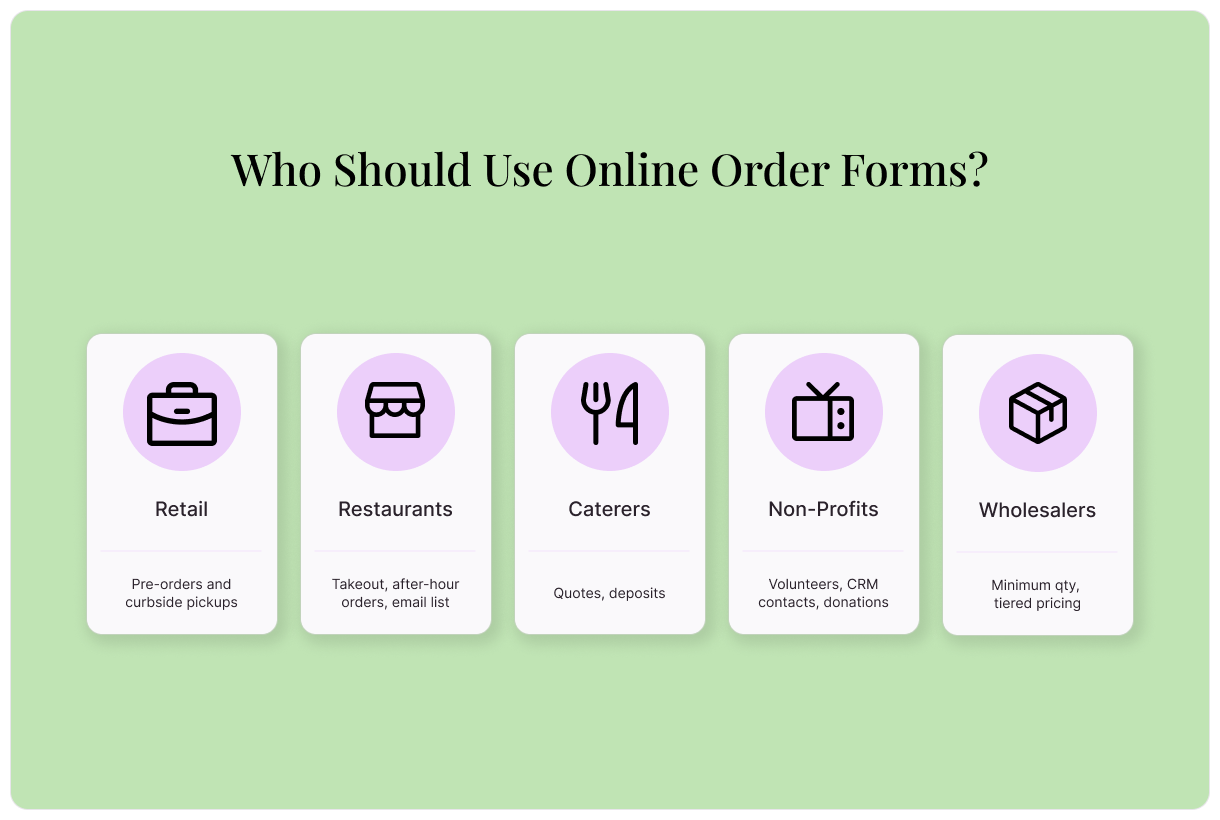
Retail businesses
Simplify sales without investing in a complex ecommerce platform thanks to online order forms. Rather than taking orders via email or over the phone, a centralized order form keeps everything organized and simple to track.
Online order forms help restaurants streamline takeout. Stop overwhelming already busy staff during peak hours. Online order forms allow customers to submit detailed orders on their own. Simplify order pickup by integrating your online order form with a payment platform. That way, customers can pay for their orders ahead of time.
Restaurants can use online order forms to:
Collect next-day orders after business hours
Ensure delivery information is recorded accurately
Managing a catering business requires significant oversight and excellent organizational skills. Catering orders often require detailed information, from guest counts and menu selections to dietary restrictions and day-of instructions. Managing all of this information manually becomes complicated quickly.
An online order form allows caterers to collect necessary details upfront. The improved organization ensures no important information goes missing. This results in a professional client experience and keeps things organized behind the scenes.
With the help of an online order form, caterers can:
Non-profit organizations rely on merchandise sales and benefits to raise funds. Instead of manually tracking orders and donations, online order forms streamline the process. They can collect participant details, store relevant information, and securely process donations.
Online order forms also help non-profits provide better services to their community. Donation requests and service bookings can be submitted via online order forms, making sure every need is met.
Wholesalers manage bulk orders, repeat customers, and custom pricing. Handling these requests via phone or email can quickly become disorganized. By introducing an online order form, wholesalers can reduce back-and-forth communication, improve accuracy, and speed-up fulfillment, all while maintaining a professional experience for clients.
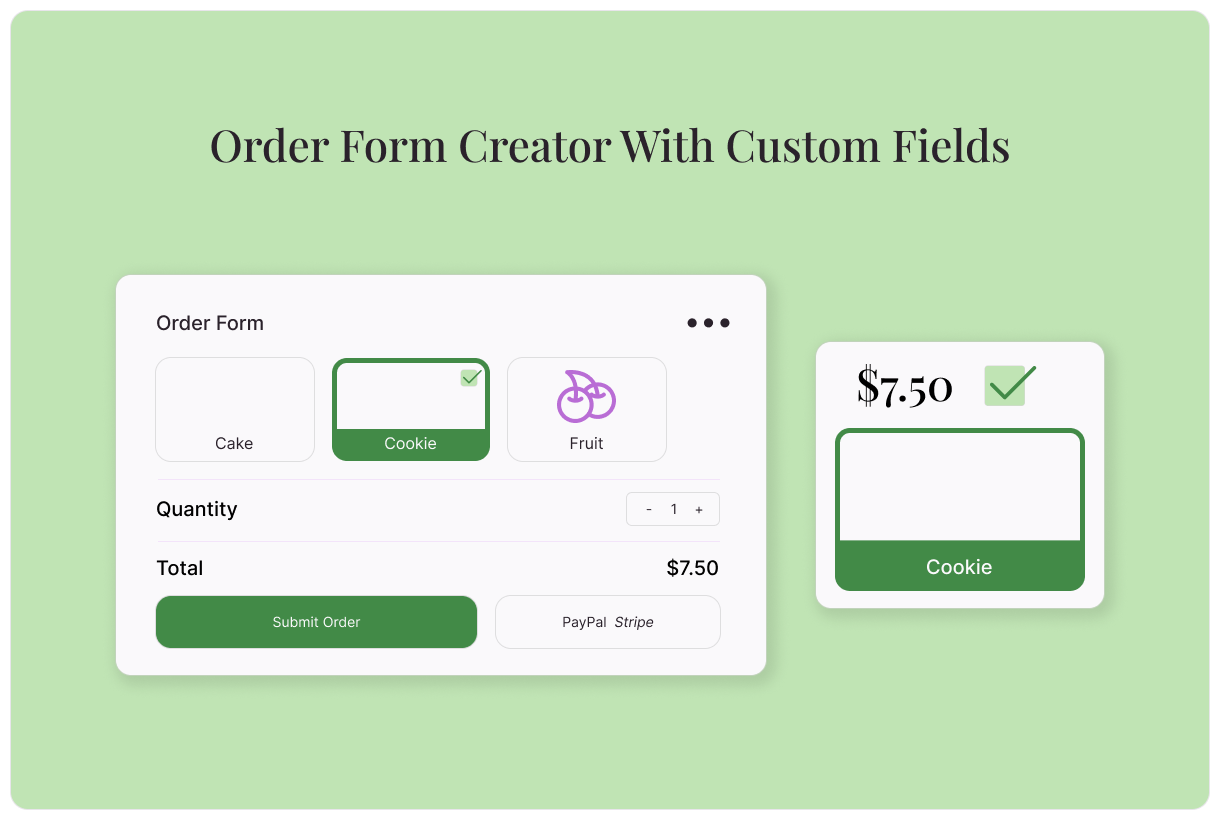
Each online order form should be customized to a business’s needs, but there are a few standard sections every order form should have:
Personal information: Collect customer’s names and email addresses. Use this information for order confirmations and add it to your CRM for future marketing opportunities.
Shipping information: If you sell physical products, you’ll need to collect shipping information.
Payment information: To securely collect payments via your order form, integrate it with a payment processor. Typeform integrates with Paypal, Square, Stripe, and other common payment processors.
Order information: This is where you’ll collect information about the order itself, including items and quantities.
How to use Typeform’s order form creator
Typeform makes it easy to quickly build order forms according to your needs. Use our order form creator to build a form from a template, from scratch, or using Typeform AI.
How to make an order form from a pre-built template
Select a Typeform order form template to get a head start on your order form. We have templates for a wide selection of order forms to make life easy.
Find a template that meets your needs, then select “Use this Template”
In the Content panel, customize the template. Select questions from the list on the left, then edit as needed.
Review the order form ending on the left. This is the screen your respondent will see when the order form is complete.
Edit your order form’s appearance using the “Design” feature. Choose from your Brand Kit themes or select a theme from the Gallery.
If you’d like to add branching to your order form, you can do so by selecting “Branching” on the bottom left, or in the “Workflow” panel on the top.
Integrate your order form with other essential tools like your CRM, payment processor, and inventory management system. Choose the “Connect” panel on the top, find your desired tool, then select “Connect” and follow the prompts.
Once you’re happy with your order form, select “Share” to make it live!
How to build an order form from scratch
You may need a totally custom order form to meet your needs. Don’t worry; even a from-scratch order form is easy with Typeform.
Log into Typeform and select “Create a new form”
Select “Start from scratch”
To add your first order form question, select a question type, then fill out the question and answers.
To add the next element, select “+Add content”
In the “Endings” panel on the left, create the end screen respondents will see when they submit the order form.
Edit your order form’s appearance using the “Design” feature. Choose from your Brand Kit themes or select a theme from the Gallery.
If you’d like to add branching to your order form, you can do so by selecting “Branching” on the bottom left, or in the “Workflow” panel on the top.
Integrate your order form with other essential tools like your CRM, payment processor, and inventory management system. Choose the “Connect” panel on the top, find your desired tool, then select “Connect” and follow the prompts.
Once you’re happy with your order form, select “Share” to make it live!
How to build an order form using AI
In just a few clicks, Typeform AI will create a totally custom order form that meets all your needs
Log into Typeform and select “Create a new form”
Write a few sentences about the type of order form you’d like to create.
Typeform AI’s order form creator will guide you through a series of questions and build a form according to your answers. Once you’re satisfied with your order form, select “Apply”
Edit questions, branching, and more, or ask Typeform AI to make modifications for you.
Once you’re happy with your order form, select “Share” to make it live!
How to set up pricing
Get advanced pricing options with Typeform. Set up variable pricing based on item type or quantity, and offer discounts.
Setting up variable pricing
For items with a variety of options, getting accurate prices on your order forms can be a challenge. Fortunately, Typeform’s branching capabilities can make this simple. With question branching in place, your order form can automatically adjust prices according to the selected variables. To set it up:
Add a multiple choice question to your order form, then list the options. For instance, the question could be, “What dessert would you like?” The answers would then list your desserts.
In the branching panel, set up rules for the specific price of each dessert. The rule should state, if the answer is X, then the price is Y.
Managing item quantity
For customers who want to order items in multiples, set up Typeform branching to adjust the pricing based on quantity. Follow these steps:
Add a number question to your order form, then write your question. We recommend asking, “How many would you like?”
In the branching panel, set up a rule that states, if the order quantity is more than 0, then multiply the price by the order quantity.
Enabling discount coupons
Branching can also be used to offer discounts. Here’s how to set up coupon codes using Typeform’s order form creator:
Establish your discount code.
Add a Short text question. We recommend asking, “What is your discount code?”
In the branching panel, set up a rule that states, if a customer enters the discount code, then subtract a specific amount from the price field.
You can set up multiple rules that subtract different amounts based on the coupon code the customer enters.
Streamline orders and inventory with Typeform
Online order forms make life easier for you and your customers. They improve your organization, eliminate errors, boost security, and make ordering more accessible. Whether you run a retail store, restaurant, or non-profit, it’s time to introduce online order forms.
For an order form creator that does it all, choose Typeform. We make building forms simple. Create a custom form, or let AI do the hard work for you. It’s no wonder 95% of the Fortune 500 trust Typeform. Build your order form today.
About the author
We're Typeform - a team on a mission to transform data collection by bringing you refreshingly different forms.
Order forms: collect payments and orders in one place
Free online trivia maker: custom trivia quizzes in minutes
Trivia is engaging. People love testing their knowledge, competing with friends, and proving they know random facts nobody asked them to memorize. That’s why trivia works as a learning tool, a marketing hook, an event activity, and just plain fun.
AI survey builder: create smart surveys in minutes
Creating effective survey questions is easier said than done. You need to ask the right things, in the right order, to the right people—and do it in a way that actually makes people want to answer. Most survey builders make this harder, not easier. You’re staring at a blank form, second-guessing every word, wondering if your logic flows or if you’ll get useful data back