PDF Forms: How To Replace PDFs With Smart Online Forms
Still using a fillable PDF form? Learn why it’s time to make the switch to online forms.
Share
Latest posts on
Free online trivia maker: custom trivia quizzes in minutes
|
September 4, 2026
Read more
AI survey builder: create smart surveys in minutes
|
September 4, 2026
Read more
How to make a test online: tips and tricks
Typeform
|
September 4, 2026
Read more
How to build a landing page that converts
Typeform
|
September 4, 2026
Read more
Share
Still using a fillable PDF for your most essential forms? You’re doing yourself a disservice. While fillable PDF forms were once a revelation, today they no longer meet anyone's needs. Users expect seamless design, mobile-friendly experiences, and easy completion, while internal teams need automation, integrations, and real-time insights. It’s time to make the switch to online forms.
In this guide, we’ll cover the drawbacks of fillable PDF forms and why they simply no longer cut it. Then, we’ll tell you all about online forms: their advantages, which to use, and how to build them.
What is a fillable PDF form?
A fillable PDF form is a PDF document with fillable fields. People can type their information directly into the form. Prior to their introduction in the early 2000s, people had to print PDFs, fill them out by hand, and scan or fax them back to the sender. Fillable PDF forms enabled forms to be completed digitally, a revelation at the time.
The problem with fillable PDF forms
When they were first introduced, fillable PDF forms were considered highly innovative. The problem is, they haven’t really changed since. By today’s standards, fillable PDF forms are far from ideal. Read on to learn the primary challenges of fillable PDF forms
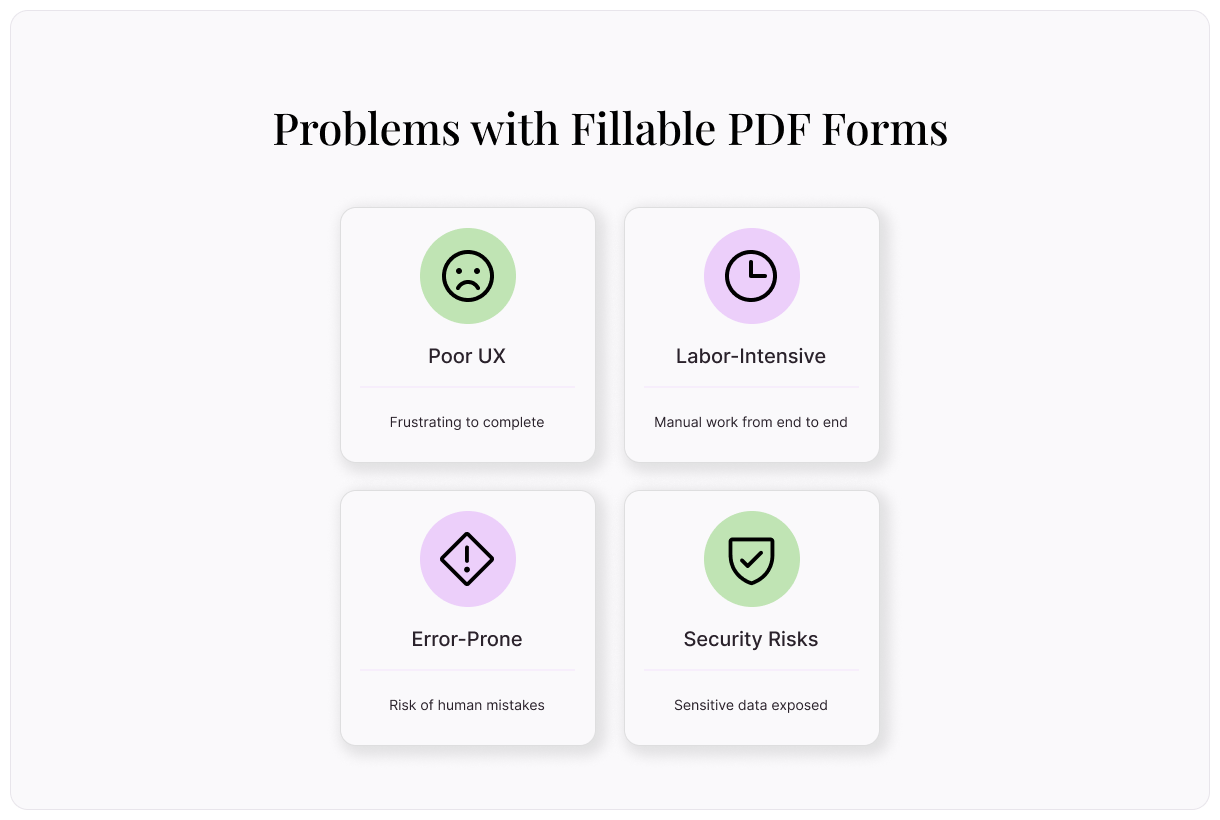
Poor user experience
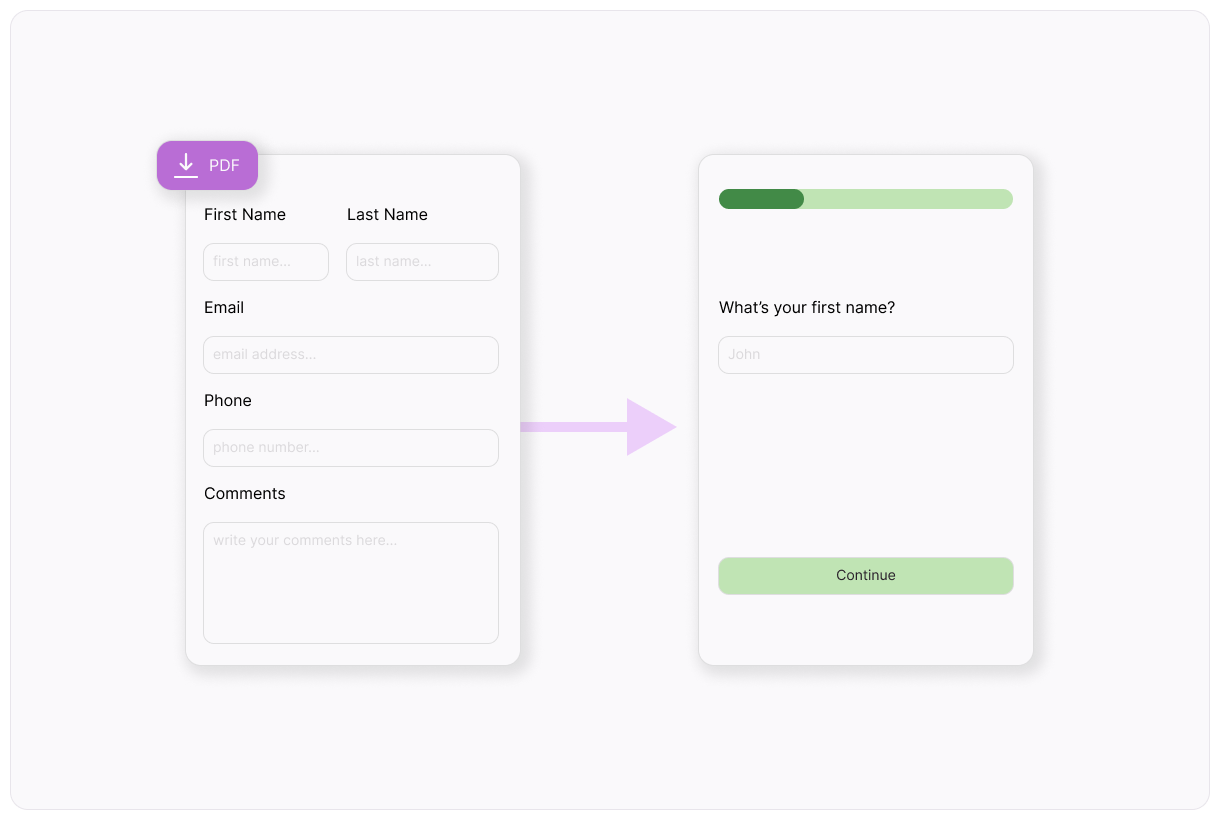
Fillable PDF forms are a serious hassle. In order to complete one, a user must:
Download the file
Open it in a PDF reader
Fill it out
Save it
Attach it to an emil
Send it back
It’s easy to see how each of these steps presents an opportunity for frustration. The process relies on several softwares and good file organization. At each point, there’s a serious risk of the user falling off and failing to complete the form altogether.
This process doesn’t even account for the technical issues common with fillable PDFs. Oftentimes, PDF forms’ fillable fields don’t work properly, can’t be completed on mobile, or don’t save correctly. Users are only willing to invest so much time and effort into completing a form. In most cases, a single technical error means a lost response.
Labor-intensive
Fillable PDF forms don’t just create labor for your users. They create work for your internal teams, too. Team members must create fillable PDFs from scratch using specialized software. As they receive completed PDFs, they need to manually transfer the information into a database for future use.
This process severely limits the scalability of your surveys and forms. It may take a team member just 10 minutes to copy the information over from the PDF to a database—but that time can add up quickly. 100 responses would require more than 2 full workdays spent copying information from one location to another.
Error-prone
Manual labor always introduces the risk of human error. As your internal team copies information from your fillable PDF forms into your databases, they risk typos that can cause serious issues down the line. A mistyped email or incorrectly entered phone number means a lost line of communication. Incorrectly recorded answers can muddy your data. These mistakes quickly add up.
Security and compliance risks
Fillable PDF forms are often used to collect users’ most sensitive information, like social security numbers and credit card numbers. Emailing these forms back and forth can risks data exposure. Not only does that put your users in harm’s way, but it’s a serious compliance risk for your company, too.
Why online forms are the smarter alternative
Fortunately, there’s an easy solution: online forms. By converting your fillable PDF forms to online forms, you eliminate these common issues and introduce a number of additional perks.
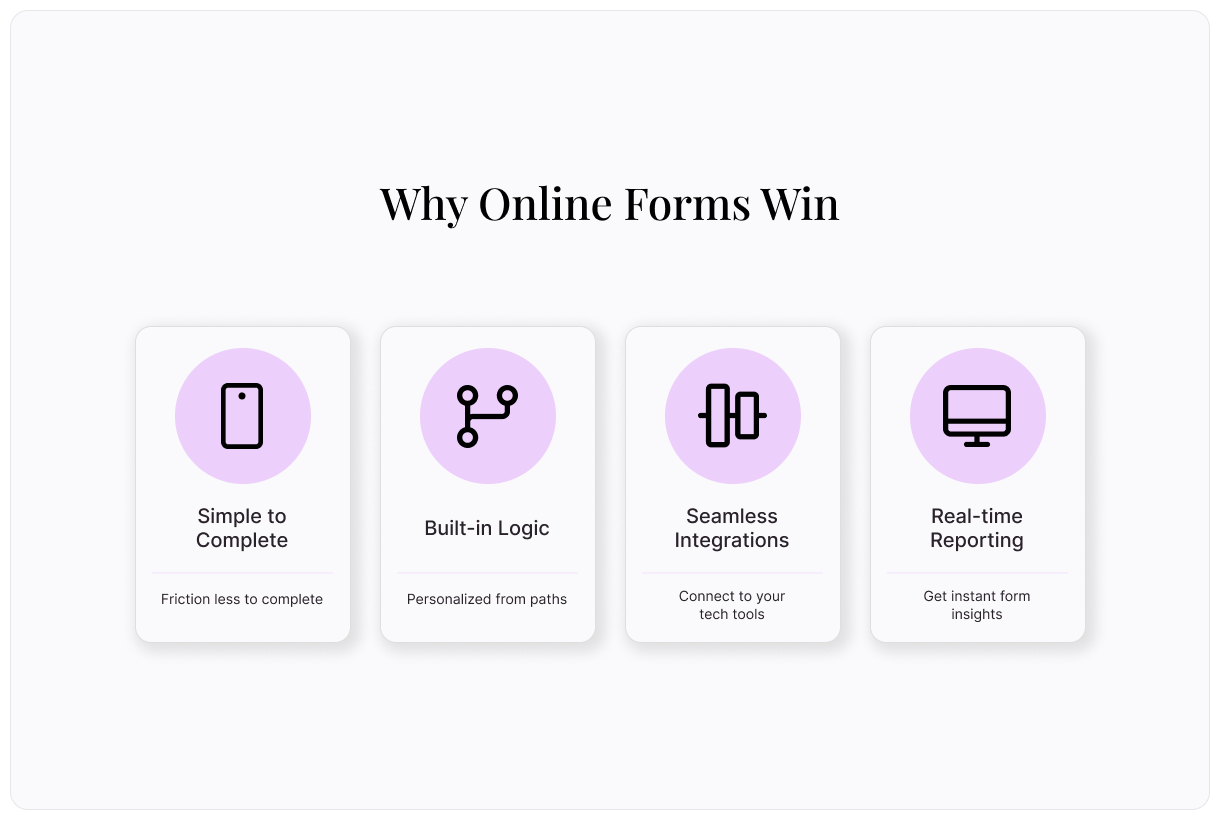
Simple to complete
Online forms are much easier to complete than PDF forms. There’s no downloading, emailing, or need for external software. People can simply open the form on any device, answer the questions, and submit it. By reducing these friction points, online forms get more responses.
For the best user experience, create your online forms with Typeform. We prioritize people’s experiences by asking one question at a time, instead of overwhelming them with a page full of questions.
Built-in logic
To increase your form’s relevance, Typeform offers logic. As people move through your form, they’ll be sent on a unique path according to their answers. Typeform automatically shows relevant questions and hides any that don’t apply. Logic makes forms easier and more enjoyable to complete.
Seamless integrations
To make your data go even further, online forms integrate with your most important tech tools. Using pre-built integrations, connect your online forms to your CRM, email marketing software, payment processor, and more. Not only do integrations save you time and effort, but they further eliminate the risk of errors or mistakes.
Here are a few integrations you can set up with Typeform:
Automatically send leads from your online forms into your sales pipeline.
Automatically trigger onboarding workflows for new clients.
Instantly process payments for registrations and signups.
Real-time data and reporting
Extracting data from a fillable PDF form is a hefty task. You need to copy the data into a database, then connect your database to an analytics tool and maybe even build a custom dashboard for visualization.
Typeform Reporting, our analysis tool, makes it easy to gather insights from your forms. Get real-time data analytics so you can spot patterns, see common drop off points, and identify gaps in your questions.
Rather than interpreting qualitative feedback yourself, let AI do the digging. It automatically detects key topics and sentiments, then answers your questions for even deeper insights.
Use cases for online forms
Many types of fillable PDF forms would be improved by switching to online forms, but it’s especially beneficial in the following situations:
Client intake forms: Your first impression with clients is essential. Make the best experience possible by providing an easy-to-complete online form.
Job applications: Managing a steady stream of job applications via fillable PDF is a hassle. Simplify it by switching to online forms.
Event registrations: By integrating your online forms with a payment processor, you can seamlessly collect registrations and fees.
Feedback surveys: Typeform makes it simple to process large amounts of qualitative feedback. Let Typeform AI interpret the feedback, then give you a high level view of sentiment.
Order forms: Whenever collecting payment, security needs to be a top priority. Protect your customers’ credit card information with secure online forms.
How to replace your PDF forms with online forms from Typeform
How to make an online form from a pre-built template
We offer a library full of free templates pre-built to achieve your most important goals. Here’s how to use them:
Find a template that meets your needs, then select “Use this Template”
In the Content panel, customize the template. Select questions from the list on the left, then edit as needed.
Review the form ending on the left. This is the screen your respondent will see when the form is complete.
Edit your form’s appearance using the “Design” feature. Choose from your Brand Kit themes or select a theme from the Gallery.
If you’d like to add custom logic to personalize your form flow, you can do so by selecting “Branching” on the bottom left, or in the “Workflow” panel on the top.
Integrate your form with your other tech tools in the “Connect” panel on the top. Find your desired tool, then select “Connect” and follow the prompts.
Once you’re happy with your form, select “Share” to make it live!
How to make an online form using AI
Typeform AI doesn’t just interpret your form results, but it can help you build your form, too.
Log into Typeform and select “Create a new form”
Write a few sentences about the type of online form you’d like to create.
Typeform AI will guide you through a series of questions and build a form according to your answers. Once you’re satisfied with your form, select “Apply”
Edit questions, outcomes, branching, and more, or ask Typeform AI to make modifications for you.
Once you’re happy with your form, select “Share” to make it live!
How to build an online form from scratch
Need something totally custom? Typeform makes it easy.
Log into Typeform and select “Create a new form”
Select “Start from scratch”
To add your first form question, select a question type, then fill out the question and answers.
To add the next element, select “+Add content”
In the “Endings” panel on the left, create the end screen respondents will see when they finish the form.
Edit your form’s appearance using the “Design” feature. Choose from your Brand Kit themes or select a theme from the Gallery.
If you’d like to add custom logic to personalize your form flow, you can do so by selecting “Branching” on the bottom left, or in the “Workflow” panel on the top.
Integrate your form with your other tech tools in the “Connect” panel on the top. Find your desired tool, then select “Connect” and follow the prompts.
Once you’re happy with your form, select “Share” to make it live!
Convert your fillable PDFs to online forms with Typeform
Say goodbye to your outdated PDF forms and hello to automation, integration, and real-time insights. Switching to online forms will improve your user experience, boost completion rates, and increase efficiency. Your users and team will thank you.
Looking for an easy-to-use online form builder that does it all? Meet Typeform. With a drag-and-drop builder, hundreds of free templates, and pre-built integrations with your most important tools, Typeform makes online form building easy. Get started today.
About the author
We're Typeform - a team on a mission to transform data collection by bringing you refreshingly different forms.
PDF Forms: How To Replace PDFs With Smart Online Forms
Free online trivia maker: custom trivia quizzes in minutes
Trivia is engaging. People love testing their knowledge, competing with friends, and proving they know random facts nobody asked them to memorize. That’s why trivia works as a learning tool, a marketing hook, an event activity, and just plain fun.
AI survey builder: create smart surveys in minutes
Creating effective survey questions is easier said than done. You need to ask the right things, in the right order, to the right people—and do it in a way that actually makes people want to answer. Most survey builders make this harder, not easier. You’re staring at a blank form, second-guessing every word, wondering if your logic flows or if you’ll get useful data back