Create high-converting registration forms with minimal drop-off when you sign up for Typeform.
Share
Latest posts on
Free online trivia maker: custom trivia quizzes in minutes
|
September 4, 2026
Read more
AI survey builder: create smart surveys in minutes
|
September 4, 2026
Read more
How to make a test online: tips and tricks
Typeform
|
September 4, 2026
Read more
How to build a landing page that converts
Typeform
|
September 4, 2026
Read more
Share
Is your registration process clunky and confusing? It’s likely costing you sign-ups. It’s time to swap out the back-and-forth emails and scattered spreadsheets for something streamlined: an online registration form.
With a well-designed form, you can collect registrations and payments, gather registrant information, and plug everything into your existing workflows.
Reduce drop-off and boost your registrations with an online registration form from Typeform. Read this guide to learn how.
What is a registration form?
A registration form is just that: a form that registers people for an event, service, or course. If your registrants are still using paper and pencil, it’s time to move your registration form online. By transitioning to an online registration form, you can:
Enable signups from any device
Securely store registrant information for future use
Seamlessly collect payment within the form
Integrate with your email marketing tools for easy communication
Reveal common drop-off points that improve the registration process
Inform event planning or service offering
Why registration forms matter
Registration forms aren’t just about collecting names and email addresses. They make it easy for organizations to:
Track capacity: Using a registration form, organizations can control capacity for events, classes, or programs.
Ensure safety: In the event of an emergency, registration forms contain the necessary information to keep participants safe.
Manage liability: With a registration form, organizations can collect required consent, waivers, or other liability agreements.
Improve efficiency: No need to move information between spreadsheets or apps. Online registration forms integrate with your most important tools.
Registration form elements
The most effective forms include a core set of elements that make registration easy for users and manageable for organizations. By thoughtfully choosing what to include, you can collect the right information without overwhelming registrants.
Basic information
Every registration form should start with the essentials: name and at least one reliable contact method, like email address or phone number. With these details, you can confirm registrations, send updates, and follow up when needed.
Organization or event-specific information.
Next, collect information that’s relevant to your organization, event, or offering. This may include info like:
Physical address
Job title
Company name
Dietary restrictions
Accessibility needs
Emergency contact information.
Information collected in this section can be used to tailor the experience to each registrant and accommodate individual needs.
Payment information
If there’s a cost associated with registering, it’s best to include it directly in the registration form. Integrating payment options reduces friction and eliminates extra steps that can cause drop off. Clear pricing and secure payment methods make it easier for people to register in a single sitting.
Terms and conditions
Lastly, include terms and conditions of registration at the end of your registration form. These set expectations and protect both parties. Cover info like cancellation policies, refund terms, codes of contact, or data usage policies. Communicating this information upfront ensures registrants understand what they’re agreeing to before submitting the registration form.
Registration form uses (and free templates for each!)
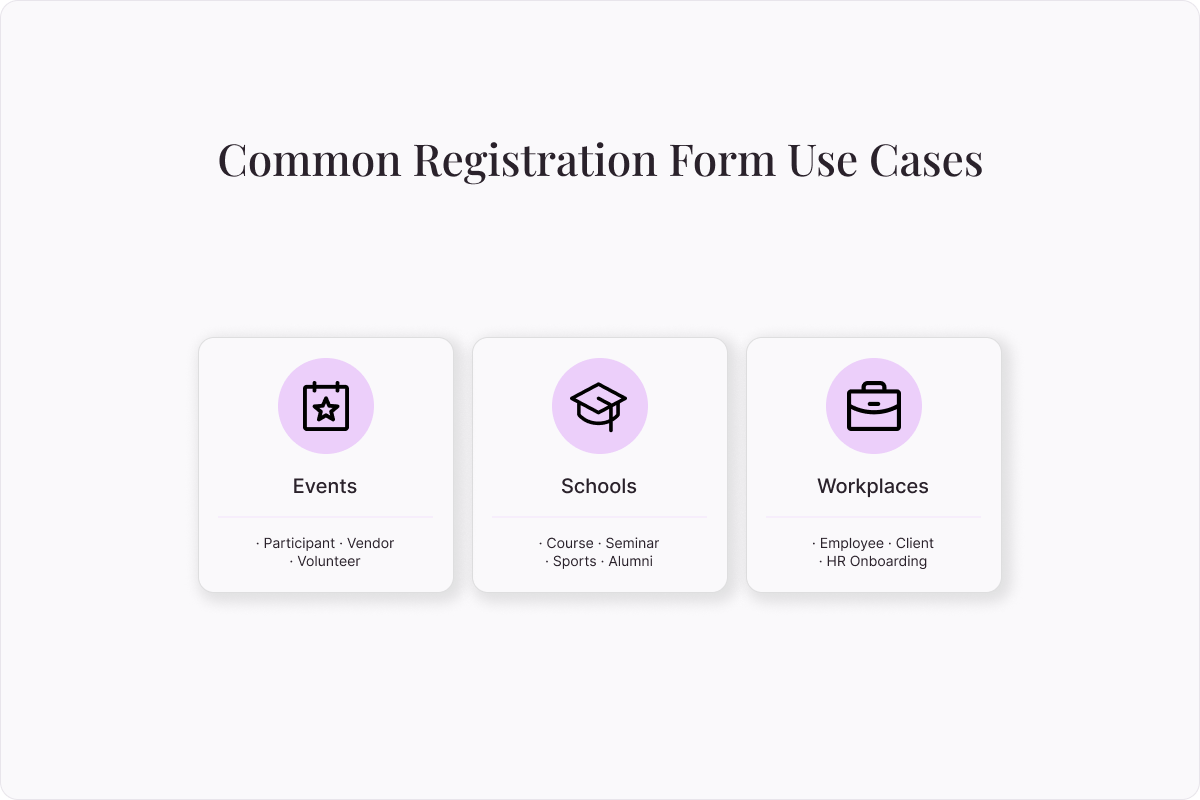
Registration forms keep essential information organized and easily accessible. Whether in a workplace, school, or at an event, registration forms can help. Get started with these free registration form templates.
Events
Throwing a party, putting on a play, or holding a conference? Event registration forms help keep you organized. Use these templates to streamline your processes:
Participant registration form: Track capacity, find contact information, and identify necessary accommodations at a glance. Plus, learn what your attendees are expecting from the event, so you can be sure to meet their needs.
Vendor registration form: Easily keep track of who will be vending at your event, so you can keep them organized and happy. Capture contact and payment details directly in your vendor registration form.
Volunteer registration form: Volunteer signups can be deceptively complex. From contact information to T-shirt size, liability waivers, and more, there’s a lot of information to know. Collect it all with this form.
Schools
School administrators handle a lot of moving parts. Each student may be enrolled in multiple classes, after school programs, and sports. These templates help you keep track:
Course registration form: Simplify class enrollment by collecting all student data in one place, like contact details and emergency information.
Seminar registration form: Hosting a one-off seminar? Collect the registration information you need with this form.
Sports registration form: When tryouts for school teams come around, this registration form can keep you organized. Collect player information to manage your sports teams.
Alumni registration form: Graduation isn’t goodbye. Create a thriving alumni network with contact information and employment info.
Workplaces
Consider incorporating these forms into your HR processes, client onboarding, and other workplace needs:
Employee registration form: Gather essential employee information in one place by onboarding new employees with an employee registration form. Get emergency contact information, direct deposit details, and other items HR teams need.
Client onboarding registration form: Create a professional and streamlined client onboarding process that gives a great first impression. Our fully customizable client information registration form can be modified to reflect your brand, then embedded directly into your website for easy onboarding.
Benefits of building registration forms with Typeform
Registration forms are often someone’s first impression of your business or brand, so they need to make a big impact. Whether you’re collecting event signups, course registrations, or customer information, Typeform gives you the flexibility, security, and insights you need.
Customizeable
Generic registration forms are a missed opportunity. With Typeform, you can tailor registration forms directly to your needs. Easily create custom questions, unique workflows, and on-brand design with your colors palette, logo, media, and more. Typeform lets you tailor every detail of your registration forms to your organization.
Scalable
Manual registration processes have real limits. Tracking 10 registrants manually may be feasible, but 100 becomes a challenge, and 1,000 is out of the question for most. Typeform removes manual labor so you can scale freely.
Better yet, your forms grow with your business. Use logic to turn simple registration forms into multi-step journeys. Provide each registrant a personalized form that perfectly suits their needs.
Secure
At Typeform, we take security seriously. We offer global compliance standards and enterprise-grade data protections to keep your most sensitive information safe. We meet the highest international standards for data security and privacy, including GDPR, SOC 2 Type II, and more. We’re also HIPAA-certified, so you can collect sensitive health information and personal data without concern. Learn more about our security practices in our Trust Center.
Powerful data analysis
Unlock the business insights hidden in your registration forms with the help of Typeform Reporting. With each registration form, get access to our easy-to-read analytics dashboards. Uncover trends and identify where users are most likely to drop off, or let AI identify them for you. Then, use that information to optimize your registration forms and marketing efforts.
Easy to integrate
Easily connect your registration forms to the tools you already use with over 300 pre-built integrations with the most popular tech tools. Typeform integrates from CRMs, email marketing platforms, and automation tools to make your workflows smooth and your processes efficient.
How to build a registration form with Typeform
Ready to evolve how you collect data? Here is how to build your first registration forms with Typeform today.
How to build a registration form from a pre-built template
Make your life easier by starting from one of our free, pre-built registration form templates.
Find a template that meets your needs, then select “Use this Template”
In the Content panel, customize the template. Choose the information you’d like to collect and determine how you’d like your respondents to answer. You can include short-answer questions, checkboxes, multiple choice answers, and more.
Review the registration form ending on the left. This is the screen your registrant will see when registration is complete.
Edit your registration form appearance using the “Design” feature. Choose from themes based on your Brand Kit or select a theme from the Gallery.
If you’d like to customize the registration form journey based on your registrants’ answers, add custom logic to your form. Select “Branching” on the bottom left, or click the “Workflow” panel on the top.
Integrate your registration form with your other tech tools in the “Connect” panel on the top. Find your desired tool, then select “Connect” and follow the prompts. For payment collection, we integrate with Paypal, Square, or Stripe.
Once you’re happy with your registration form, select “Share” to make it live!
How to make a registration form using ai
Let Typeform AI do the hard work for you. Simply explain what you’re looking for, and we’ll handle the rest.
Log into Typeform and select “Create a new form”
Write a few sentences about the type of registration form you’d like to create. Tell Typeform AI what types of information you’d like to collect, if you’d like the registration form to be customized based on your registrants’ answers, and more.
Typeform AI will guide you through a series of questions and build a registration form according to your answers. Once you’re satisfied with your registration form, select “Apply”
Edit questions, branching, and more, or ask Typeform AI to make modifications for you.
Integrate your registration form with your other tech tools in the “Connect” panel on the top. Find your desired tool, then select “Connect” and follow the prompts. For payment collection, we integrate with Paypal, Square, or Stripe.
Once you’re happy with your registration form, select “Share” to make it live!
How to build a registration form from scratch
Create your registration form from scratch by following these steps:
Log into Typeform and select “Create a new form”
Select “Start from scratch”
Choose the first question type for your form, then fill in any relevant information.
To add the next element, select “+Add content”
In the “Endings” panel on the left, create the end screen registrants will see when they finish registering.
Edit your registration form’s appearance using the “Design” feature. Choose from pre-built themes based on your Brand Kit or select a theme from the Gallery.
If you’d like to add custom logic to personalize your registration form flow, you can do so by selecting “Branching” on the bottom left or the “Workflow” panel on the top.
Integrate your registration form with your other tech tools in the “Connect” panel on the top. Find your desired tool, then select “Connect” and follow the prompts. For payment collection, we integrate with Paypal, Square, or Stripe.
Once you’re happy with your registration form, select “Share” to make it live!
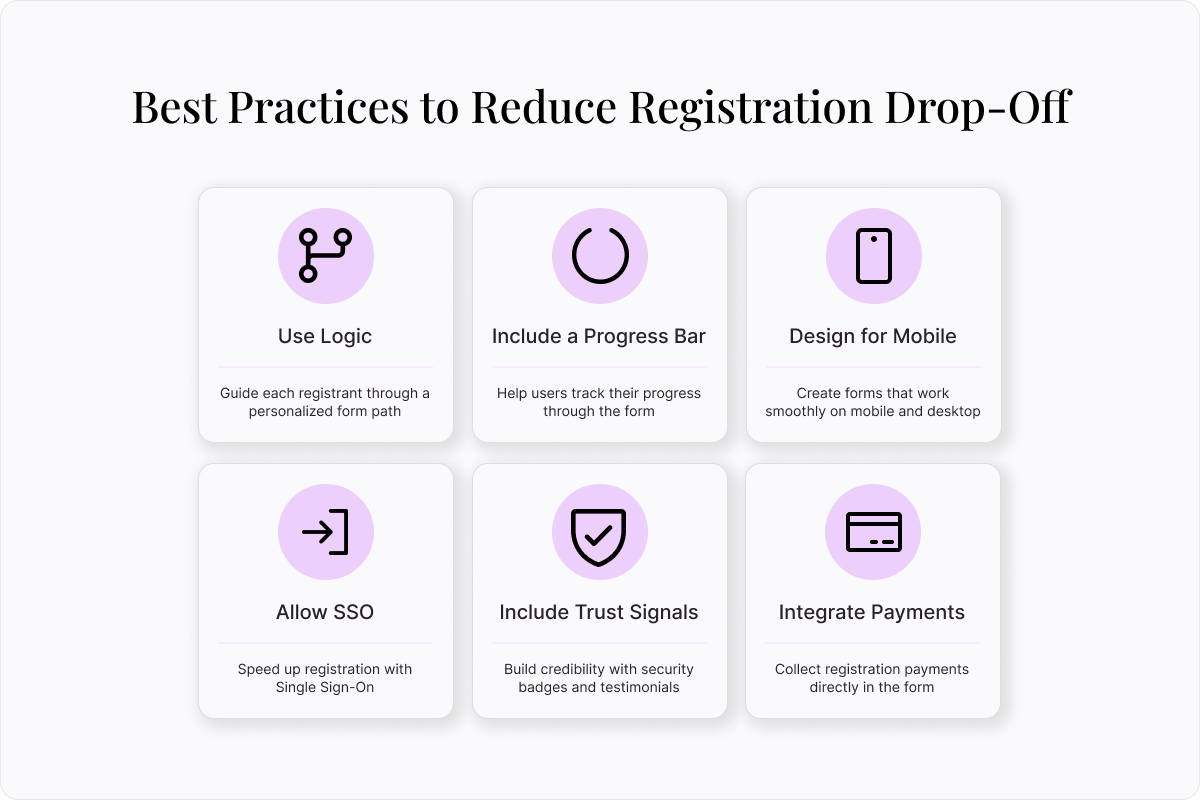
Best practices for reducing drop-off in registration forms
Even the most well-designed registration form won’t deliver results if people abandon it part-way through. Drop-off happens when people feel forms are too long, too confusing, or untrustworthy. Follow these best practices to reduce friction, keep users engaged, and boost your completion rate.
Use logic whenever possible
The more relevant the questions are in a registration form, the more likely people are to complete it. To design the most relevant form possible, take advantage of logic. This tool customizes each form according to each user’s responses.
Say you’re creating a registration form for a school. Students will use a single registration form for all classes, but each class has specific questions associated with it. For math, you need to know if your student owns a calculator. For P.E., you need to know their clothing size.
You can accomplish this using logic. If a student selects math, they’ll be directed to a question about a calculator. If they select P.E., they’ll be directed to one about clothing size. Logic asks each registrant relevant questions—doesn’t ask questions that aren’t.
Include a progress bar
No one likes to complete a form that feels endless. A progress bar helps set expectations for long or complex forms. As registrants progress through your form, they’ll get a sense of accomplishment as the progress bar fills. Progress bars reduce drop off and boost completion rates. That’s why they were our top feature for 2024!
Design for mobile and desktop
It’s no longer enough to design just for desktop. Today, mobile internet traffic accounts for at least half of internet traffic, if not more. Designing your form to be viewed on both mobile and desktop devices is a must. Make sure your questions are legible on smaller screens and the mobile registration flow is as easy as on desktop.
Allow SSO
To make registration forms less of a heavy lift, allow Single Sign-On (SSO). Users can auto-fill standard information like name, email, address, and more from their Google, Microsoft, or other accounts. Not only does SSO make registration faster, but it improves data accuracy by eliminating mistyped information.
Include trust signals
Tech-savvy internet users are always on high alert for signs of phishing and other shady online behavior. Boost your credibility by including trust signals throughout your registration forms. Add testimonials from existing customers, security badges, and industry-specific certifications.
Integrate with payment platform
A clunky payment process should never be a barrier to registration. Make the process seamless by integrating your payment processor directly into your registration form. Use our pre-built integrations with
Paypal, Venmo, Stripe, and other payment processors.
Create powerful registration forms with Typeform
Boost completion rates and turn registration information into actionable insights by switching to Typeform. Our intuitive form builder helps you create beautiful, on-brand registration forms in minutes. Discover why 95% of customers say they gather more data, more easily after switching to Typeform. Create your first form today.
About the author
We're Typeform - a team on a mission to transform data collection by bringing you refreshingly different forms.
Free online trivia maker: custom trivia quizzes in minutes
Trivia is engaging. People love testing their knowledge, competing with friends, and proving they know random facts nobody asked them to memorize. That’s why trivia works as a learning tool, a marketing hook, an event activity, and just plain fun.
AI survey builder: create smart surveys in minutes
Creating effective survey questions is easier said than done. You need to ask the right things, in the right order, to the right people—and do it in a way that actually makes people want to answer. Most survey builders make this harder, not easier. You’re staring at a blank form, second-guessing every word, wondering if your logic flows or if you’ll get useful data back