Sign-up forms that convert: templates and design tips
Need to grow your email list? Use Typeform to create high-converting email signup forms in minutes.
Share
Latest posts on
Free online trivia maker: custom trivia quizzes in minutes
|
September 4, 2026
Read more
AI survey builder: create smart surveys in minutes
|
September 4, 2026
Read more
How to make a test online: tips and tricks
Typeform
|
September 4, 2026
Read more
How to build a landing page that converts
Typeform
|
September 4, 2026
Read more
Share
Email signup forms turn website visitors and social media followers into repeat customers. These tools build you a direct line of communication to your customers. They can be used to nurture leads, drive sales, and encourage repeat business.
In this guide, we’ll teach you the many ways email signup forms can transform your business. You’ll learn how to build an email signup form, how to market it, and best practices for creating your highest converting email signup forms yet.
What is an email signup form?
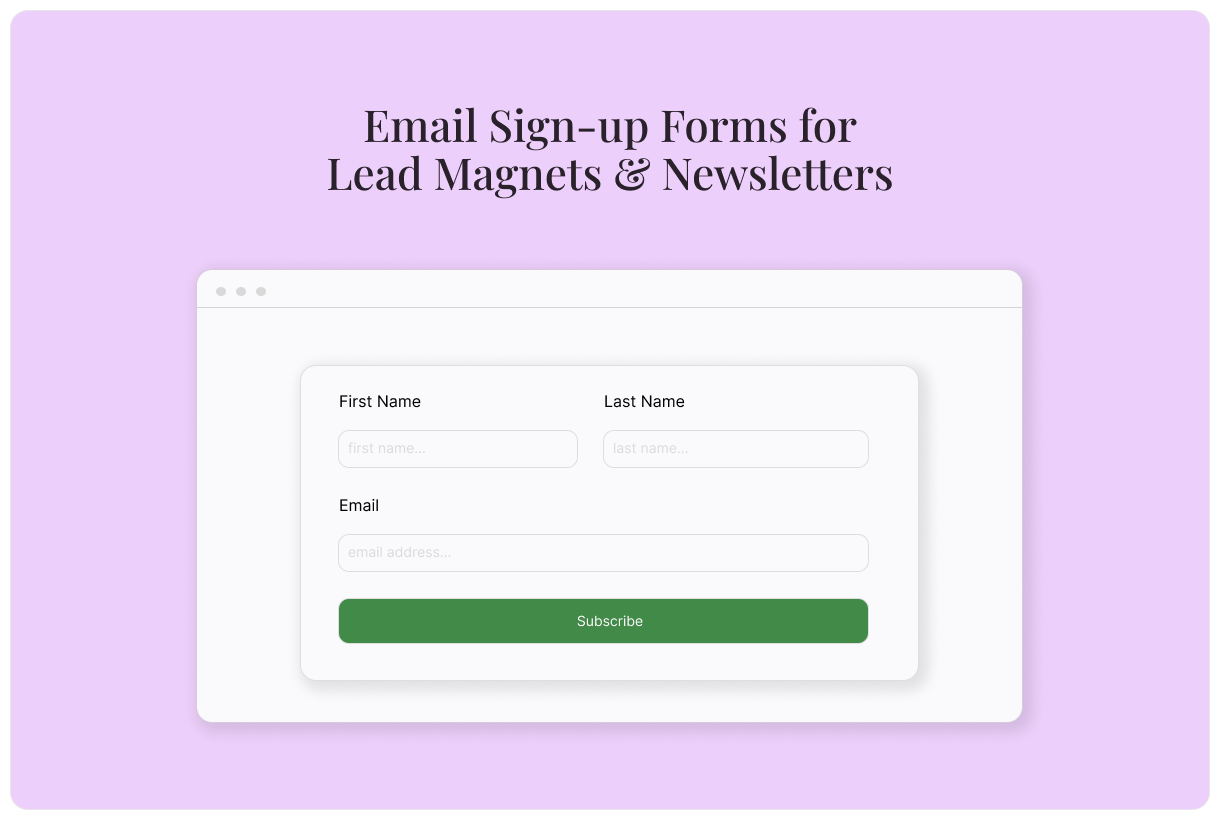
An email signup form is a tool used to grow your email list. It offers an easy way for customers to subscribe to your email marketing, so they can receive your newsletters, updates, and promotional offers.
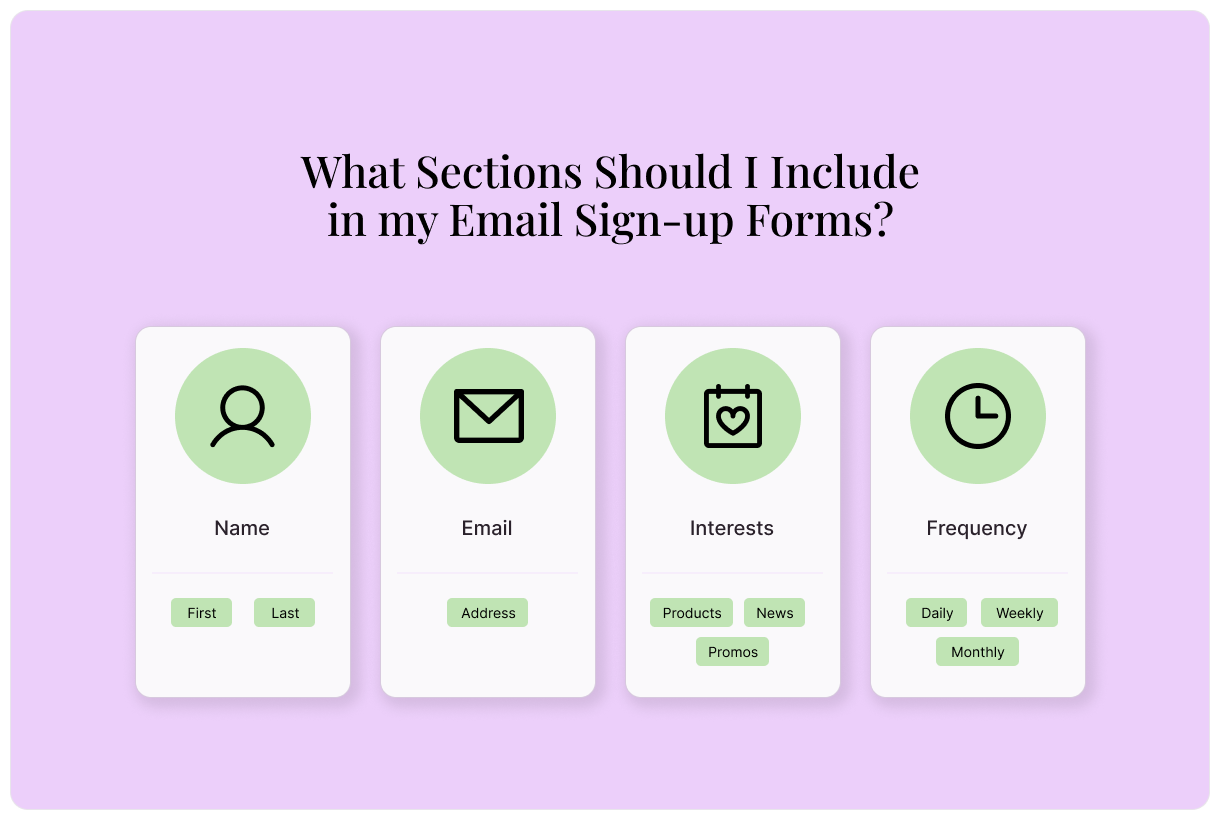
What sections should I include in my email signup forms?
When it comes to designing your email signup form, simple is always better. The fewer questions you ask, the fewer barriers there will be to signing up. Common sections include:
Name: If you collect first and last names, provide separate fields for each. That way, segment that information for use down the line.
Email: This one’s a no-brainer. You can’t collect email signups without collecting email addresses!
Interests: It’s common to collect information about subscribers’ interests so you can send them more targeted email campaigns. You may ask about different types of emails they want to receive from you or which of your products they’re most interested in.
Frequency: To give subscribers total control, ask what email frequency they’re interested in. Do they want to hear from you daily, weekly, monthly? This type of transparency builds trust with your customers.
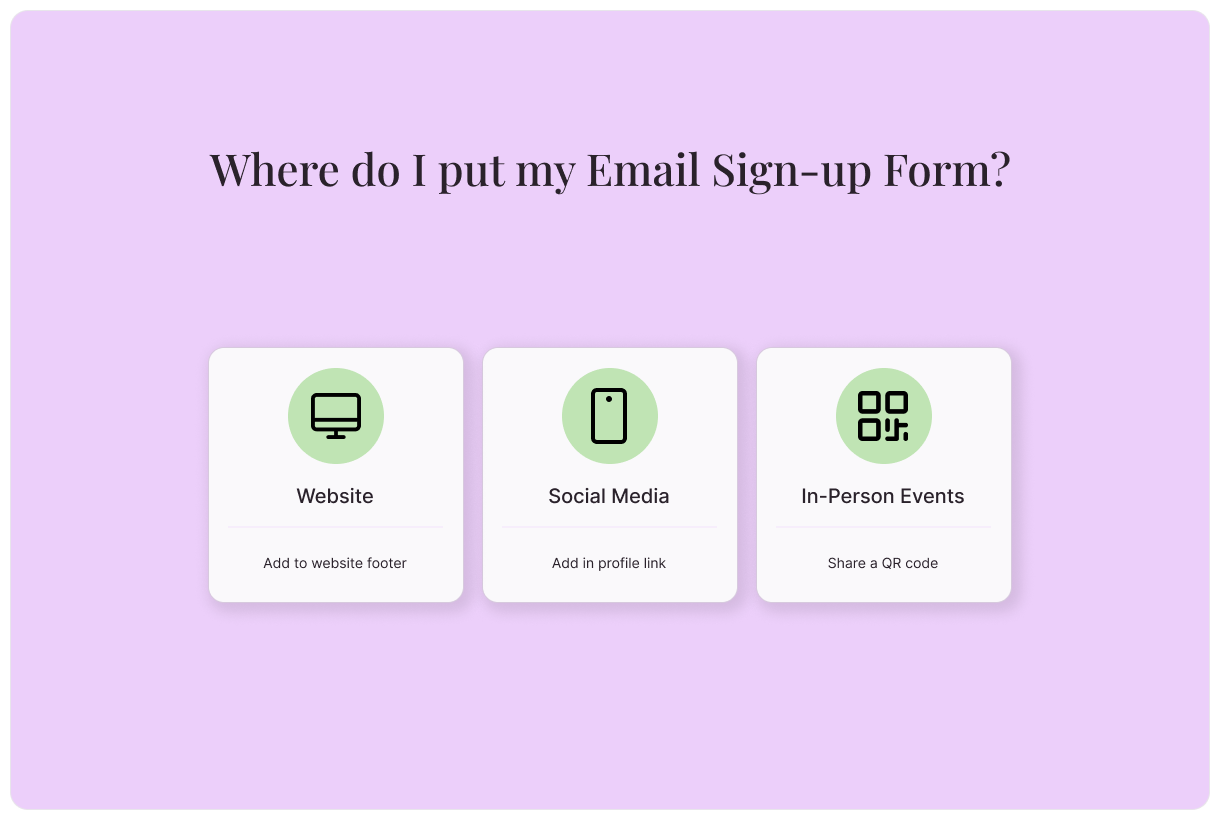
Where do I put my email signup form?
Your email signup form should be available on all customer-facing channels where people may want to engage with you:
Website: Include an email signup form in the footer of your website. As users browse, they’ll have ample opportunity to sign up for your email list.
Social media: Add an email signup form to your social media channels to turn views into customers. Add it on your profiles and promote it in your social posts.
In-person events: Whether hosting a webinar, passing out information at a conference, or appearing at another in-person event, make it easy to sign up. Provide a QR code that links to your email signup form.
Email sign up form compliance requirements
Depending on your customers’ locations, your email signup form must be compliant with different regulations and standards that protect consumer privacy. These include certain requirements like:
Consent to opt-in to emails: Before you send someone emails, they must explicitly agree to receive them from you. Include a consent checkbox in your email signup forms and leave it unchecked by default. By checking the box, users provide their consent.
Clear language: Don’t be vague with the intent of your email signup form. Clearly explain that, by completing it, users are agreeing to receive emails from you.
Privacy policy: You must provide a privacy policy that outlines how you collect, use, share, and manage subscribers’ personal data.
How do I use lead magnets to grow my email list?
Lead magnets are among the most effective lead generation tools for quickly growing your email list. These free resources can come in the form of webinars, ebooks, infographics, or any other compelling asset. Give them to customers in exchange for their contact information.
In addition to growing your email list, lead magnets provide opportunities to segment customers based on their interests. Strategically design lead magnets that align with certain segments of your product offerings, then tag customers based on their selection. You can use this information to inform future marketing campaigns and promotions.
How to build an email signup form with Typeform
How to build an email signup form from a pre-built template
In the Content panel, customize the template. Select questions from the list on the left, then edit as needed.
Review the sign up form ending on the left. This is the screen your respondent will see when they submit your email signup form.
Edit your form’s appearance using the “Design” feature. Choose from your Brand Kit themes or select a theme from the Gallery.
Integrate your email signup form with your CRM in the “Connect” panel on the top. Find your CRM, then select “Connect” and follow the prompts.
Once you’re happy with your email signup form, it’s time to embed. Select “Share.” Select “Embed in a web page,” then choose your display style and customize settings.
Select “Start embedding” to copy the HTML code, then paste it wherever you’d like it to appear.
How to build an email signup form using AI
Create an email signup form in just a few clicks with Typeform AI
Log into Typeform and select “Create a new form”
Write a few sentences about the type of email signup form you’d like to create.
Typeform AI’s free survey maker will guide you through a series of questions and build a form according to your answers. Once you’re satisfied with your form, select “Apply”
Edit questions, outcomes, and more, or ask Typeform AI to make modifications for you.
Integrate your email signup form with your CRM in the “Connect” panel on the top. Find your CRM, then select “Connect” and follow the prompts.
Once you’re happy with your email signup form, it’s time to embed. Select “Share.” Select “Embed in a web page,” then choose your display style and customize settings.
Select “Start embedding” to copy the HTML code, then paste it wherever you’d like it to appear.
How to build an email signup form from scratch
Follow these steps to build a totally custom email signup form.
Log into Typeform and select “Create a new form”
Select “Start from scratch”
To add your first form field, select a question type, then add your question.
To add the next element, select “+Add content”
In the “Endings” panel on the left, create the end screen respondents will see when they finish signing up.
Edit your form’s appearance using the “Design” feature. Choose from your Brand Kit themes or select a theme from the Gallery.
Integrate your email signup form with your CRM in the “Connect” panel on the top. Find your CRM, then select “Connect” and follow the prompts.
Once you’re happy with your email signup form, it’s time to embed. Select “Share.” Select “Embed in a web page,” then choose your display style and customize settings.
Select “Start embedding” to copy the HTML code, then paste it wherever you’d like it to appear.
Email signup form best practices
With just a few small tweaks, you can turn your email signup form from lackluster to powerful. Follow these best practices:
Set clear expectations
No one likes to feel duped. Set clear expectations with your email sign up form to build trust. Tell customers what types of emails they can expect to receive from you, the frequency with which you send them, and other relevant information.
Use these ideas to inspire you:
Sign up to receive weekly product updates!
Subscribe to our monthly newsletter.
By signing up for our email list, you agree to receive daily emails about promotions, new products, and more.
Consider implementing double opt-in
When customers subscribe to your email list, that’s considered a single opt-in. In order to improve the quality of your email list, it’s a good idea to implement a double opt-in. After someone subscribes to your email list, they’ll receive an email with a link to confirm their subscription. By clicking the link, they're confirming that they want to join your list.
Double opt-ins can slow the growth of your email list, but they’re worthwhile. The extra step confirms that every subscriber is interested in receiving information from you. With a double opt-in, you open the door to:
Better email deliverability
Lower bounce rate
Fewer spam complains
Higher email engagement
Follow up with an email
Whether single or double opt-in, it’s always a good idea to immediately follow up with a new subscriber. Send an email welcoming them to your email list. Tell them a bit about what they can expect and share your current promotions.
Provide a discount
A small discount is a great way to boost your email subscriptions. Give customers a 10% discount code when they sign up for your email list. The direct line of communication is worth far more than the 10% discount costs you.
Integrate with your CRM
Integrate your email list with your CRM so you don’t have to import them manually. Typeform integrates with leading CRMs like Mailchimp, Klayvio, and Active Campaign to make your life easier. Use a pre-built integration to get data flowing between your critical tools in just a few clicks.
Create email signup forms that convert with Typeform
Build high-converting email signup forms and more with Typeform. There’s no coding necessary, just a drag-and-drop builder that creates beautiful forms in seconds. Begin with a free template, or create a fully custom email signup form that perfectly suits your needs.
95% of Typeform customers agree that they gathered more data, more easily after switching to Typeform. Discover what you’re missing and get started today.
About the author
We're Typeform - a team on a mission to transform data collection by bringing you refreshingly different forms.
Sign-up forms that convert: templates and design tips
Free online trivia maker: custom trivia quizzes in minutes
Trivia is engaging. People love testing their knowledge, competing with friends, and proving they know random facts nobody asked them to memorize. That’s why trivia works as a learning tool, a marketing hook, an event activity, and just plain fun.
AI survey builder: create smart surveys in minutes
Creating effective survey questions is easier said than done. You need to ask the right things, in the right order, to the right people—and do it in a way that actually makes people want to answer. Most survey builders make this harder, not easier. You’re staring at a blank form, second-guessing every word, wondering if your logic flows or if you’ll get useful data back