Birth Registration Form Template
Collect the details needed to register a new birth accurately and completely, first time.



Birth registration is one of the first official acts after a child is born, and errors in the record are difficult to correct later. Names spelled incorrectly, missing parental details, or incomplete information about the birth event create problems for the child's official documents for years. Paper-based registration processes are particularly prone to these kinds of errors.
A Typeform birth registration form guides parents or registrars through each required field clearly. Required inputs prevent submission with missing information. Conditional logic can handle specific situations, like multiple births, parents who are not married, or cases where the father is unknown, without cluttering the form for straightforward registrations.
You can customize the form for your jurisdiction's requirements, add document upload fields, and route completed submissions to the appropriate registrar for review and processing.
A birth registration form is an official document used to record the details of a newborn child with the relevant civil authority. It captures the child's name, date and place of birth, and the parents' identifying information, and is used to issue a birth certificate.
A structured digital form reduces transcription errors, ensures all mandatory fields are completed before submission, and creates a consistent record for every registration. This is particularly valuable when processing high volumes of registrations.
Cover the details mandated by your civil registration authority:
- Child's full name and date, time, and place of birth
- Sex of the child and birth weight if required
- Mother's full name, date of birth, nationality, and ID number
- Father's full name, date of birth, nationality, and ID number (if applicable)
- Names of attending medical professional or midwife
- Signature of the informant and date of registration
Use conditional logic to ask whether the birth was a single, twin, or multiple birth. For twins or multiples, the form can expand to collect separate name and birth order fields for each child while keeping the parent and delivery details as shared fields.
Yes. Sending the form in advance allows parents to complete it at home and arrive with all information ready, which speeds up in-office processing. Some jurisdictions also accept fully digital submissions, in which case the form can be completed and submitted without a physical visit.
Get inspired by relevant templates and categories
3200+ Templates, 300+ Integrations
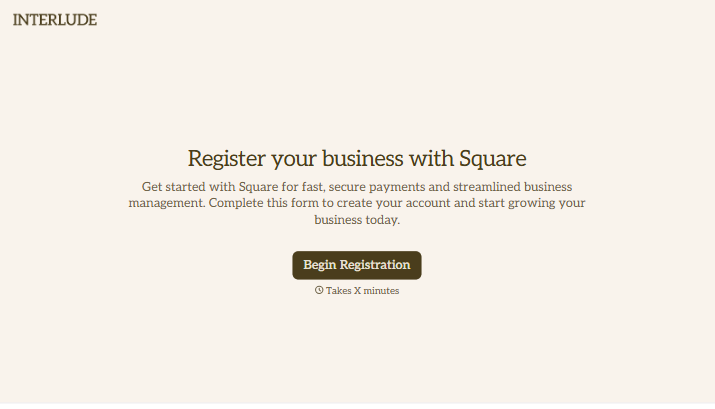
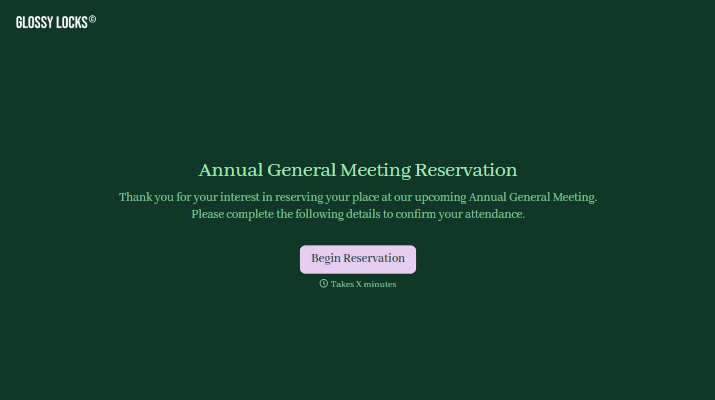

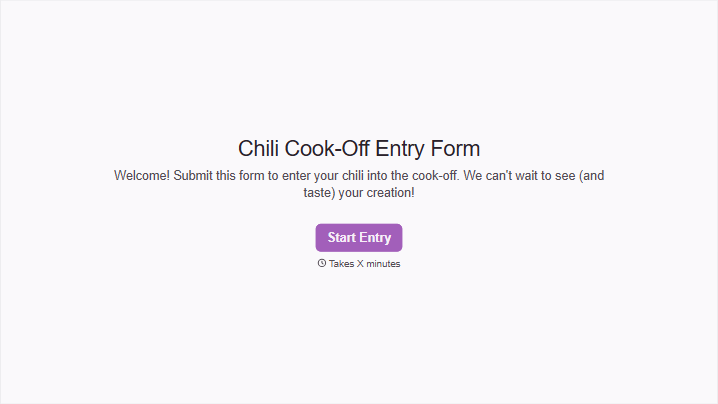
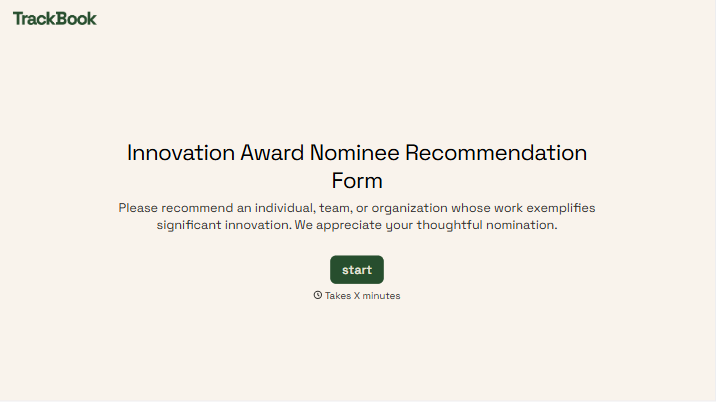
With Typeform, you can customize everything
Change text, colors, and even logos to match the look and feel of your brand. Then embed forms smoothly onto web and email.
Make forms feel effortless to fill out. Pace questions, call people by their name, and adapt the flow based on the data they share.
Stay efficient by connecting forms to your workflow. Typeform integrates with 300+ tools including Slack, Zapier, and HubSpot.


