Camp Registration Form Template
Registration day shouldn't be stressful for parents or your staff. Collect everything you need in one smooth flow, not form separate forms.



Camp registration involves a lot of information: contact details, medical history, dietary needs, emergency contacts, activity preferences, waivers. When that's spread across multiple PDFs, paper forms, and email exchanges, things get missed. And when it comes to children's safety, missing information isn't acceptable.
This camp registration form template consolidates everything into a single, guided experience. Parents move through one question at a time — camper details, guardian information, health and allergy disclosures, session selection, and digital waiver acknowledgment. Conditional logic shows relevant medical follow-ups only when a parent indicates a health condition, keeping the form efficient for everyone.
Connect it to your payment processor, email marketing tool, or camp management software through integrations. Send automatic confirmation emails, track enrollment by session, and have every camper's critical information organized before the first day.
A camp registration form collects the personal, medical, and logistical information needed to enroll a child (or adult) in a camp program. It serves as both an enrollment document and a safety reference, capturing emergency contacts, health conditions, dietary needs, and authorization for activities. It's typically the first and most important touchpoint between the camp and the family.
Online registration eliminates the paper shuffle that buries camp staff every season. Parents can complete forms at their own pace, upload required documents, and pay fees in one sitting. Your team gets organized, searchable records instead of filing cabinets — and automatic confirmations reduce the "did you get my form?" inquiries that clog your inbox during registration season.
- Camper's full name, date of birth, gender, and grade
- Parent/guardian names, phone numbers, and email addresses
- Emergency contact (someone other than the parent/guardian)
- Medical conditions, allergies, medications, and physician contact
- Session or week selection and activity preferences
- Waiver and liability release acknowledgment with digital signature
Limit access to enrollment responses to staff who need them for care planning. Configure Typeform's access controls so that sensitive fields are visible only to administrators and teachers, not to anyone who can view the form data. Keep records in line with your jurisdiction's childcare data privacy requirements.
Yes. Integrations with payment processors like Stripe or PayPal let you collect registration fees, deposits, or full payments as part of the form flow. You can offer installment options, early-bird pricing, or sibling discounts by using conditional logic to adjust the amount based on the registrant's selections. This means one form handles enrollment and payment, with no separate invoicing step required.
Get inspired by relevant templates and categories
3200+ Templates, 300+ Integrations

Distributor Registration Form
A distributor application that arrives as a scanned resale certificate attached to an email doesn't tell your sales team what territory they're actually asking for. Collect what your company actually needs, business information, tax documentation, and territory, before you set up an account.
View template
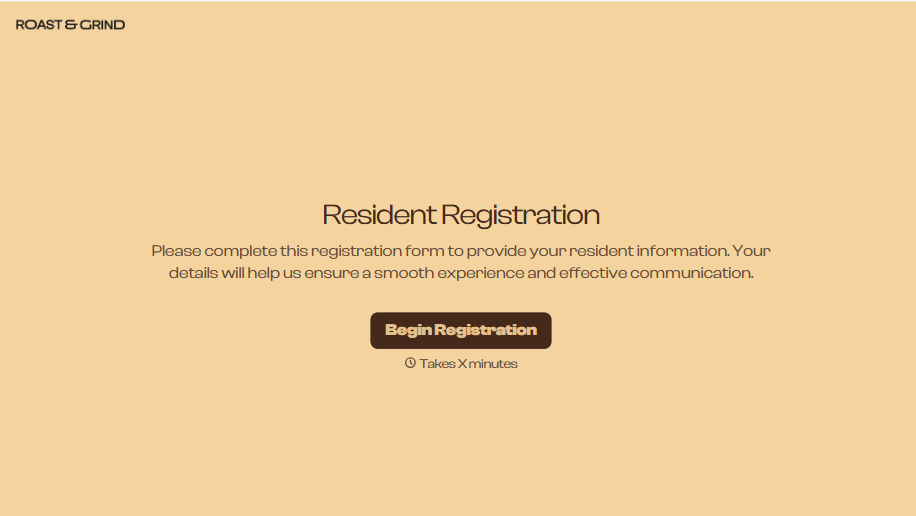
Resident Registration Form
A move-in packet signed at the leasing office and filed in a drawer isn't the kind of record your front desk can pull up when a resident's guest needs access or a car needs to be identified in the lot. Collect household members, vehicles, and emergency contacts before move-in day, so your community has an accurate record from the start.
View template
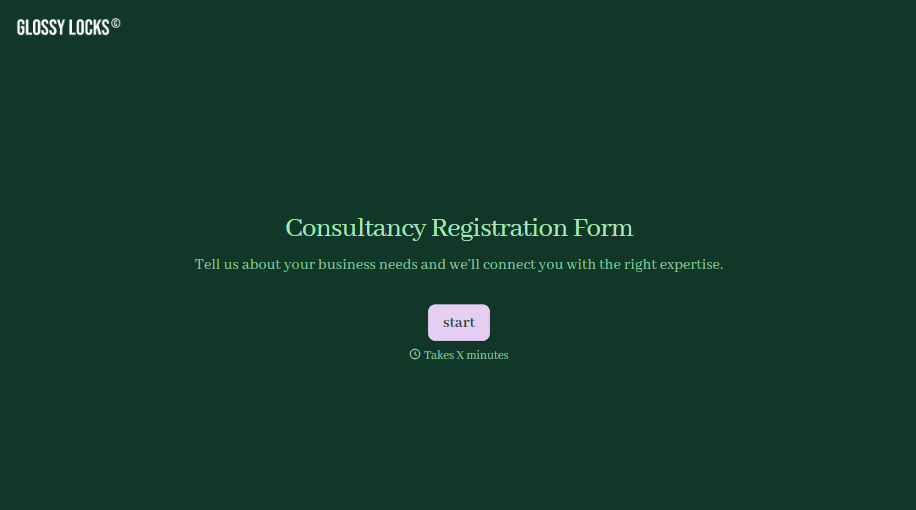
Consultancy Registration Form
Move past a registration form that only grabs a name and a phone number. Confirm the client understands who they're signing up with, screen for what a consultancy is legally allowed to charge and promise, and keep a record of exactly what was disclosed and agreed to.
View template

With Typeform, you can customize everything
Change text, colors, and even logos to match the look and feel of your brand. Then embed forms smoothly onto web and email.
Make forms feel effortless to fill out. Pace questions, call people by their name, and adapt the flow based on the data they share.
Stay efficient by connecting forms to your workflow. Typeform integrates with 300+ tools including Slack, Zapier, and HubSpot.


