Childcare Registration Form Template
Give parents a smooth sign-up experience and collect the information you actually need to keep their kids safe.


Parents registering a child for daycare, preschool, or after-school programs are already juggling a dozen things. The last thing they want is a 6-page PDF that requires a printer, a scanner, and three trips to your front desk. But you still need detailed information — emergency contacts, allergies, medical conditions, pickup authorizations — to do your job well.
This childcare registration form template collects everything in a conversational, one-question-at-a-time format that feels less like paperwork and more like a friendly intake conversation. Conditional logic ensures parents only see relevant questions. If they indicate no allergies, they skip the allergy detail section entirely. File uploads let them attach immunization records or custody documents without leaving the form.
Set it up in minutes by customizing the template with your program details, pricing tiers, and specific policies. Responses sync automatically with Google Sheets, Airtable, or your management platform through Zapier. Parents can complete it from their phone while waiting in the pickup line, and you get organized, legible data instead of hand-scrawled forms.
A childcare registration form collects the essential information providers need to enroll a child in their program. This includes the child's personal details, guardian information, medical history, emergency contacts, and authorized pickup persons. It serves as both an enrollment document and a critical safety reference for your staff.
Handwritten forms are hard to read, easy to lose, and impossible to search. An online form gives you clean, organized data you can filter and reference instantly. Parents appreciate the convenience of completing registration from any device, and you eliminate the back-and-forth of chasing missing information — required fields ensure nothing gets skipped.
- Child's full name, date of birth, and gender
- Parent or guardian contact information (phone, email, address)
- Emergency contacts (at least two beyond the primary guardian)
- Medical conditions, allergies, and current medications
- Authorized pickup persons with photo ID requirements
- Immunization records and pediatrician contact details
Use a form platform that complies with healthcare data regulations like HIPAA (in the US) or GDPR (in Europe). Ensure data is encrypted in transit and at rest, limit access to authorized clinical staff, and include a clear privacy statement on the form. Patients are more forthcoming with sensitive health information when they trust it's being handled properly.
Long forms can be tough to complete in one sitting, especially when parents need to dig up immunization records or emergency contact numbers. You can break the form into clear sections and share it via a link that parents can return to. For particularly lengthy registrations, consider splitting into a quick enrollment form first and a detailed information form second.
Get inspired by relevant templates and categories
3200+ Templates, 300+ Integrations

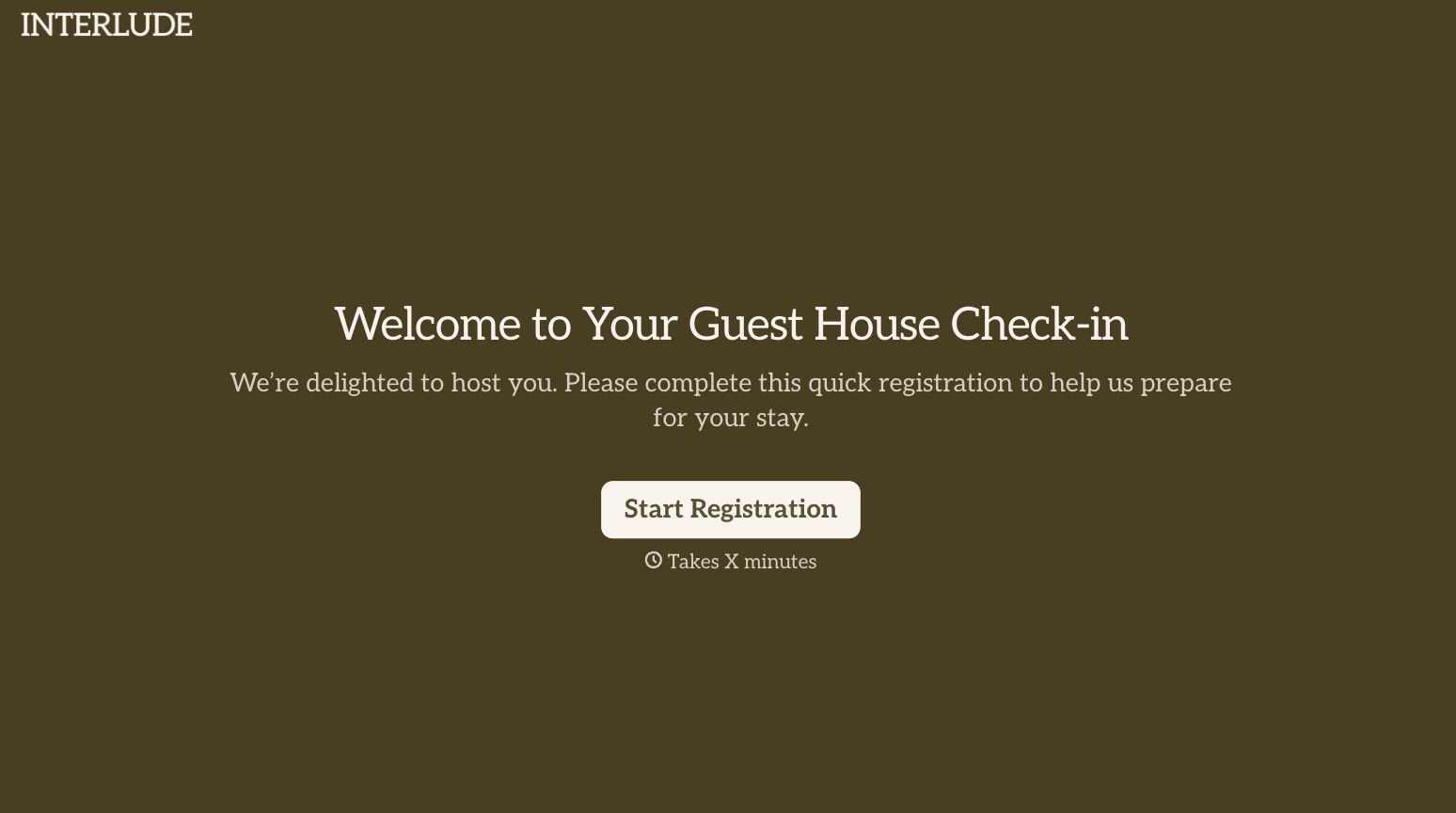
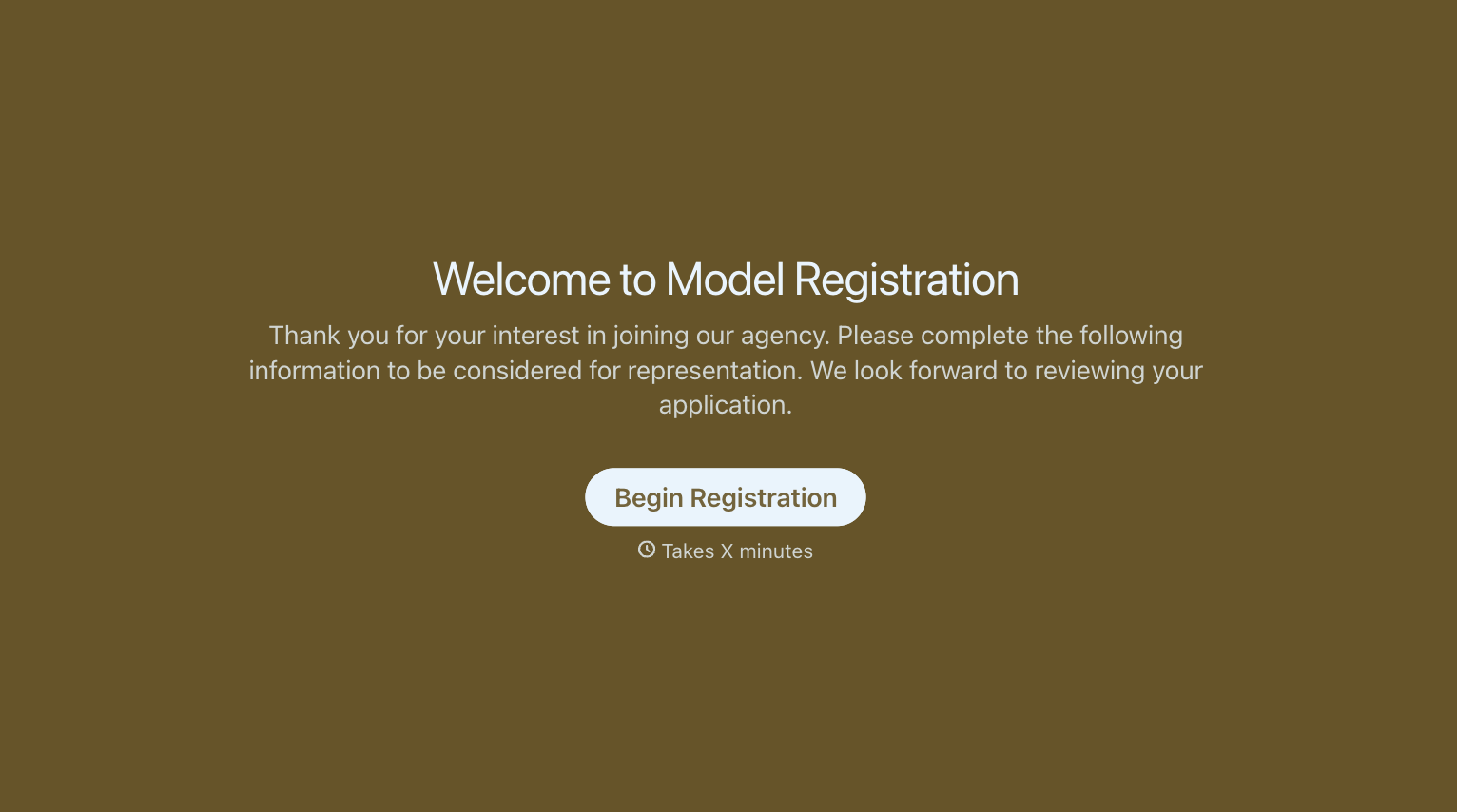
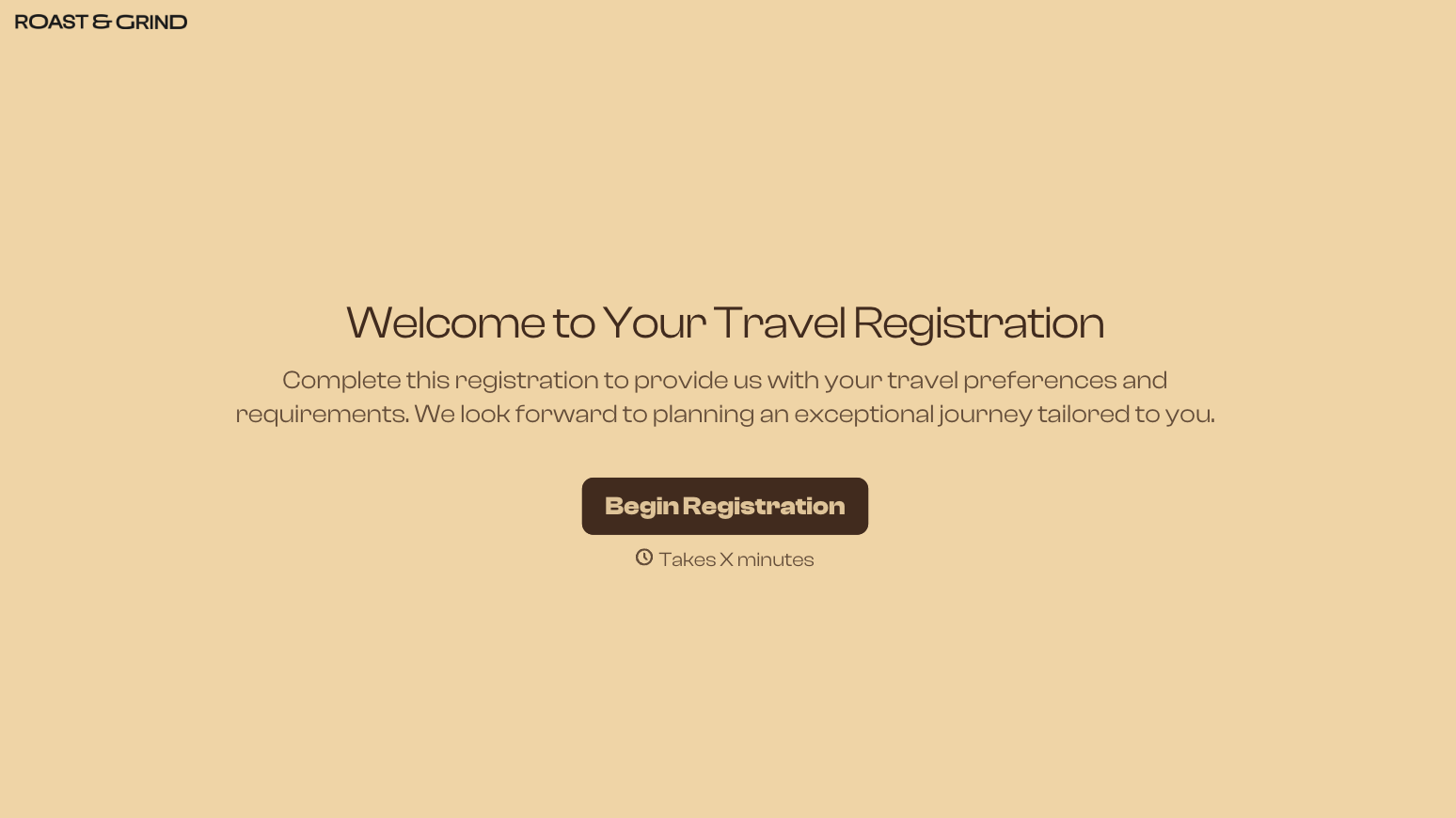
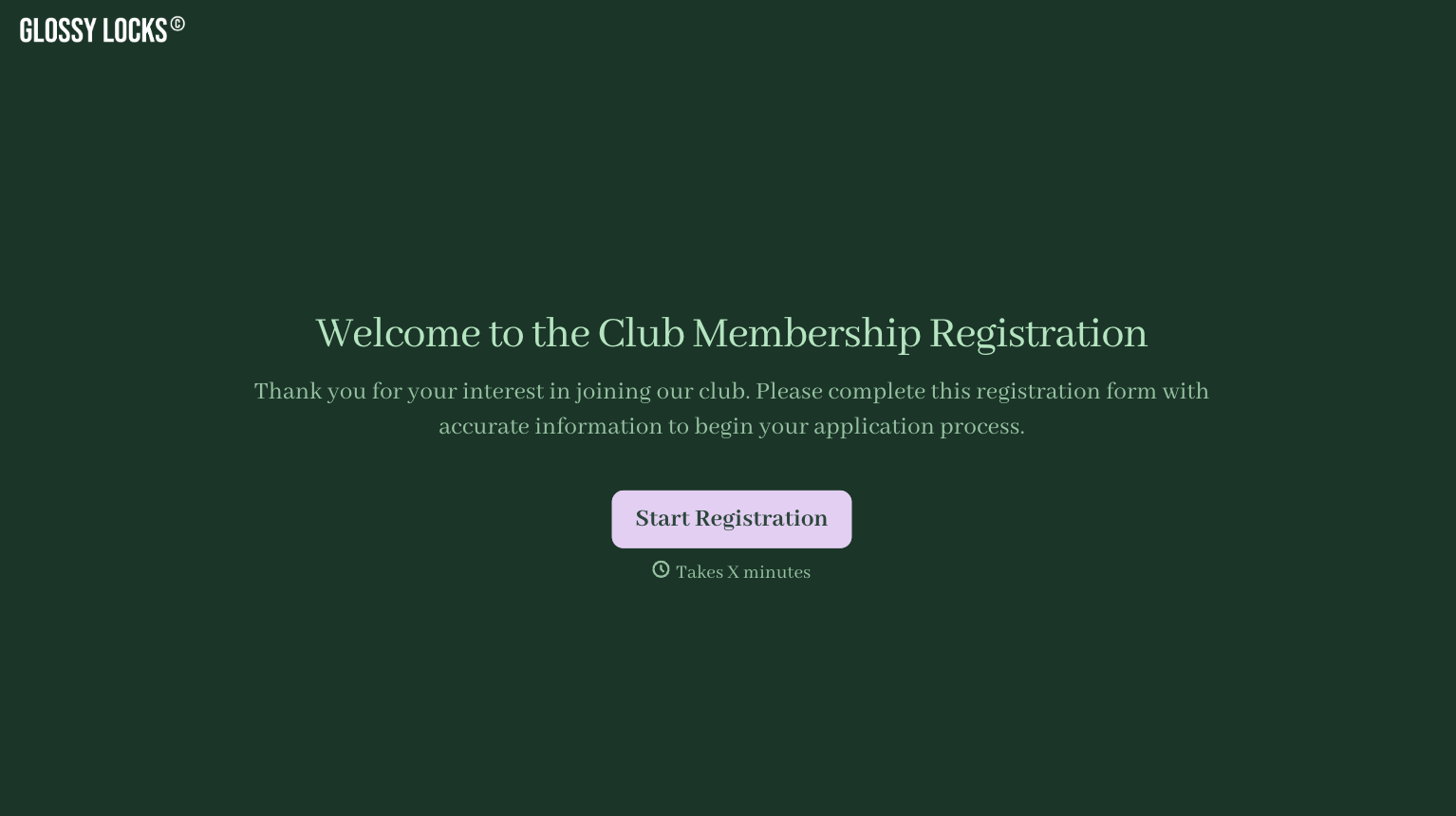
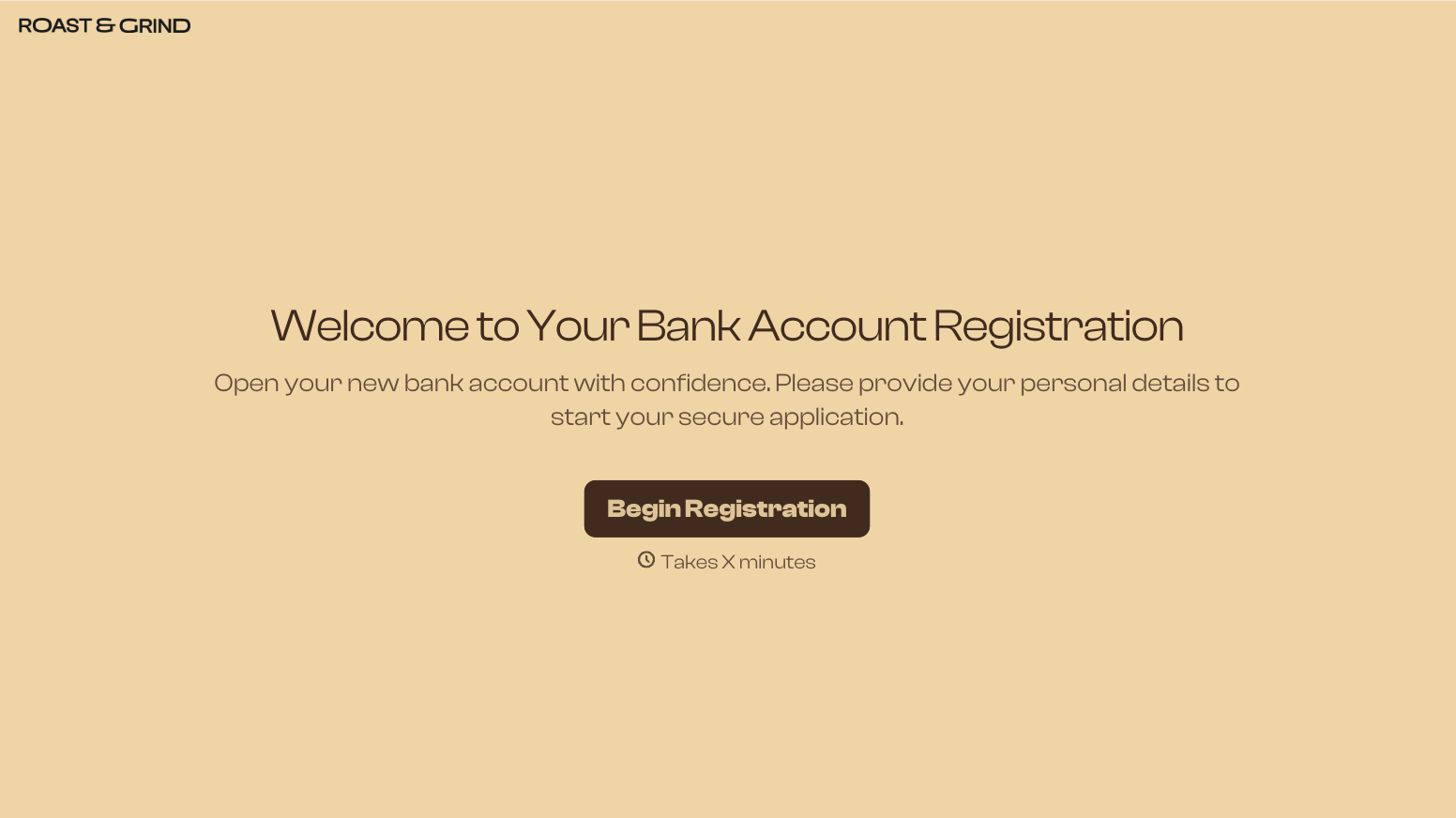
With Typeform, you can customize everything
Change text, colors, and even logos to match the look and feel of your brand. Then embed forms smoothly onto web and email.
Make forms feel effortless to fill out. Pace questions, call people by their name, and adapt the flow based on the data they share.
Stay efficient by connecting forms to your workflow. Typeform integrates with 300+ tools including Slack, Zapier, and HubSpot.


