Child Medical Consent Form Template
Get the medical permissions you need. Clearly documented and instantly accessible when they matter most.



When a child gets hurt at camp, on a school trip, or during an activity — the last thing you want is to be scrambling for a parent's phone number and medical permissions. Yet that's exactly what happens when consent forms are buried in filing cabinets or lost in email threads.
This child medical consent form template collects all required information before the child participates. Parents provide medical history, allergies, current medications, insurance details, and explicit consent for emergency treatment — all in a guided, mobile-friendly flow. Conditional logic digs deeper when needed: a flagged allergy triggers follow-up questions about severity and treatment protocols, while a child with no conditions moves through quickly.
Share the form during registration, store responses digitally, and instantly access any child's medical information from any device. It's the kind of preparation that feels unnecessary, until it isn't.
A child medical consent form is a document in which a parent or legal guardian authorizes an organization to seek medical treatment for their child in case of emergency. It also captures the child's medical history, allergies, medications, and insurance information to inform any treatment decisions.
Because emergencies don't wait for phone calls. If a child has an allergic reaction, a broken bone, or a medical episode, the supervising adults need immediate access to medical history and parental consent to act. Without a signed consent form, treatment may be delayed, and your organization faces significant liability.
- Child's full name, date of birth, and gender
- Parent/guardian name, phone number, and email
- Known allergies (with severity and treatment instructions)
- Current medications and dosages
- Health insurance provider and policy number
- Consent statement authorizing emergency medical treatment and parent's signature
Store responses in a system accessible from mobile devices, such as a shared Google Sheet, a cloud-based database, or your program management platform. Organize by child's name or group. In an emergency, any staff member with access can pull up the relevant medical information in seconds.
Annually at minimum, and ideally at the start of each program season or activity. Medical conditions change, medications get updated, and insurance information rotates. Send parents a pre-filled update form each year so they can confirm or modify their child's information without starting from scratch.
Get inspired by relevant templates and categories
3200+ Templates, 300+ Integrations
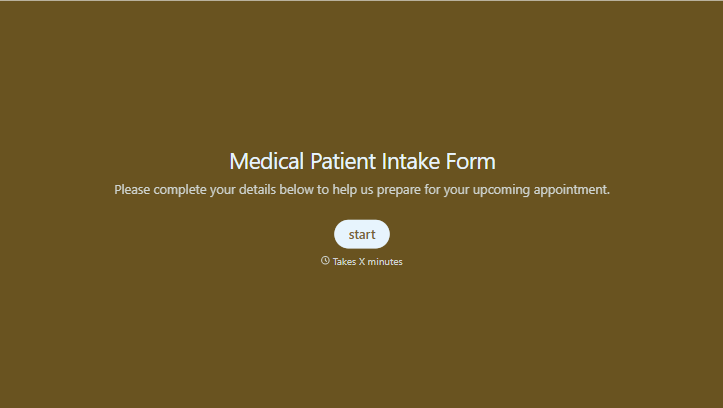
Medical Patient Intake Form
Move past a clipboard that captures a name and an insurance card. Screen for the medical history that actually changes how a patient is treated, document informed consent and privacy acknowledgment, and keep a timestamped signature on file for exactly what your patient agreed to.
View template
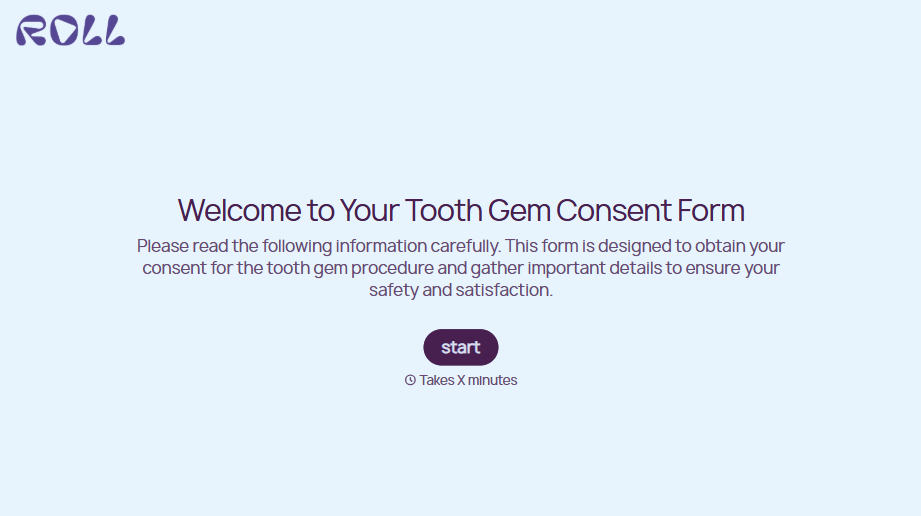
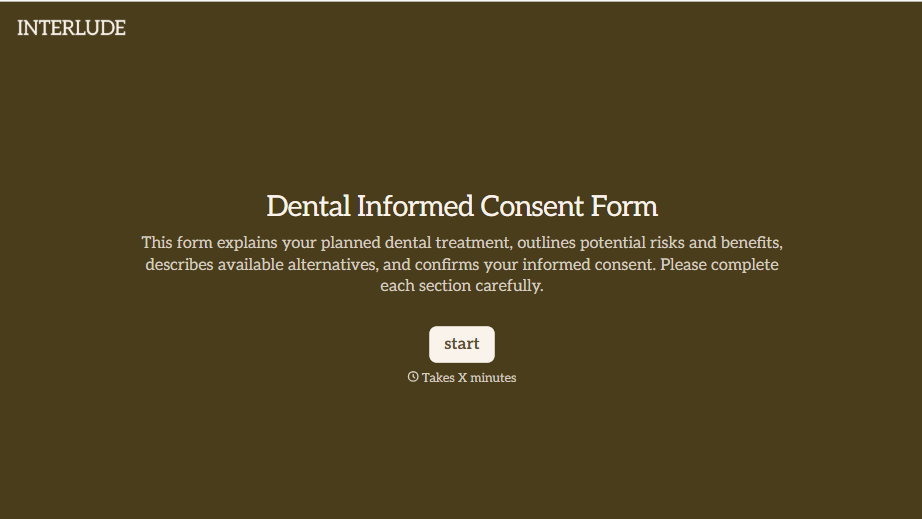
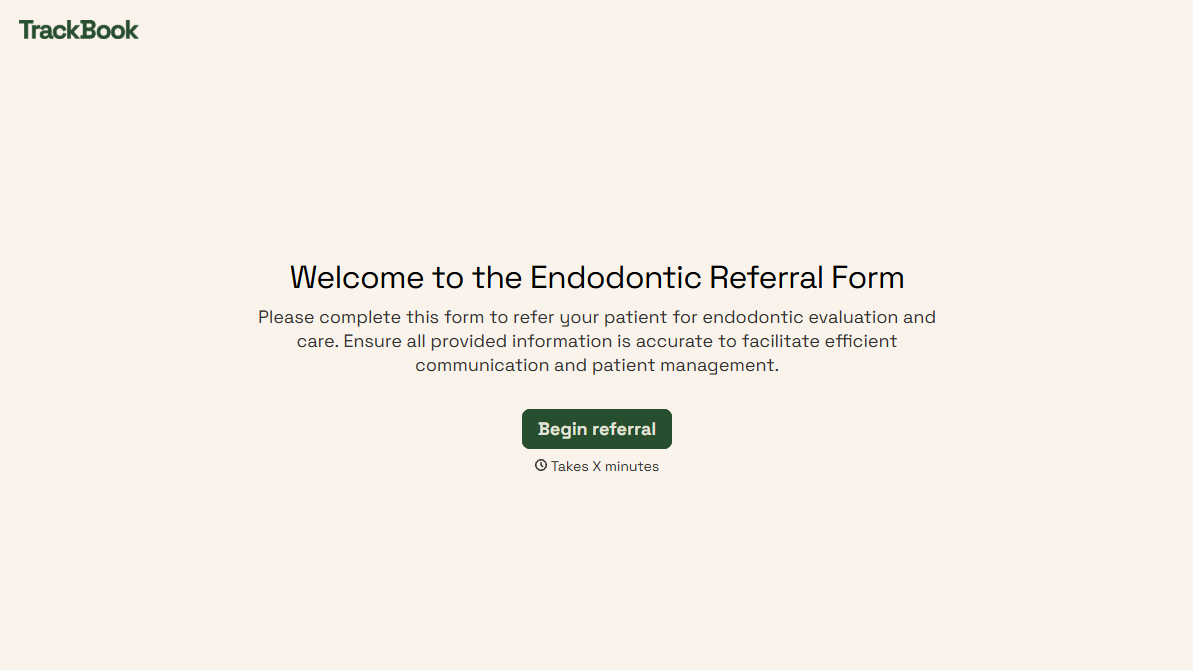
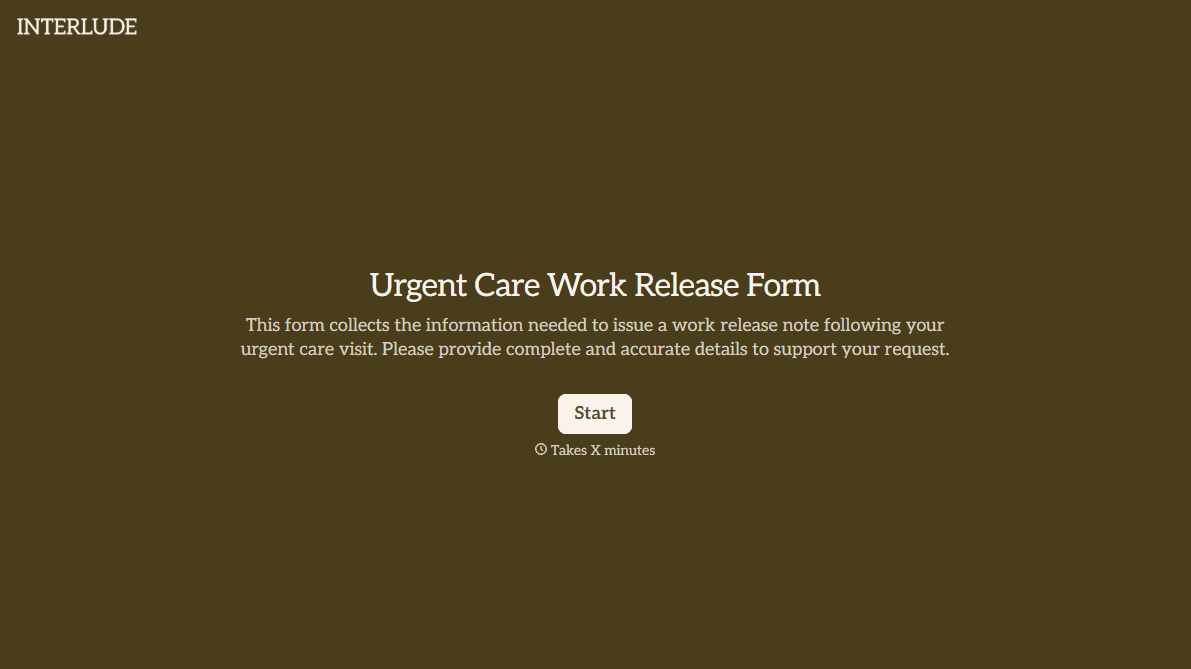
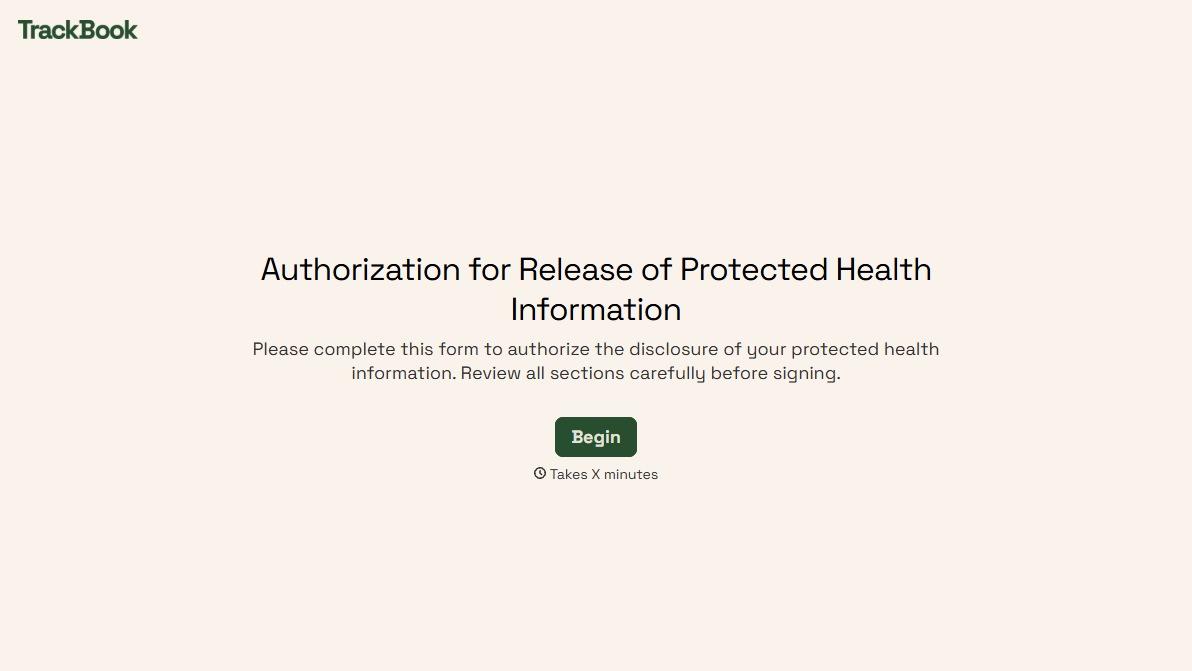
With Typeform, you can customize everything
Change text, colors, and even logos to match the look and feel of your brand. Then embed forms smoothly onto web and email.
Make forms feel effortless to fill out. Pace questions, call people by their name, and adapt the flow based on the data they share.
Stay efficient by connecting forms to your workflow. Typeform integrates with 300+ tools including Slack, Zapier, and HubSpot.


