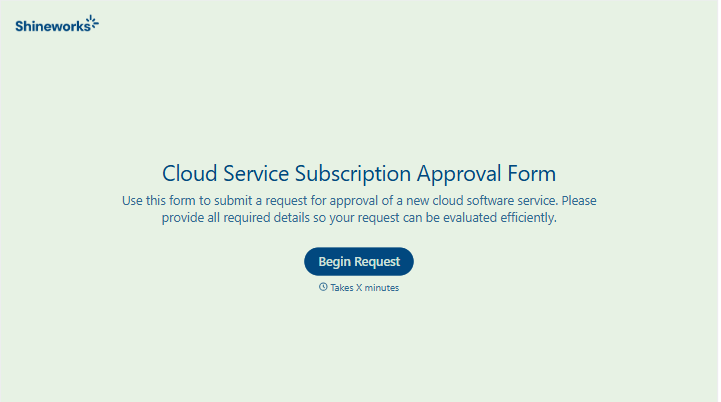
Cloud Service Subscription Approval Form
Give teams a clear way to request a cloud service subscription. Collect the business need, expected cost, and review requirements so approvers can make an informed decision before purchase.



A team wants a new cloud service, but the monthly price is only part of the request. Finance needs full commitment, IT needs to understand access and integrations, and the manager needs to know what the service will help the team do. A cloud service subscription approval form brings those details together.
Requesters identify the service and plan, explain the intended use, and provide pricing for the expected number of users. You can ask about existing alternatives, the proposed start date, and any information the service will store. Reviewers record their decisions and flag conditions that need resolving before purchase.
Your team gets a request it can assess without piecing together several email threads. Employees get a clearer view of what approvers need. Once a decision is made, the subscription has a named owner and a record of the terms reviewed.
A cloud service subscription approval form collects information about a proposed subscription and documents its internal review. It typically covers the service, business purpose, cost, and responsible team. Organizations use it to coordinate approval before purchasing or committing to a plan.
A request to buy a tool can leave important details unstated, such as annual billing, additional user fees, or an existing service that meets the same need. A structured form helps requesters provide that context upfront. It also keeps reviewer questions and decisions attached to the request.
Collect the details needed to assess the purchase and assign responsibility:
- Requester name, department, and subscription owner
- Service provider and proposed plan
- Business purpose and expected users
- Price, currency, and billing frequency
- Contract term and estimated total commitment
- Budget owner or cost center
- Existing alternatives considered
- Data, access, and integration requirements
- Requested start date
- Approval decisions and any conditions
Include renewal terms and cancellation deadlines where known so reviewers can understand the ongoing commitment.
Route the request according to your organization’s purchasing process. A manager may review the business need, finance may confirm the budget, and IT or security may assess technical requirements. Identify who gives final approval and who is responsible for completing any conditions before purchase.
Yes. Ask for the current plan, proposed change, updated cost, and reason for continuing or expanding the service. For renewals, include usage information and the decision deadline. Keep approval separate from the purchase or renewal action so the subscription owner knows what still needs to happen.
Get inspired by relevant templates and categories
3200+ Templates, 300+ Integrations
With Typeform, you can customize everything
Change text, colors, and even logos to match the look and feel of your brand. Then embed forms smoothly onto web and email.
Make forms feel effortless to fill out. Pace questions, call people by their name, and adapt the flow based on the data they share.
Stay efficient by connecting forms to your workflow. Typeform integrates with 300+ tools including Slack, Zapier, and HubSpot.


