Conference Registration Form with Payment Form Template
Register attendees and collect payment in one seamless flow. This template handles session selection, attendee details, and payment processing without requiring separate systems.



Splitting conference registration across multiple platforms — a form here, a payment page there, an email confirmation somewhere else — creates a disjointed experience for attendees and extra work for your organizing team. Data ends up scattered, payment reconciliation becomes manual, and following up with incomplete registrations takes time you don't have.
A combined registration and payment form handles everything in one flow. Attendees select their sessions or ticket tier, provide their details, and pay — all without leaving the form. Typeform's conditional logic shows relevant options based on what each attendee selects, and integration with a payment processor handles the transaction in real time.
Customize the form with your session schedule and pricing tiers, connect it to your event management tools, and give attendees a registration experience that reflects the quality of your conference.
A conference registration form with payment combines attendee information collection and fee collection into a single form flow. Rather than requiring registrants to complete a sign-up form and then navigate to a separate payment page, it handles both steps together. This reduces drop-off and ensures payment and registration data are linked from the start.
Separate registration and payment systems create reconciliation work every time you need to confirm who has actually paid. A combined form ties the registration record to the payment automatically, so your team always has a complete picture of confirmed attendees. It also reduces the chance of an attendee completing registration without completing payment.
- Full name, email, job title, and organization
- Registration type (general, VIP, speaker, sponsor, student)
- Session or track preferences from the agenda
- Dietary restrictions and accessibility requirements
- Payment method and billing information
- How they heard about the conference
Add a field for promo or discount codes with a validation step that applies the appropriate discount before payment is collected. For group registrations, either direct the primary registrant to submit one form per attendee, or create a dedicated group registration form that collects details for multiple people in a single flow with a summary at checkout.
Include your cancellation and transfer policy in the confirmation email and on the form's final screen before submission. Define whether refunds are available, within what timeframe, and how transfer requests should be submitted. Typeform integrations can flag cancellation-related responses automatically so your event team can process them without digging through submissions manually.
Get inspired by relevant templates and categories
3200+ Templates, 300+ Integrations
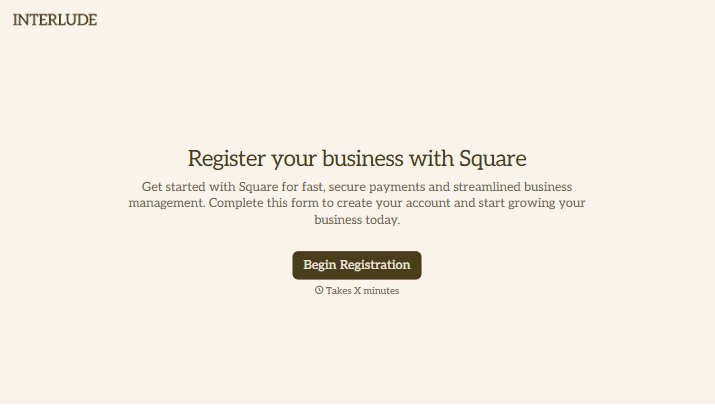

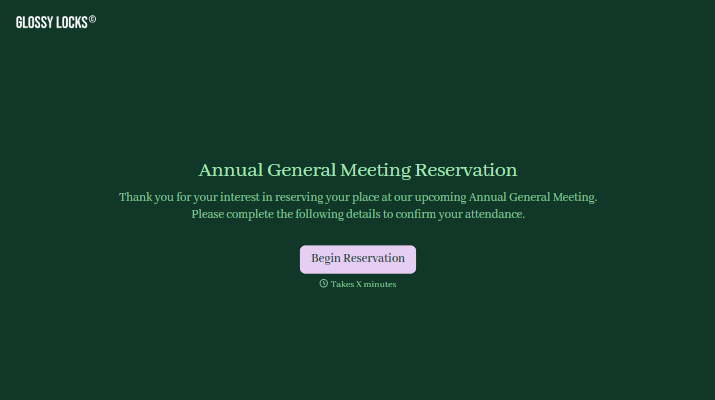



With Typeform, you can customize everything
Change text, colors, and even logos to match the look and feel of your brand. Then embed forms smoothly onto web and email.
Make forms feel effortless to fill out. Pace questions, call people by their name, and adapt the flow based on the data they share.
Stay efficient by connecting forms to your workflow. Typeform integrates with 300+ tools including Slack, Zapier, and HubSpot.


