Ecommerce Registration Form Template
New customers are your growth engine. Make signing up fast, friendly, and worth their time.


Ecommerce registration forms are often an afterthought — a dense list of required fields that users rush through or abandon. But your registration flow is the first real interaction a customer has with your brand experience, and a clunky form sets the wrong tone before they've even placed an order.
Typeform's ecommerce registration template collects the account details you need in a conversational, one-question-at-a-time format that keeps people moving forward, rather than staring at a wall of empty boxes. Conditional logic can branch based on whether someone is creating a personal account or a business account, collecting the appropriate details for each without surfacing irrelevant fields to every user. Connect to your ecommerce platform or CRM via integrations to create accounts automatically on submission.
Customize the form to match your brand, embed it in your signup flow, and give new customers a registration experience that actually reflects the quality of what you sell.
An ecommerce registration form is a signup form used to create a customer account on an online store. It collects the contact details, login credentials, and preferences needed to set up and personalize the account.
Customer accounts benefit your customers and your business equally — they give your customers order history, saved addresses, and personalized recommendations, while giving you data to improve targeting and retention. A form that makes registration feel painless drives more completions.
Keep it concise — registration forms with too many fields see high abandonment. Standard fields include:
- First and last name
- Email address
- Password creation
- Phone number (optional)
- Shipping address (or save for first purchase)
- Account type (personal vs. business)
- Marketing communication preferences
Fewer fields directly correlate with higher completion rates. Ask only for what you need at signup and collect additional preferences later. Offering social login (Google, Facebook, etc.) as an alternative also significantly reduces abandonment. Progress indicators reduce abandonment on multi-step forms by showing users how close they are to finishing.
Typeform integrates with platforms like Shopify via Zapier and other native integrations. You can configure new submissions to automatically create customer records, trigger a welcome email, or add the user to a segmented list based on their account type or preferences.
Get inspired by relevant templates and categories
3200+ Templates, 300+ Integrations
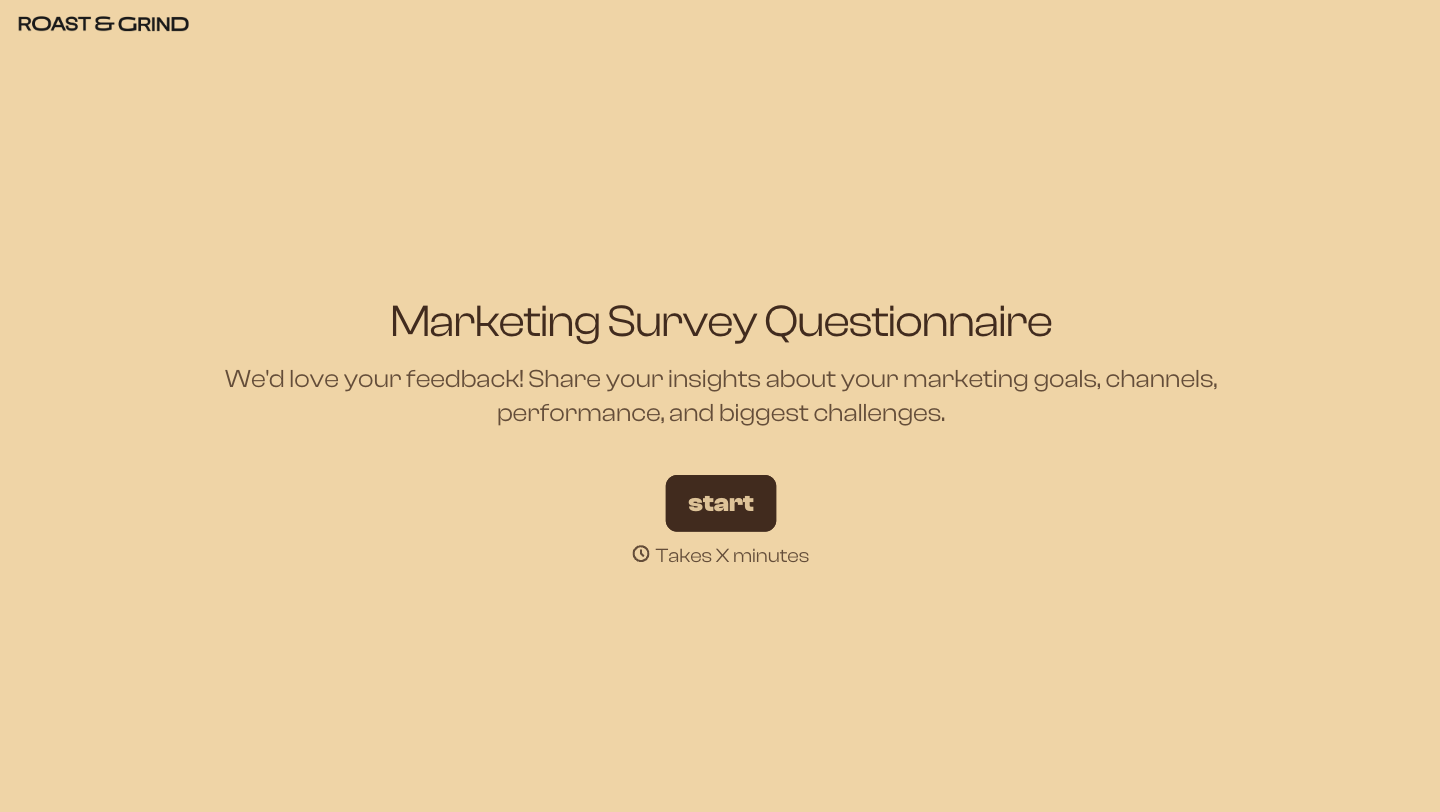

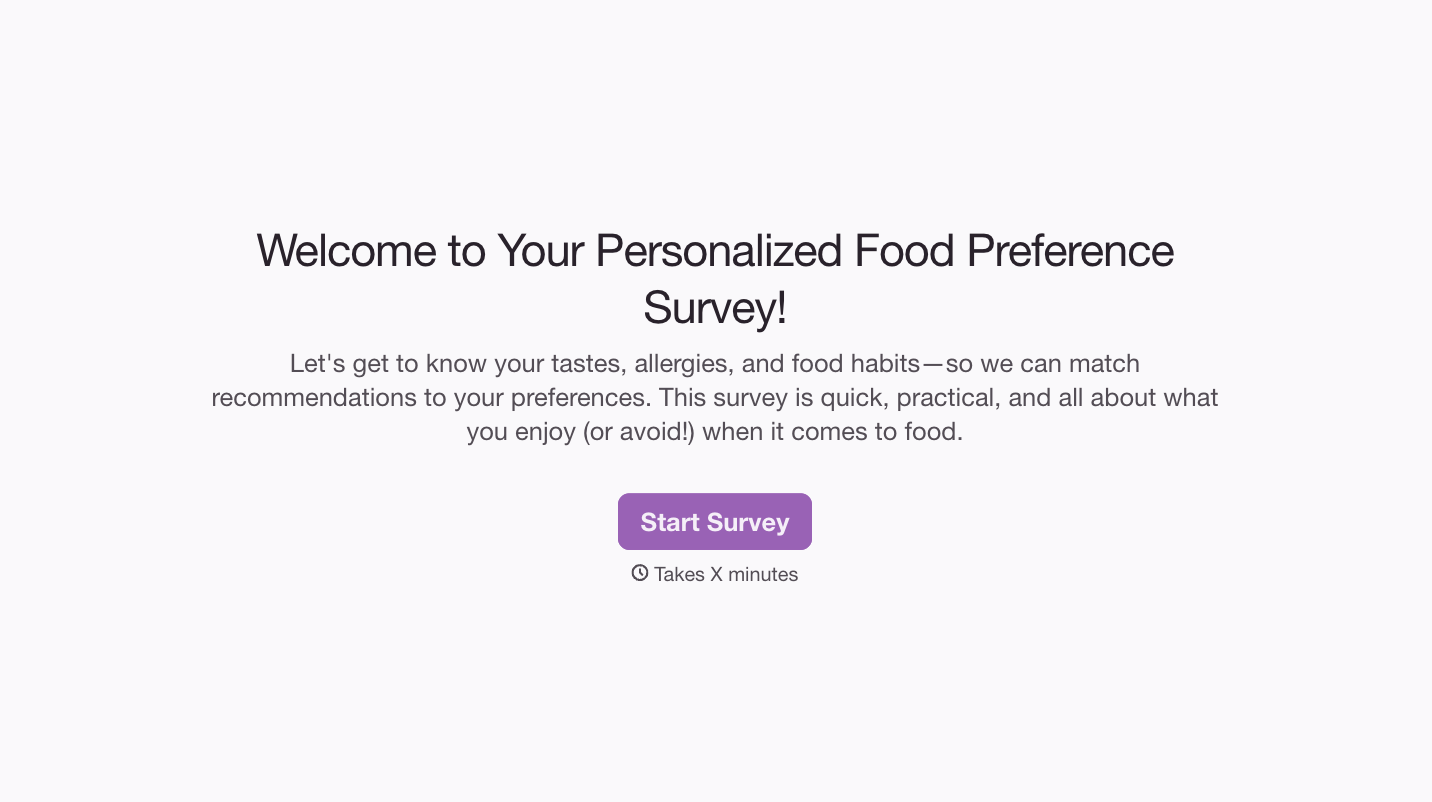

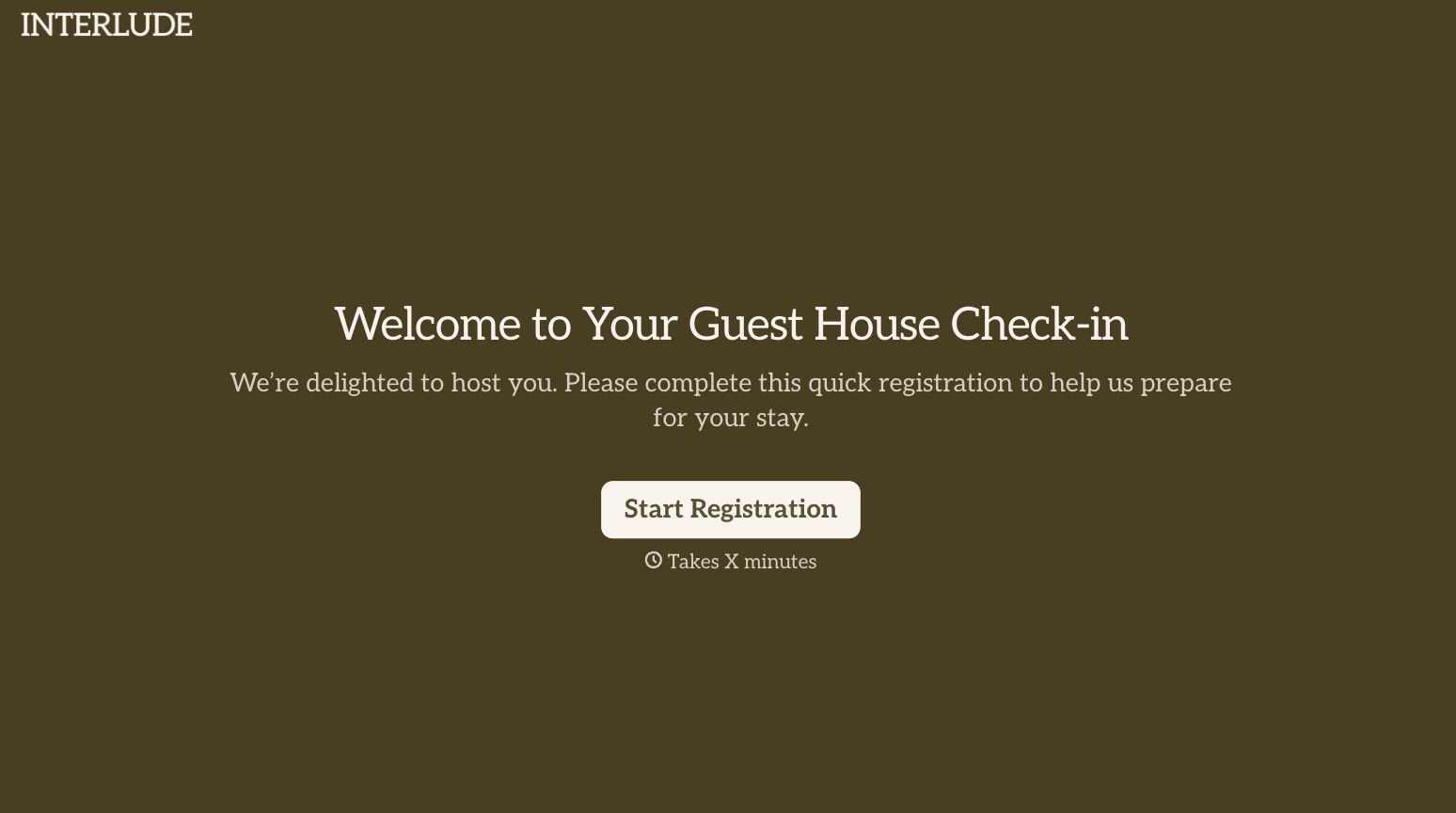
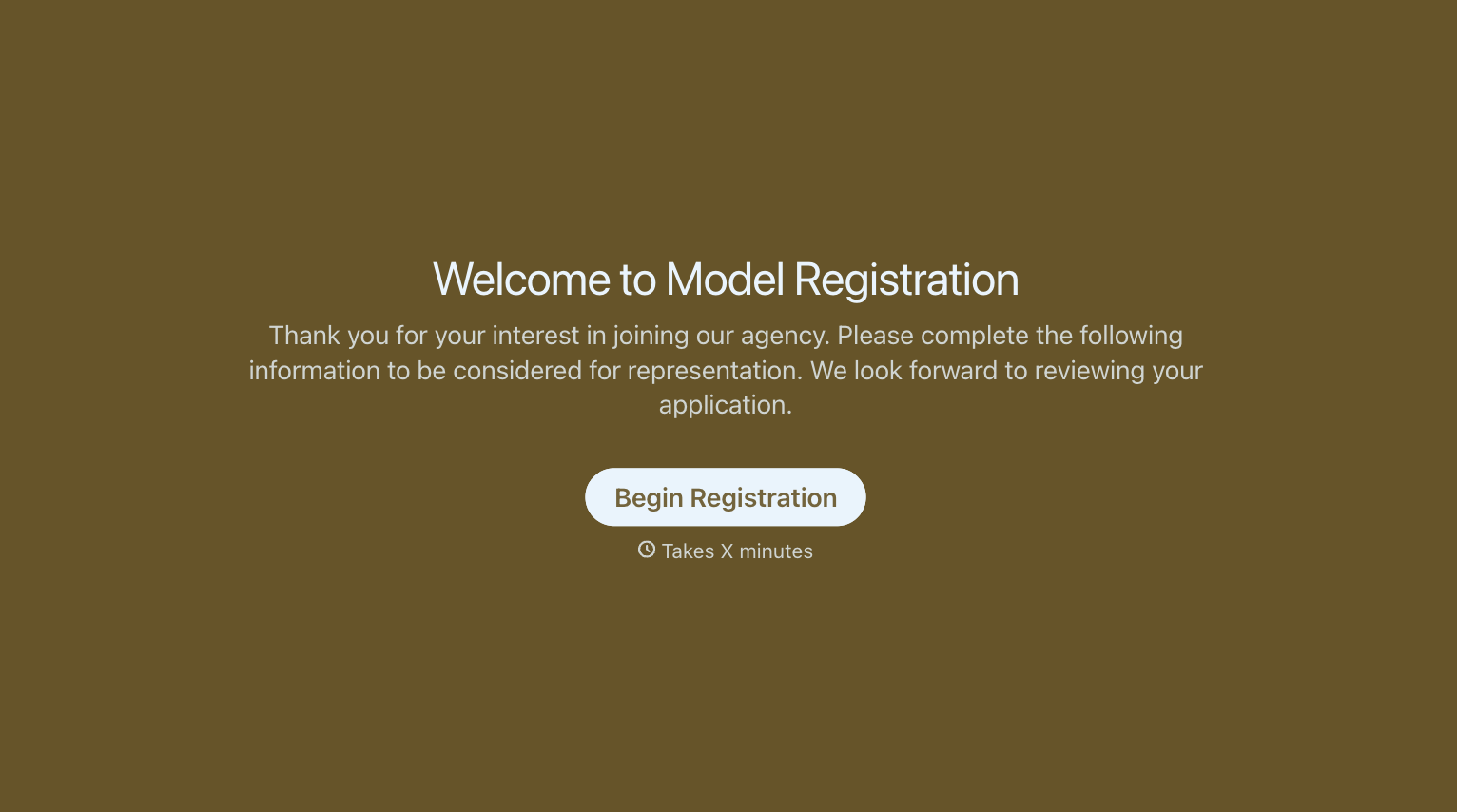
With Typeform, you can customize everything
Change text, colors, and even logos to match the look and feel of your brand. Then embed forms smoothly onto web and email.
Make forms feel effortless to fill out. Pace questions, call people by their name, and adapt the flow based on the data they share.
Stay efficient by connecting forms to your workflow. Typeform integrates with 300+ tools including Slack, Zapier, and HubSpot.


