Educational Benefit Form Template
Apply for tuition reimbursement or educational assistance in a single, organized submission.



Educational benefit programs are one of the more underutilized workplace benefits — often because the process to apply is unclear or feels like more effort than it's worth. A straightforward application form removes that friction and makes it easy for employees to access a benefit they've already earned.
This template captures the employee's name, department, and manager, the course or program they want to fund, the institution name, enrollment dates, total cost, how the course relates to their current role or career path, and whether pre-approval or reimbursement is being requested. It also captures the employee's acknowledgement of any applicable conditions — minimum grade requirements, repayment clauses if they leave within a certain period, and so on.
Submissions route automatically to the employee's manager and HR for review. Approved applications link to your payroll or expense system so reimbursements process without additional manual steps.
Programs vary, but most cover job-related courses, degree programs, professional certifications, and license renewals. Some extend to broader personal development. The application form should make clear what's eligible — and what's not — so employees don't invest time in an application for something that won't be approved.
That depends on your policy. Pre-approval programs commit the funds before the course begins and reimburse on completion. Some employers pay the institution directly. Others reimburse only after proof of completion and grade (where applicable). The form should reflect your specific process — and include a field for proof of completion if required.
Many programs include a repayment clause requiring employees to return some or all of the benefit if they leave within 12–24 months of receiving it. The form should include an acknowledgement field where the employee confirms they've read and understood the repayment policy. This makes the terms explicit and reduces disputes.
Eligibility varies by organization. If your program excludes part-time employees or has minimum tenure requirements, note that in the form introduction so ineligible employees know before they apply. If eligibility is tiered — full reimbursement for full-time, partial for part-time — capture the employment status field to route approvals correctly.
The form response data gives you a record of all applications, approvals, denials, and amounts requested. Connect it to a spreadsheet or HR system so you can track annual utilization against budget, identify which departments are accessing the benefit most, and report on program ROI to leadership.
Get inspired by relevant templates and categories
3200+ Templates, 300+ Integrations
With Typeform, you can customize everything
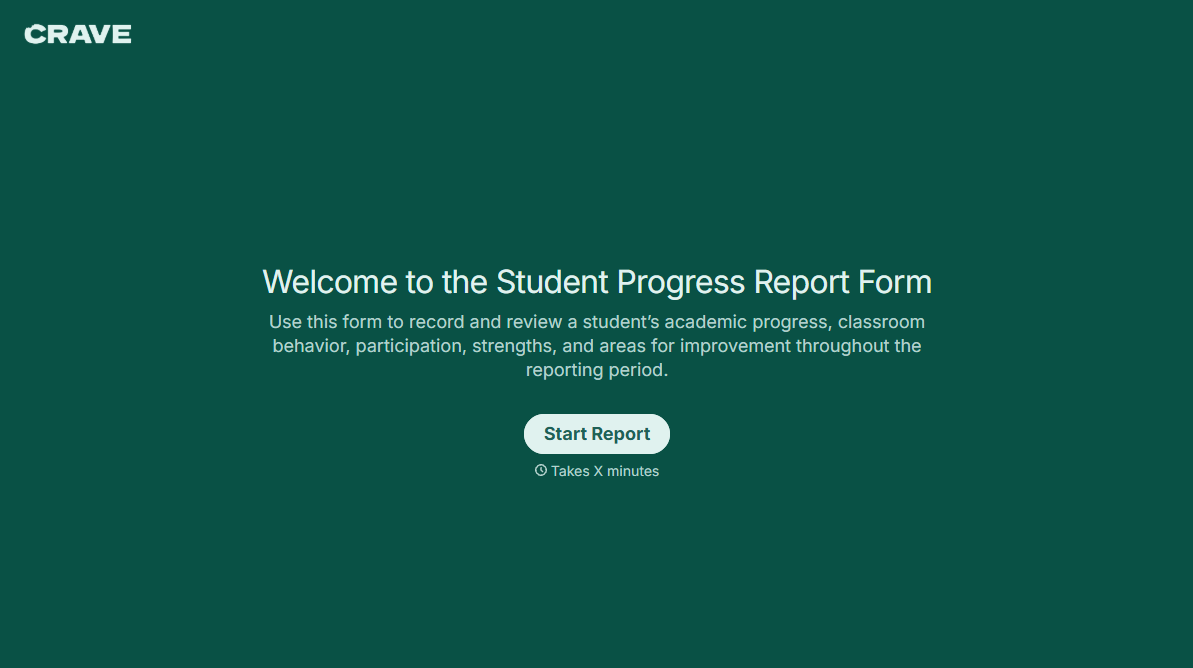
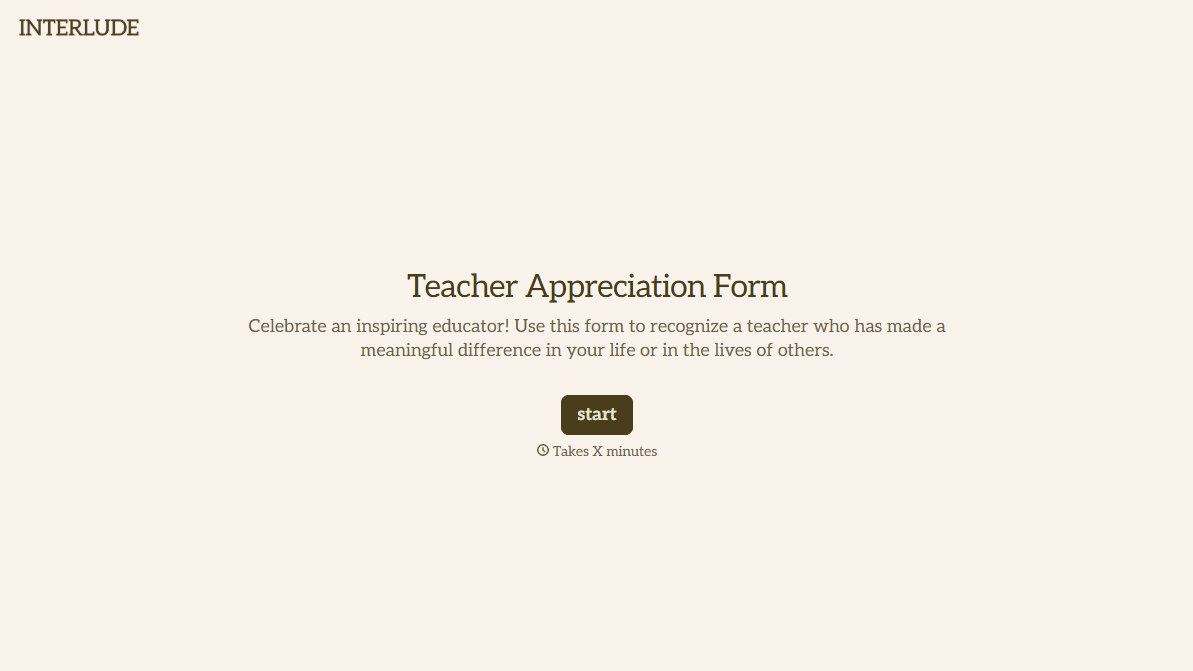
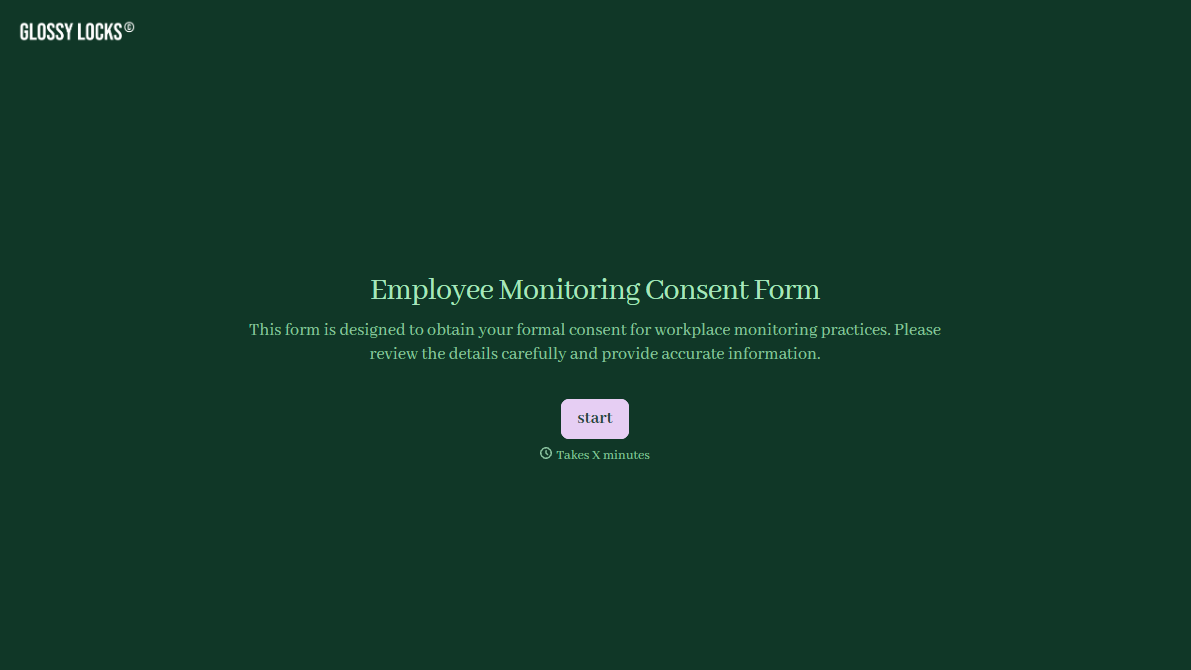
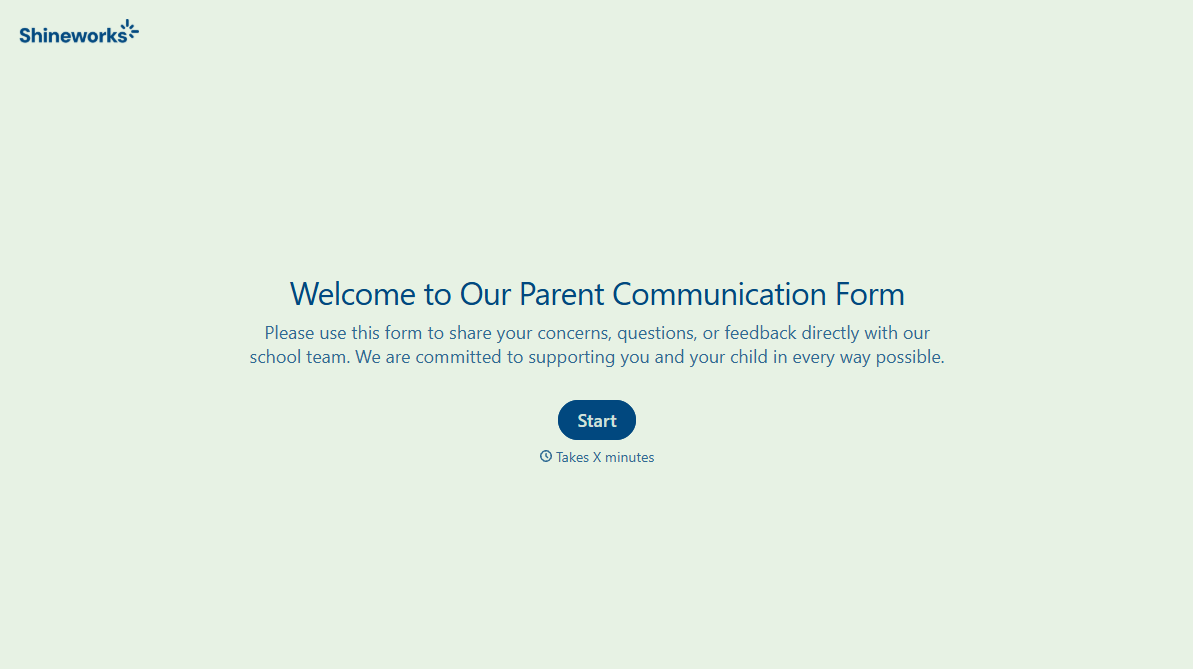
Change text, colors, and even logos to match the look and feel of your brand. Then embed forms smoothly onto web and email.
Make forms feel effortless to fill out. Pace questions, call people by their name, and adapt the flow based on the data they share.
Stay efficient by connecting forms to your workflow. Typeform integrates with 300+ tools including Slack, Zapier, and HubSpot.


