Kids Summer Camp Registration Form Template
Collect everything you need to register a camper and keep them safe. This template covers parent contact, medical history, and activity preferences in one organized form.



Summer camp registration is stressful for parents. They're often juggling multiple forms for multiple kids across multiple programs, trying to remember vaccination dates and emergency contacts while worrying about missing the enrollment deadline. A complicated, paper-based registration form adds to that stress rather than relieving it.
A clean digital registration form makes the process easier for everyone. Typeform's conversational format feels welcoming rather than administrative, and conditional logic can surface medical follow-up questions only for campers who have indicated a relevant health condition — keeping the form fast for families without complex needs. Everything arrives in one organized submission rather than trickling in through multiple emails.
Customize the form to your camp's requirements and program offerings, connect it to your registration database, and reduce the administrative load on your staff from day 1.
A kids summer camp registration form collects the information a camp needs to enroll a child — including personal and emergency contact details, medical history, program preferences, and any required permissions. It also typically includes acknowledgment of camp policies and, for contact sports or water activities, liability waivers.
A standardized form ensures you collect complete, consistent information from every family. It creates a reliable record for medical staff, activity directors, and administrative teams. It also reduces the volume of follow-up calls your team has to make chasing down missing details before the session starts.
- Camper's name, age, date of birth, and gender
- Parent or guardian name, email, phone, and address
- Preferred camp session or week selection
- Medical conditions, allergies, and current medications
- Dietary restrictions or food allergies
- Swim ability level and activity restrictions
Add a conditional section for campers who indicate they take medication. Collect the medication name, dosage, frequency, and whether it needs to be administered by staff. Include a signed permission for camp medical staff to administer the medication as directed. For controlled substances, you may need a separate paper-based release — note this in the form instructions.
Typeform doesn't natively support edits to submitted responses, but you can create an "update" form linked from your confirmation email that parents can use if information changes before camp begins. For health information in particular, encourage parents to contact the camp office directly if anything changes after registration, so staff are aware in real time.
Get inspired by relevant templates and categories
3200+ Templates, 300+ Integrations

Distributor Registration Form
A distributor application that arrives as a scanned resale certificate attached to an email doesn't tell your sales team what territory they're actually asking for. Collect what your company actually needs, business information, tax documentation, and territory, before you set up an account.
View template
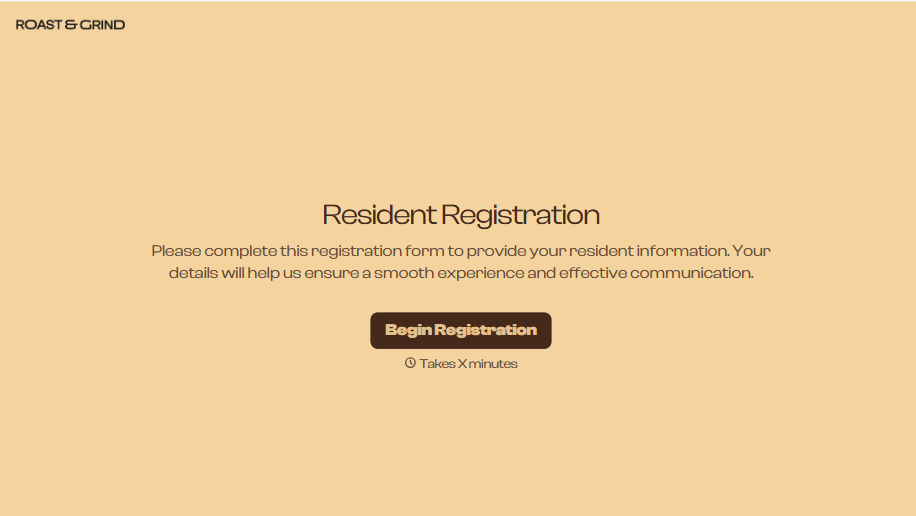
Resident Registration Form
A move-in packet signed at the leasing office and filed in a drawer isn't the kind of record your front desk can pull up when a resident's guest needs access or a car needs to be identified in the lot. Collect household members, vehicles, and emergency contacts before move-in day, so your community has an accurate record from the start.
View template
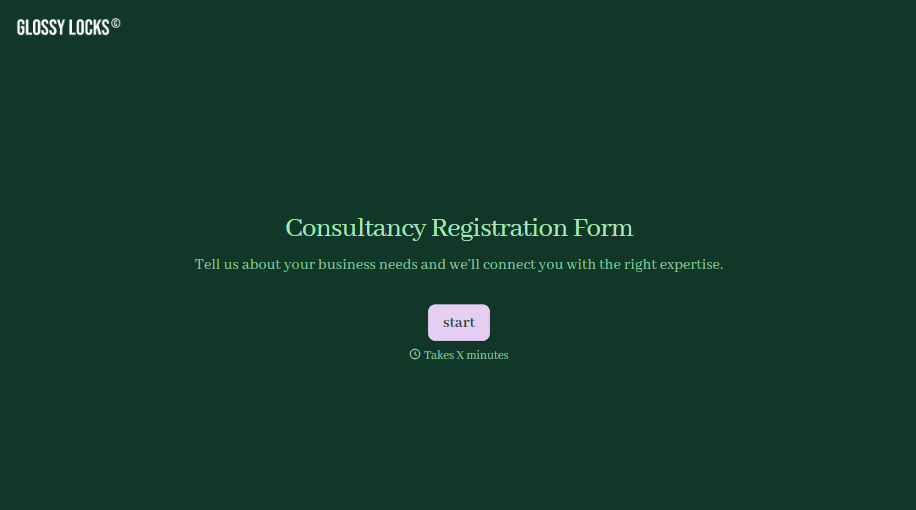
Consultancy Registration Form
Move past a registration form that only grabs a name and a phone number. Confirm the client understands who they're signing up with, screen for what a consultancy is legally allowed to charge and promise, and keep a record of exactly what was disclosed and agreed to.
View template

With Typeform, you can customize everything
Change text, colors, and even logos to match the look and feel of your brand. Then embed forms smoothly onto web and email.
Make forms feel effortless to fill out. Pace questions, call people by their name, and adapt the flow based on the data they share.
Stay efficient by connecting forms to your workflow. Typeform integrates with 300+ tools including Slack, Zapier, and HubSpot.


