Lab Safety Form Template
Make sure everyone who enters your lab knows the rules, and prove they've acknowledged them.



Lab safety training isn't optional, and neither is documenting it. Whether you're managing a university research lab, a manufacturing facility, or a clinical testing environment, you need a verifiable record that every person who steps into that space understands the hazards, protocols, and emergency procedures. A verbal briefing and a handshake doesn't hold up during an audit.
This lab safety form template walks participants through key safety protocols, hazard identification, PPE requirements, and emergency procedures, then confirms their understanding with acknowledgment checkboxes and a signature field. The one-question-at-a-time format ensures people actually read each section instead of scrolling past everything to sign at the bottom.
Customize it for your specific lab environment, share it during onboarding or annual recertification, and store signed acknowledgments automatically through integrations with Google Sheets, Airtable, or your compliance tracking system.
A lab safety form documents that an individual has received, reviewed, and acknowledged key safety information for a specific laboratory environment. It typically covers hazard awareness, protective equipment requirements, emergency procedures, and waste disposal protocols. It serves as both a training tool and a compliance record.
Regulatory bodies (OSHA, institutional review boards, accreditation agencies) require documented proof that lab personnel have been trained on safety protocols. In the event of an incident, that documentation protects both the individual and the organization. It also reinforces a culture of safety by making protocols explicit and expectations clear.
- General lab rules and code of conduct
- Hazard identification for chemicals, biologicals, or equipment
- Required personal protective equipment (PPE)
- Emergency procedures (fire, spill, exposure, evacuation)
- Waste disposal and decontamination protocols
- Acknowledgment signature and date
Most institutions require annual recertification, but updates should also happen whenever there's a significant change: new equipment, new chemicals, updated regulations, or after a safety incident. Keep your form current and send it out on a regular cycle through automated reminders set up via your email integration.
Yes. Connect responses to a Google Sheet or Airtable base and compare completions against your lab personnel roster. You'll quickly see who's up to date and who still needs to submit. Some teams set up automated reminder emails through Zapier for anyone who hasn't completed the form by a certain date.
Get inspired by relevant templates and categories
3200+ Templates, 300+ Integrations
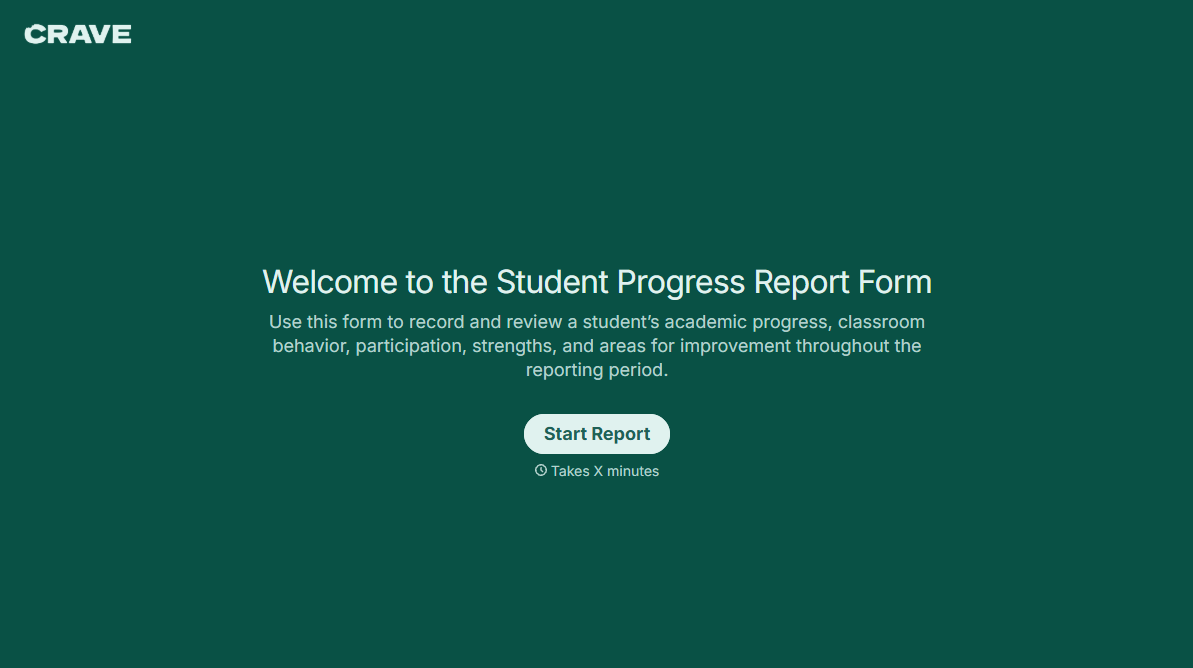
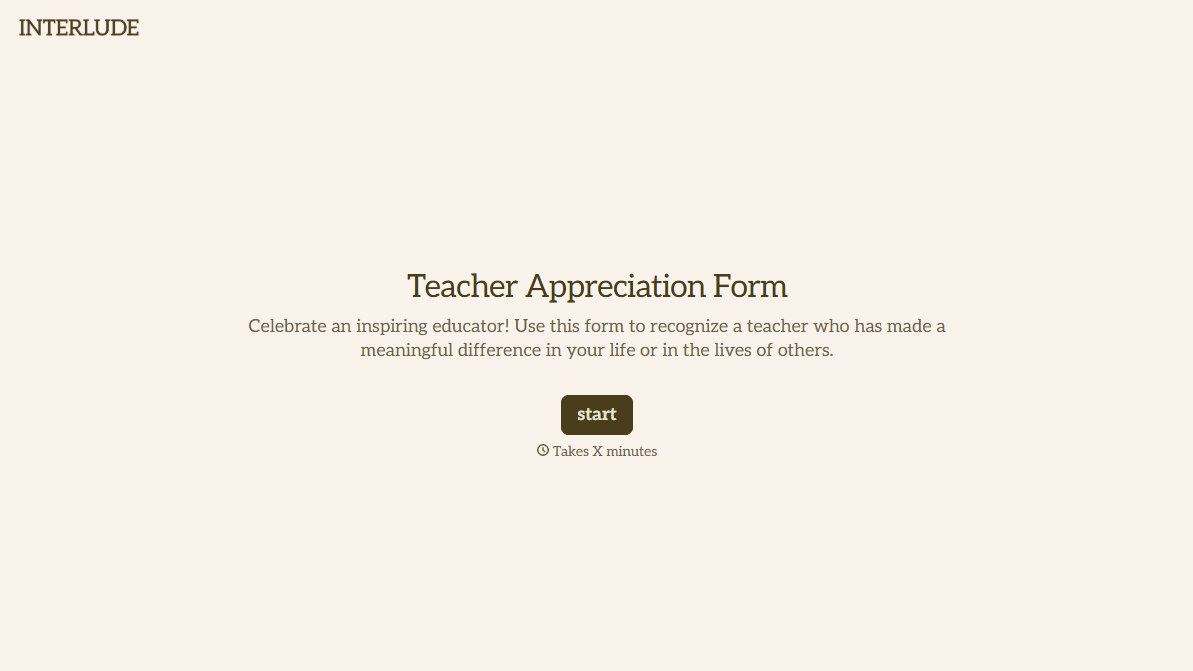
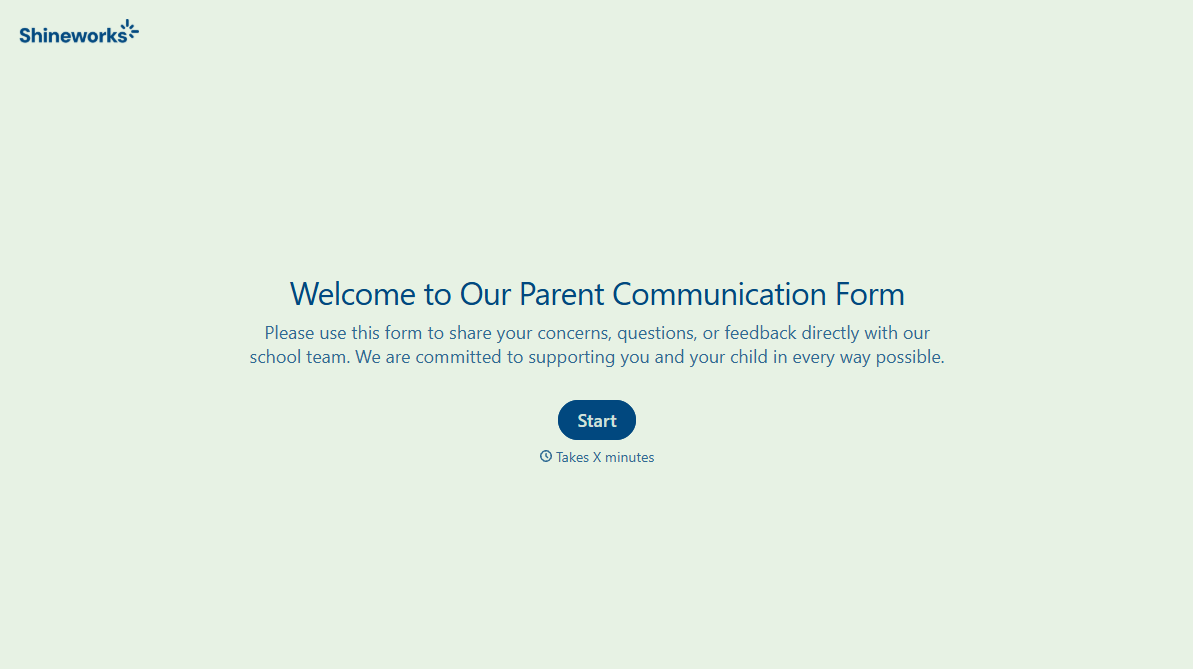
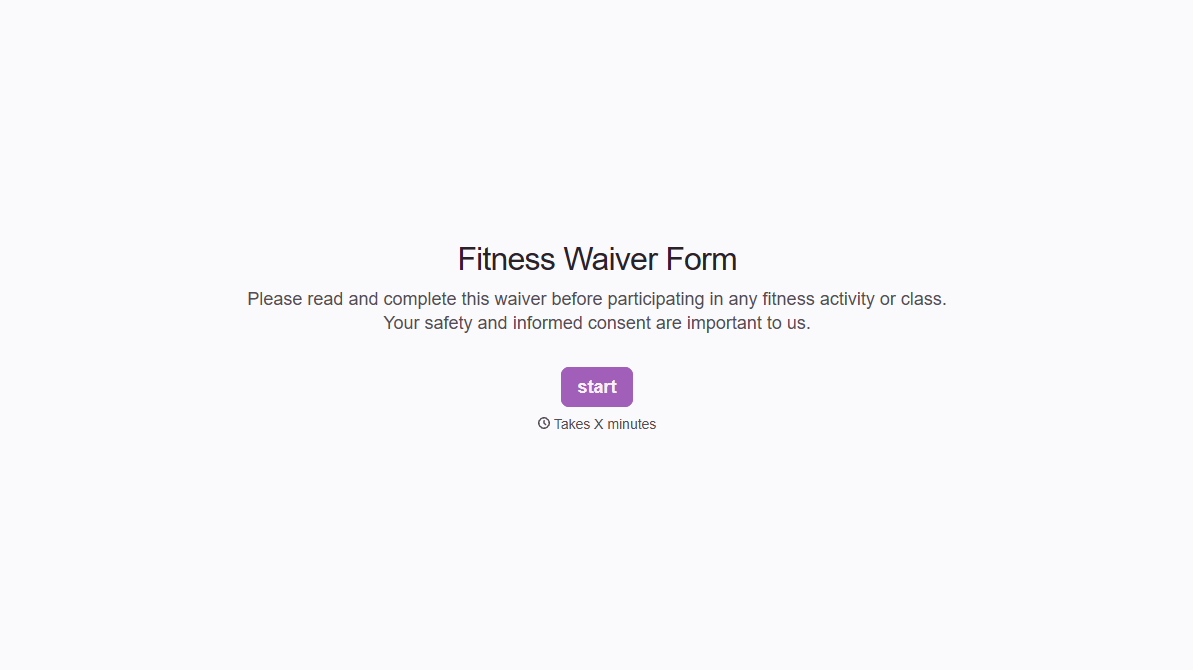
With Typeform, you can customize everything
Change text, colors, and even logos to match the look and feel of your brand. Then embed forms smoothly onto web and email.
Make forms feel effortless to fill out. Pace questions, call people by their name, and adapt the flow based on the data they share.
Stay efficient by connecting forms to your workflow. Typeform integrates with 300+ tools including Slack, Zapier, and HubSpot.


