Mental Health Survey Form Template
Understand the mental wellbeing of your community, team, or patient population — with thoughtful, evidence-informed questions.



Mental health surveys help organisations and clinicians understand population-level wellbeing, identify those who may need support, and measure the impact of interventions over time. This form gives you a starting point built on validated approaches.
The template covers general wellbeing ratings, frequency of common symptoms (anxiety, low mood, sleep disruption, concentration difficulties), social connection, access to support, workplace or life stressors, and interest in accessing mental health resources. All questions are framed sensitively and with appropriate context.
Aggregated responses reveal trends — not individual vulnerabilities. Use the data to improve access to support, not to single out individuals.
The PHQ-9 for depression, GAD-7 for anxiety, and the WHO-5 wellbeing index are widely used and validated. Including these in your survey provides benchmarkable data and a basis for clinical follow-up.
Not on its own. Survey data is a population-level tool, not a clinical assessment. Include signposting to support resources in the form and follow up individually only through appropriate clinical channels.
If the survey includes safety screening questions, define a response protocol before launching. This might include an immediate automated message with crisis resources, or a follow-up contact from a trained professional.
Identify the most common concerns, the populations with highest reported difficulties, and the barriers to accessing existing support. Share findings with leadership and resource decisions should follow the data.
In most cases, yes. Anonymity dramatically increases honesty, especially for younger students or those who worry about consequences. If you need to connect feedback to individual students for follow-up, consider a confidential approach, where you can see who responded but students are assured their answers won't affect their grades. Be transparent about your approach either way.
Get inspired by relevant templates and categories
3200+ Templates, 300+ Integrations
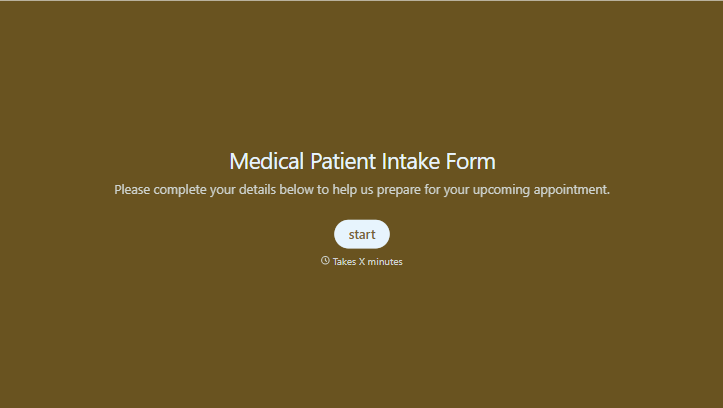
Medical Patient Intake Form
Move past a clipboard that captures a name and an insurance card. Screen for the medical history that actually changes how a patient is treated, document informed consent and privacy acknowledgment, and keep a timestamped signature on file for exactly what your patient agreed to.
View template
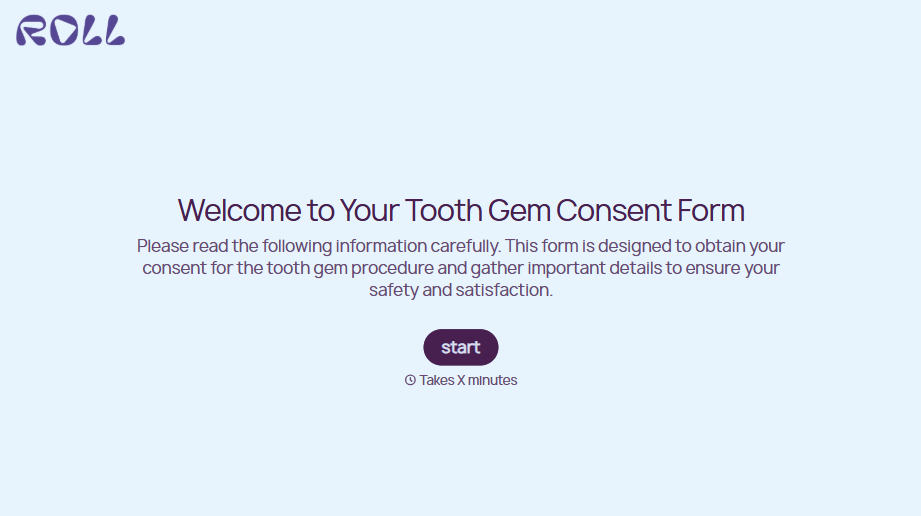
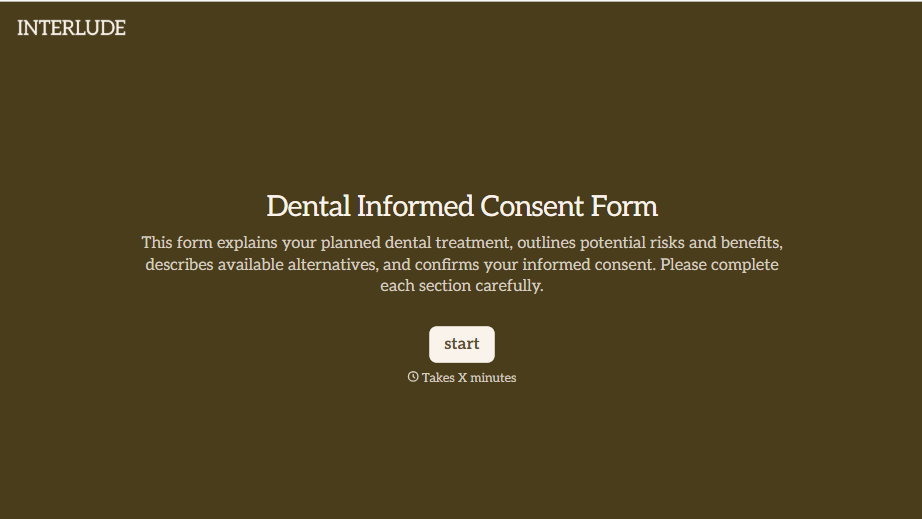
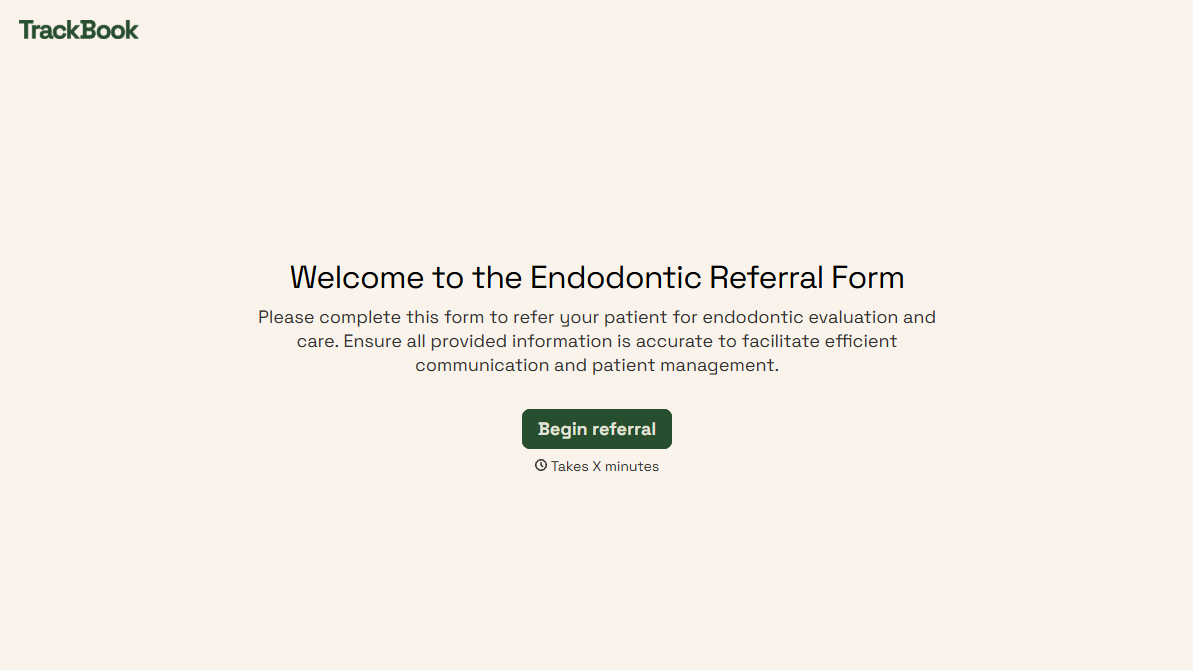
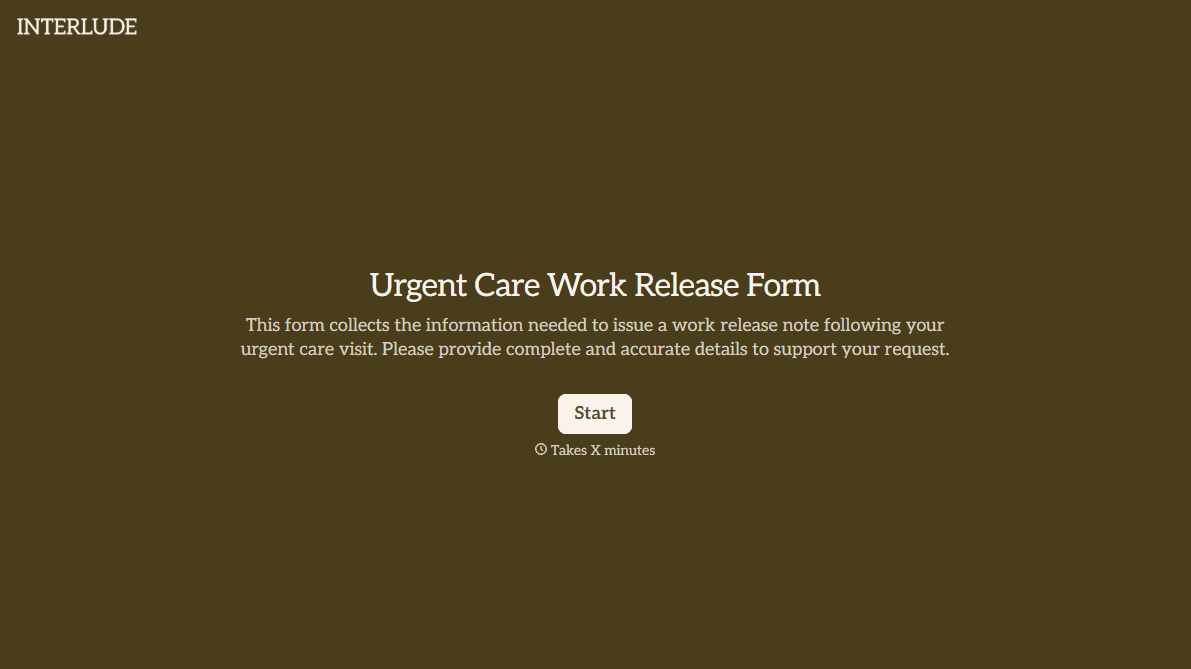
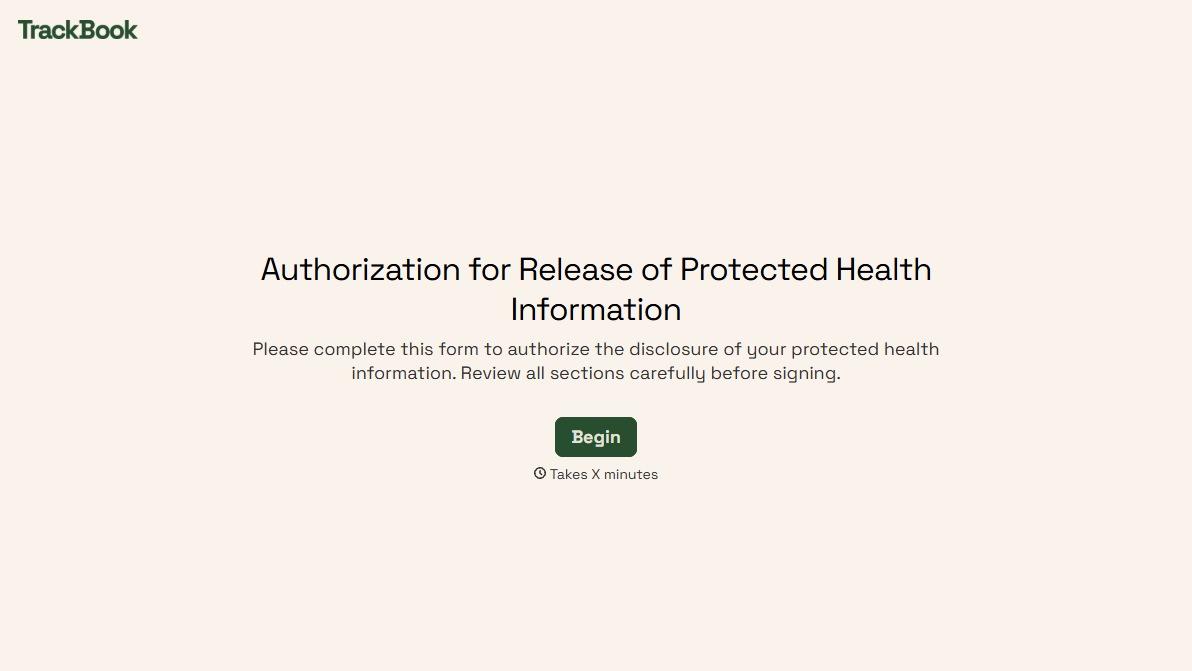
With Typeform, you can customize everything
Change text, colors, and even logos to match the look and feel of your brand. Then embed forms smoothly onto web and email.
Make forms feel effortless to fill out. Pace questions, call people by their name, and adapt the flow based on the data they share.
Stay efficient by connecting forms to your workflow. Typeform integrates with 300+ tools including Slack, Zapier, and HubSpot.


