School Admission Form Template
Give prospective families a first impression that matches the quality of your school, starting with the application itself.



Enrollment season is already intense for admissions teams. When applications arrive via email attachments, paper packets, and walk-ins, each in a different format with varying levels of completeness — the administrative burden multiplies. And for parents, a clunky application process sends the wrong signal about your institution.
This school admission form template creates a polished, guided application experience. Parents provide student details, academic history, and supporting documents in a step-by-step flow. Conditional logic tailors the form by grade level, so kindergarten applicants see different questions than high school transfer students. File uploads handle transcripts, immunization records, and recommendation letters.
Embed the form on your admissions page, share it at open houses, and integrate it with your student information system. Every application arrives complete, consistent, and ready for review.
A school admission form collects the personal, academic, and family information needed to evaluate a student's application for enrollment. It typically covers the student's background, previous schooling, health records, and parent/guardian details.
Paper applications create data entry work, filing overhead, and lost-document risks. An online form eliminates all 3. It also standardizes the information you collect, so every application is equally complete and reviewable. For parents, it signals a school that values efficiency and professionalism.
- Student's full name, date of birth, and gender
- Grade level applying for
- Current or most recent school name and address
- Parent/guardian names, contact information, and occupation
- Medical conditions, allergies, or special needs
- Upload fields for transcripts, immunization records, and any required supporting documents
Use a grade-level selection question at the start and let conditional logic do the rest. Different grade levels can trigger different academic history questions, required documents, or assessment scheduling fields, all within the same form. This keeps your admissions page simple while handling complexity behind the scenes.
Yes. Enable save-and-continue so parents can gather documents, fill in sections as information becomes available, and submit when everything is ready. They'll get a unique link to return to their in-progress application without re-entering any data.
Get inspired by relevant templates and categories
3200+ Templates, 300+ Integrations
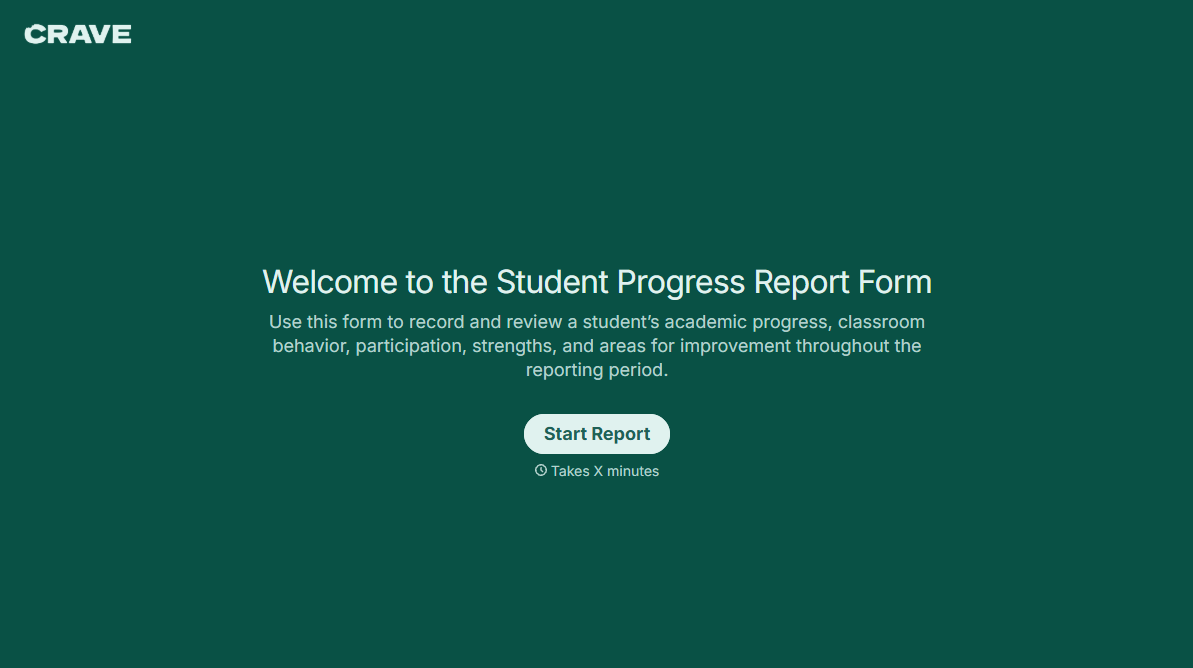
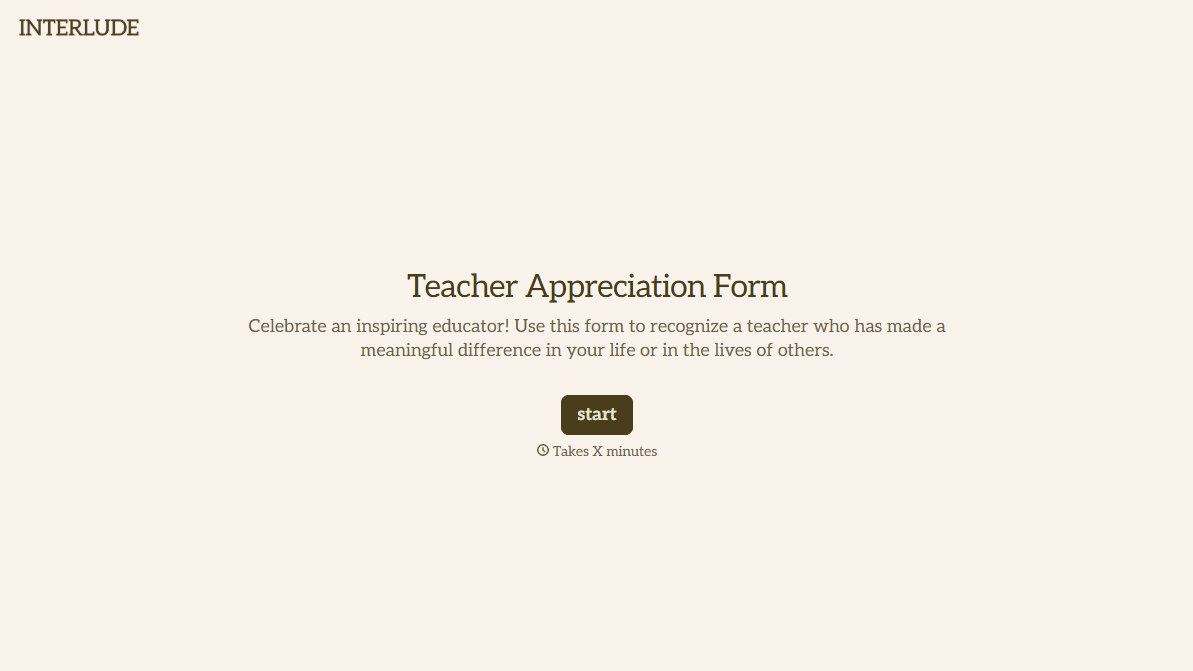
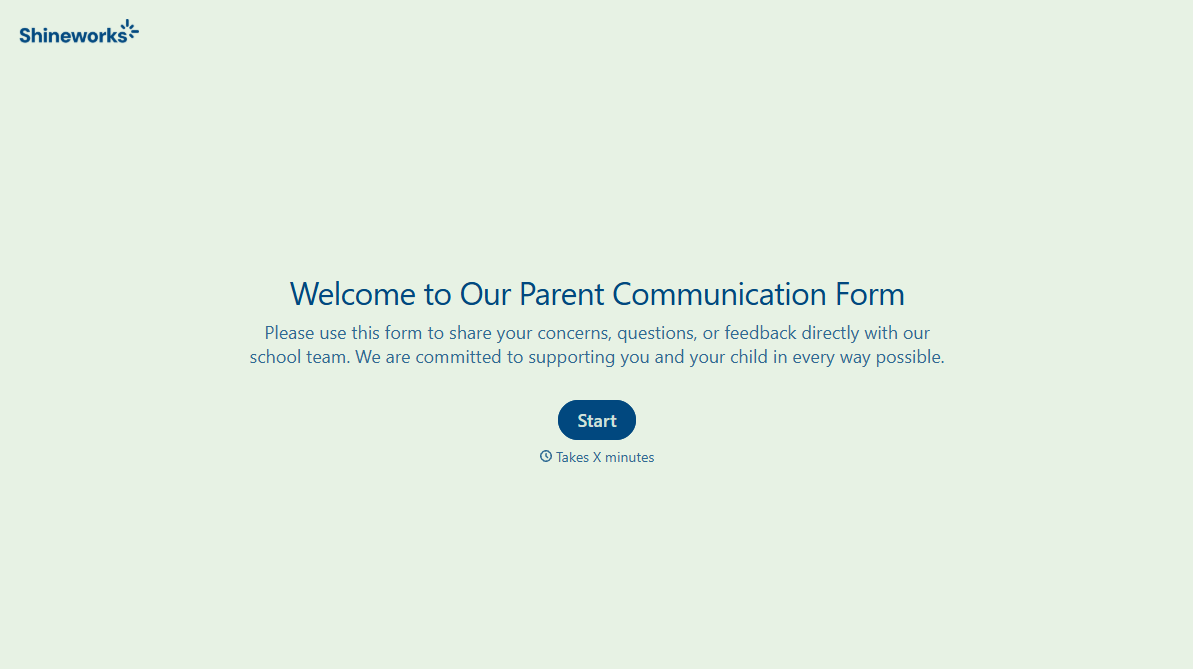
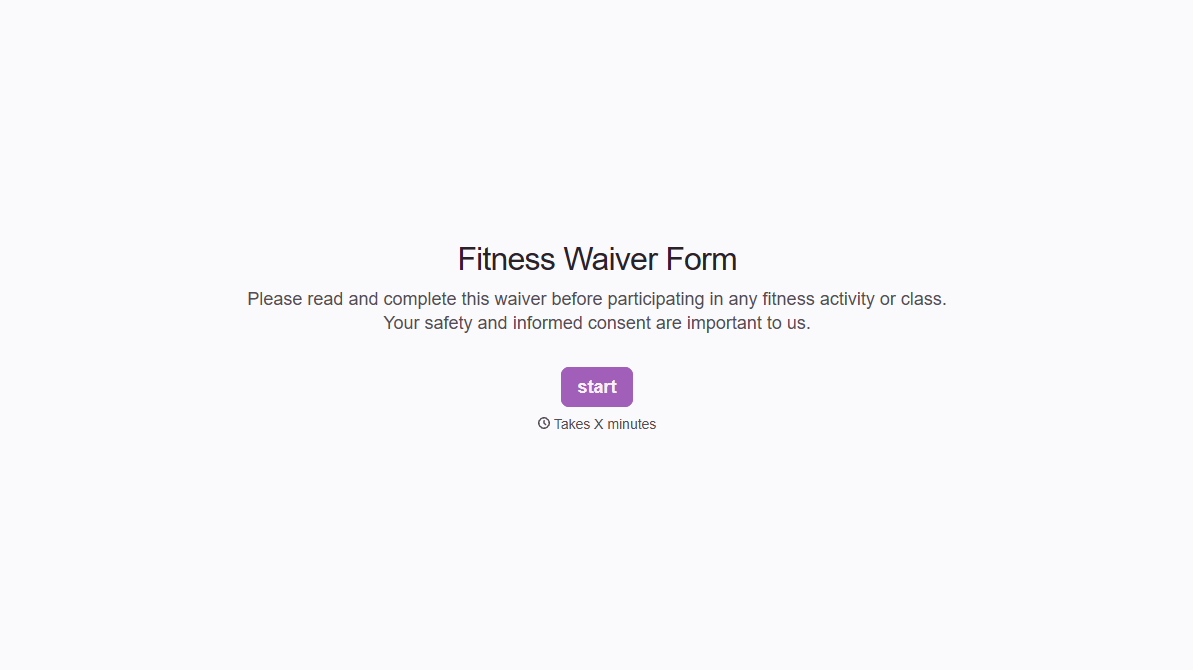

With Typeform, you can customize everything
Change text, colors, and even logos to match the look and feel of your brand. Then embed forms smoothly onto web and email.
Make forms feel effortless to fill out. Pace questions, call people by their name, and adapt the flow based on the data they share.
Stay efficient by connecting forms to your workflow. Typeform integrates with 300+ tools including Slack, Zapier, and HubSpot.


