Speaking Test Form Template
Structure oral language assessments with a form that captures evaluator observations, scoring criteria, and feedback in a consistent, reviewable format.



Assessing spoken language without a consistent framework leads to subjective, hard-to-compare results. A structured speaking test evaluation form gives assessors clear criteria to score against — fluency, pronunciation, vocabulary range, grammatical accuracy, coherence — and a place to record qualitative notes that support each score.
This template covers candidate identification, test level or topic, scoring rubrics for each assessment criterion, overall proficiency rating, and open feedback fields for strengths and areas for improvement. Rating scales keep scoring objective across multiple assessors. A confirmation field requires evaluators to sign off on the assessment before submission.
Language schools, IELTS and TOEFL preparation centers, university language departments, corporate training programs, and immigration assessment bodies use structured speaking test forms to maintain consistency across assessors and cohorts. Connect submissions to your student management system or export to track score distributions over time.
Yes — each assessor submits their own form. Compare responses in the Results panel to calculate inter-rater reliability and averaged scores.
Include clear descriptors for each score level within the form. Hold calibration sessions where assessors score the same sample together before live assessments.
Export individual responses and share with candidates directly. Keep aggregate results internal for assessment quality monitoring.
Use a candidate ID field to link submissions across test periods. Export and compare scores over time in a spreadsheet.
Yes — duplicate the form and adjust the criteria, descriptors, and weighting for each proficiency level or exam type.
Get inspired by relevant templates and categories
3200+ Templates, 300+ Integrations
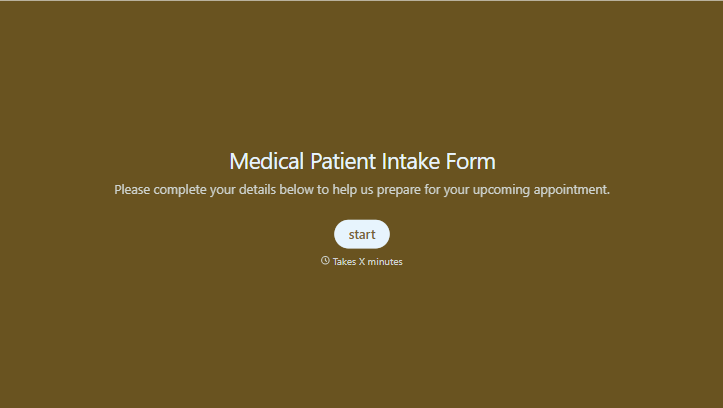
Medical Patient Intake Form
Move past a clipboard that captures a name and an insurance card. Screen for the medical history that actually changes how a patient is treated, document informed consent and privacy acknowledgment, and keep a timestamped signature on file for exactly what your patient agreed to.
View template
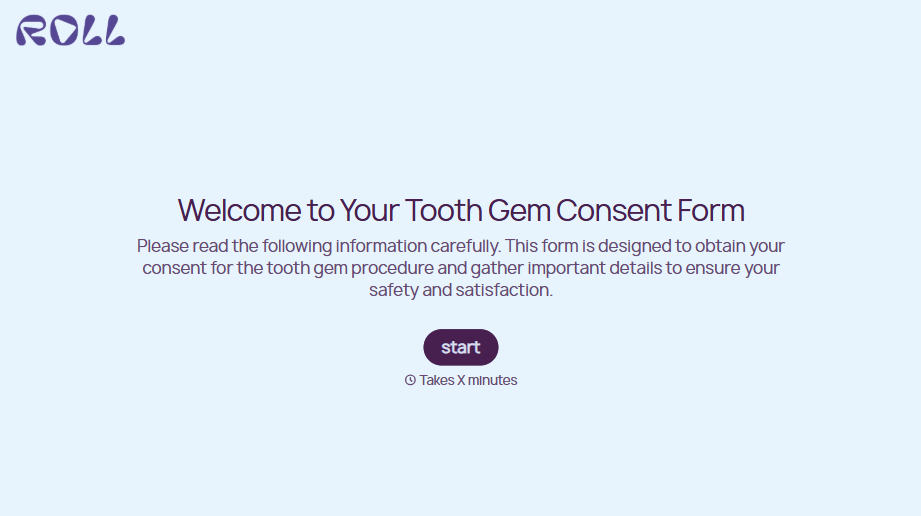
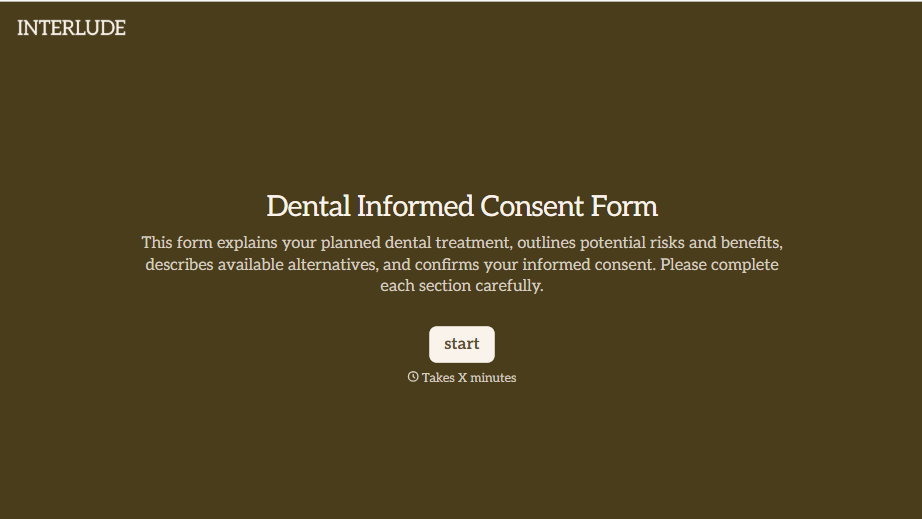
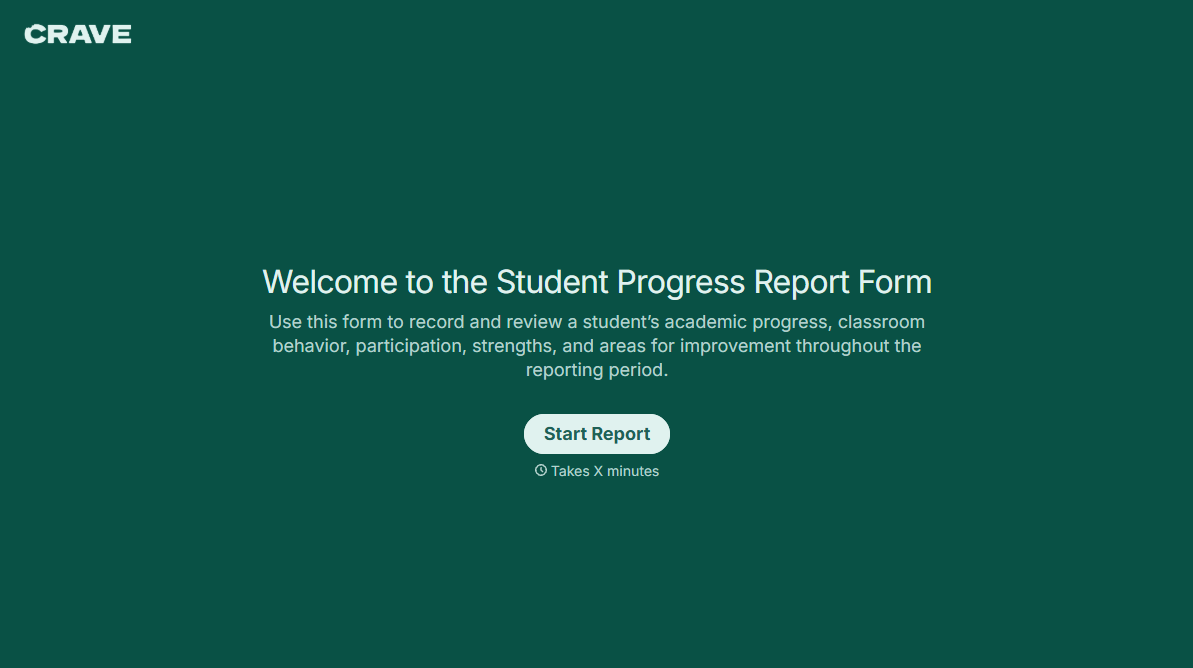
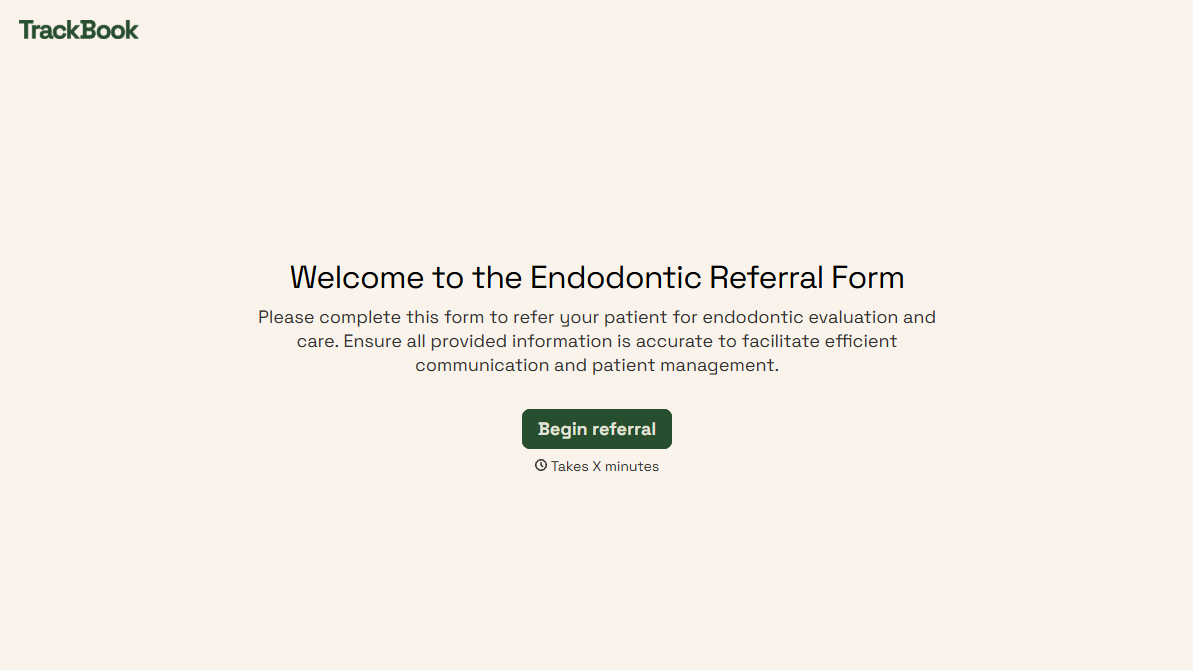
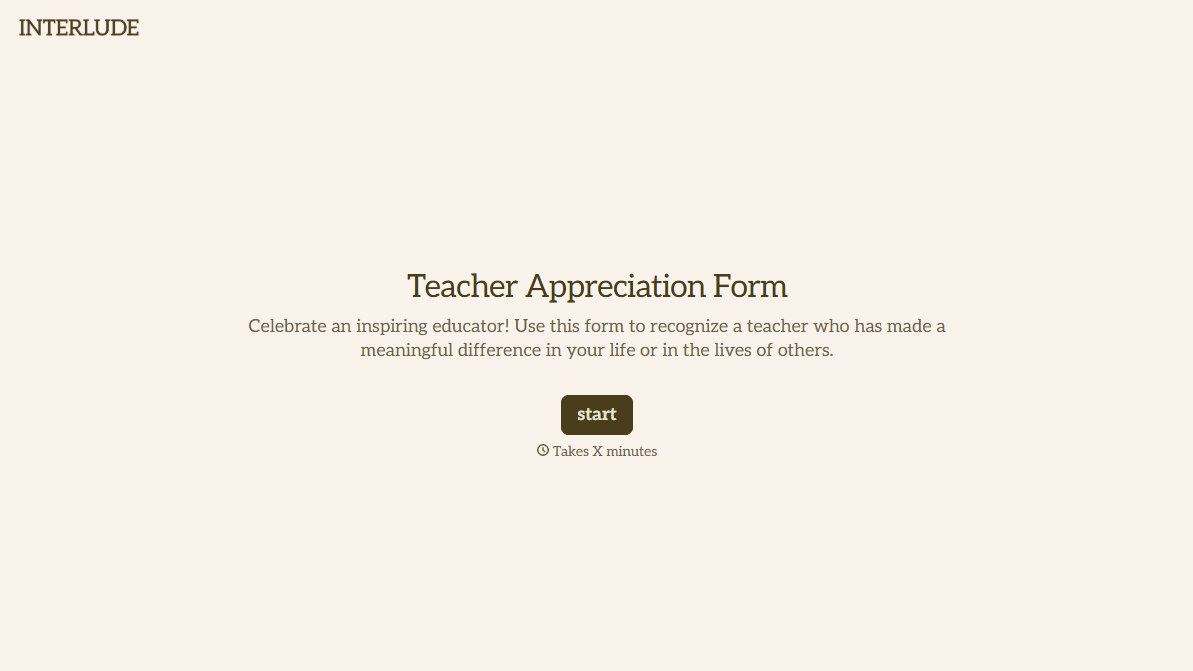
With Typeform, you can customize everything
Change text, colors, and even logos to match the look and feel of your brand. Then embed forms smoothly onto web and email.
Make forms feel effortless to fill out. Pace questions, call people by their name, and adapt the flow based on the data they share.
Stay efficient by connecting forms to your workflow. Typeform integrates with 300+ tools including Slack, Zapier, and HubSpot.


