Student Withdrawal Form Template
Process student withdrawals with a form that captures the reason, effective date, and required clearances — so records are updated accurately and the process is completed without delays.



A student withdrawal without proper documentation creates gaps in attendance records, financial aid tracking, and alumni data. A structured withdrawal form captures the effective date, withdrawal reason, any outstanding obligations (library books, equipment, fees), and the student's forwarding contact details — so every department can close out the record correctly.
This template covers the student's name, ID, program, and year, the intended last date of attendance, the reason for withdrawal, any outstanding obligations that need to be cleared, forwarding address and contact details, whether the student intends to re-enroll in a future term, and required department clearances. A digital signature confirms the student initiated the withdrawal voluntarily.
Schools, colleges, and universities use withdrawal forms to manage the administrative process consistently. Route submissions to relevant departments — registrar, financial aid, housing, library — for clearance sign-off. Connect to your student information system to update enrollment status automatically. Store completed withdrawal forms with the student's academic record.
Add a 're-enrollment intention' field. Students who indicate intent to return can be flagged for outreach when the next enrollment period opens.
Set up conditional email notifications based on any outstanding obligations selected. Each relevant department receives an automated notification to process their clearance.
Make the withdrawal reason field optional to encourage honest responses. Anonymous data on withdrawal reasons informs retention strategies.
Include a note in the form advising students to contact the financial aid office before withdrawing. Financial aid implications depend on timing and individual circumstances.
Connect Typeform to your student information system via integration. Approved withdrawals update the student's status without manual data entry.
Get inspired by relevant templates and categories
3200+ Templates, 300+ Integrations
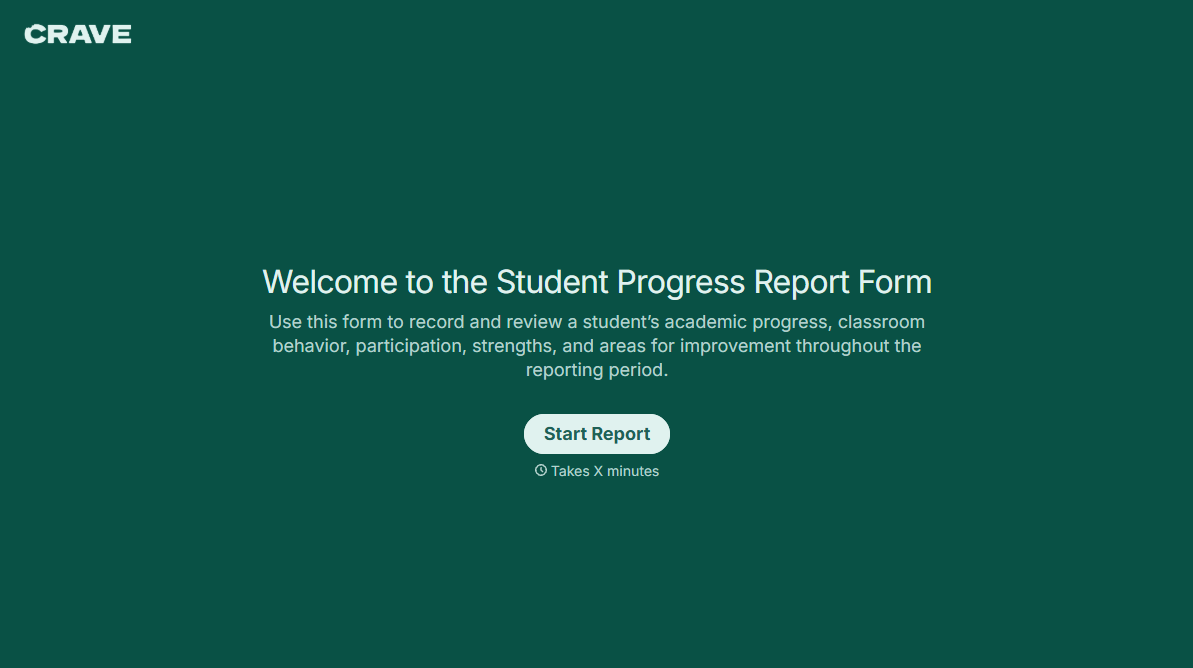
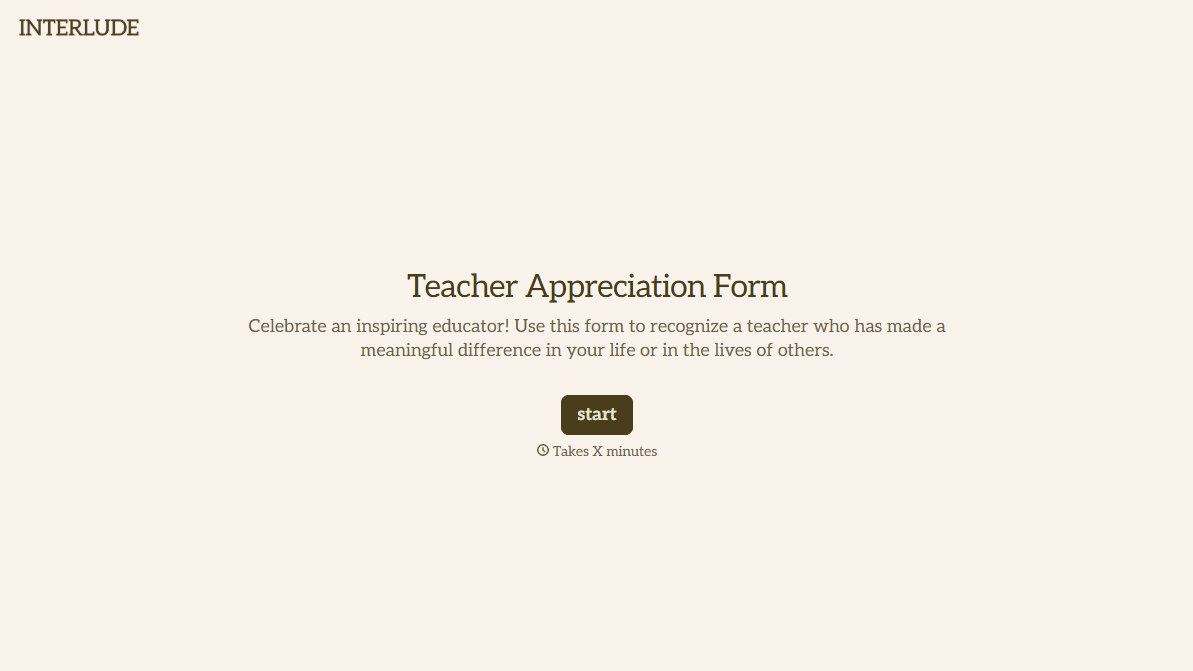
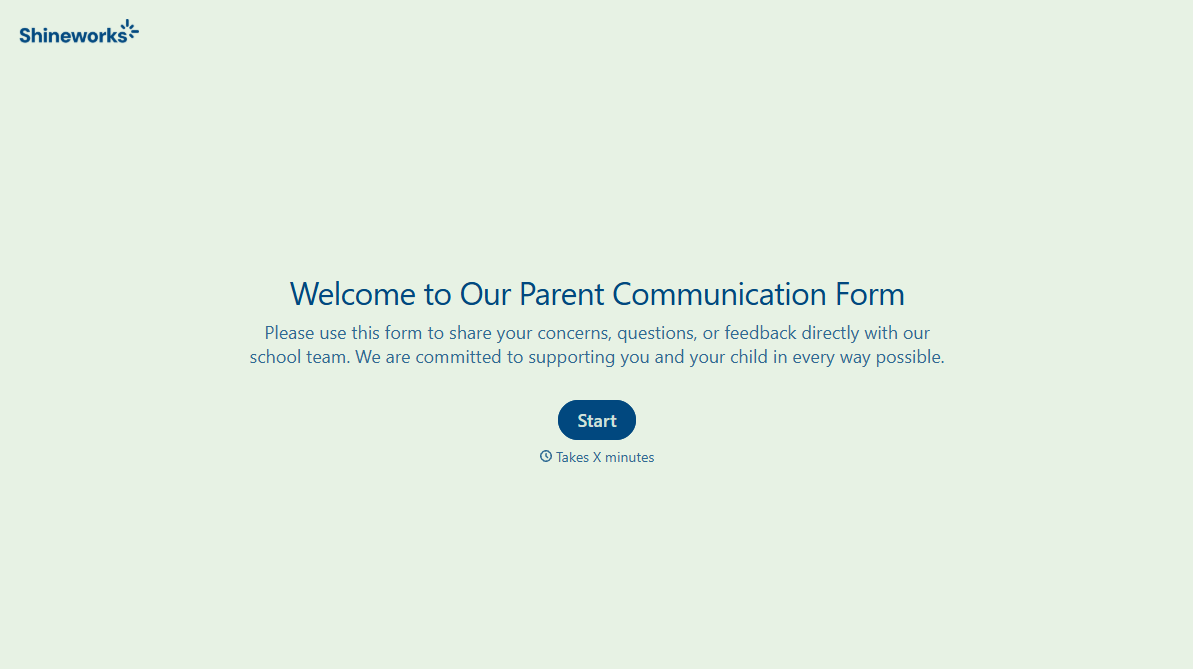
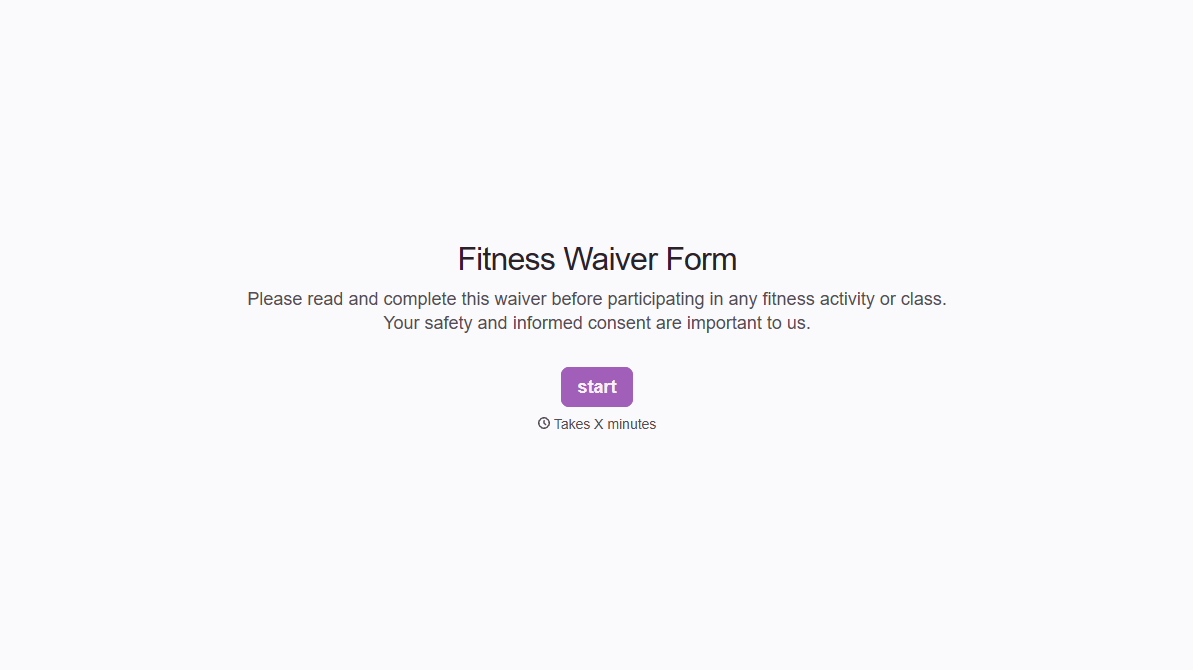
With Typeform, you can customize everything
Change text, colors, and even logos to match the look and feel of your brand. Then embed forms smoothly onto web and email.
Make forms feel effortless to fill out. Pace questions, call people by their name, and adapt the flow based on the data they share.
Stay efficient by connecting forms to your workflow. Typeform integrates with 300+ tools including Slack, Zapier, and HubSpot.


