Vendor Booth Registration Form Template
Give vendors a seamless way to claim their booth, and give yourself a headache-free event.



Managing vendor booth registrations through email threads is a recipe for confusion. Who requested what size booth? Did they need electrical access? Are they bringing their own table or renting one? When the details live in 40 different email chains, something's guaranteed to fall through the cracks.
This vendor booth registration form template puts every request into a single structured flow. Vendors select their booth size, add-ons, and setup requirements one step at a time, and conditional logic ensures they only see options that are relevant. If a booth size doesn't include electricity, the power outlet question never appears. You get clean, organized data for every vendor without playing email detective.
Drop in your event-specific booth options, pricing tiers, and venue map, then share the link with your vendor list. Integrations let you route submissions to your planning spreadsheet, payment system, or event management platform automatically.
A vendor booth registration form is a structured sign-up tool for businesses or individuals who want to reserve a booth or table at a market, trade show, fair, or festival. It collects vendor details, product categories, booth preferences, and any special setup requirements so event organizers can plan layouts, logistics, and billing in advance.
Email registrations create scattered, inconsistent data. One vendor sends a paragraph, another sends a bulleted list, and a third forgets to mention they need a 10x10 space with power. A structured form ensures every vendor provides the same information in the same format, which makes planning booth layouts, managing invoicing, and communicating logistics dramatically easier.
- Business name, contact person, phone number, and email
- Product or service category (food, crafts, retail, services, etc.)
- Preferred booth size and location
- Equipment needs (tables, chairs, electrical outlets, Wi-Fi)
- Proof of required licenses or insurance
- Agreement to vendor terms and conditions
Set up your form so booth size selection triggers the corresponding price display using conditional logic. Show a clear breakdown of what's included at each tier and what costs extra, so vendors can make informed decisions without emailing you 5 follow-up questions. If you're collecting payment at registration, integrate with a payment processor so the transaction happens right within the form flow.
Open registration at least 8 to 12 weeks before the event to give vendors time to plan inventory and logistics. Set a firm deadline 3 to 4 weeks out so you have time to finalize the floor plan, send setup instructions, and handle any last-minute changes. Use your form's end screen to communicate key dates and next steps so vendors know exactly what to expect.
Get inspired by relevant templates and categories
3200+ Templates, 300+ Integrations
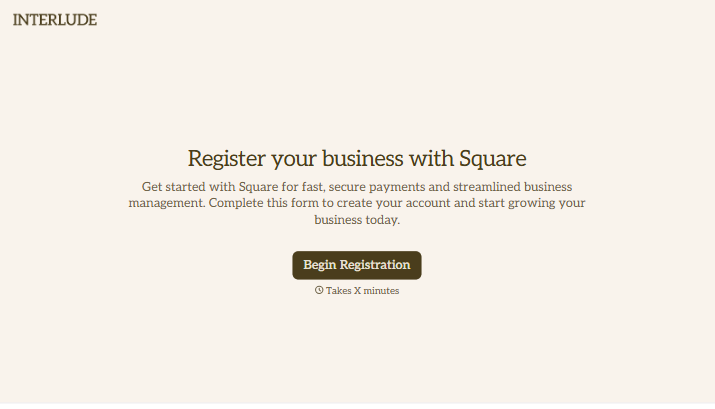
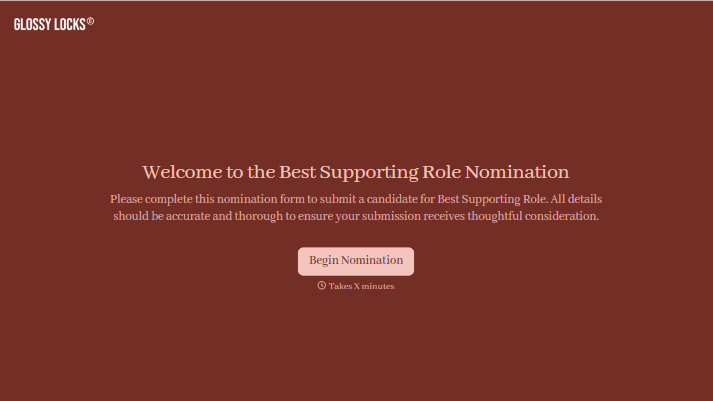
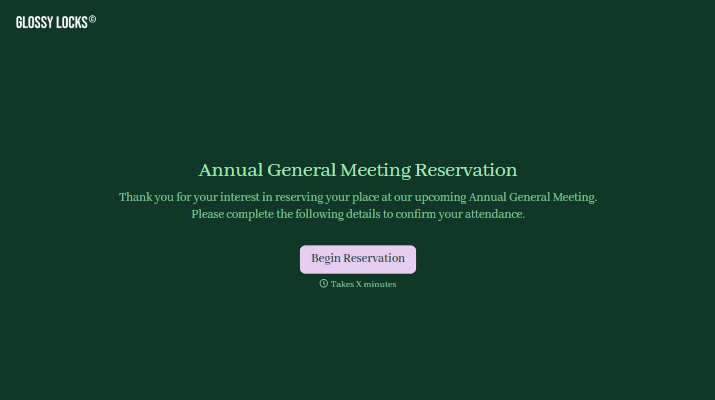
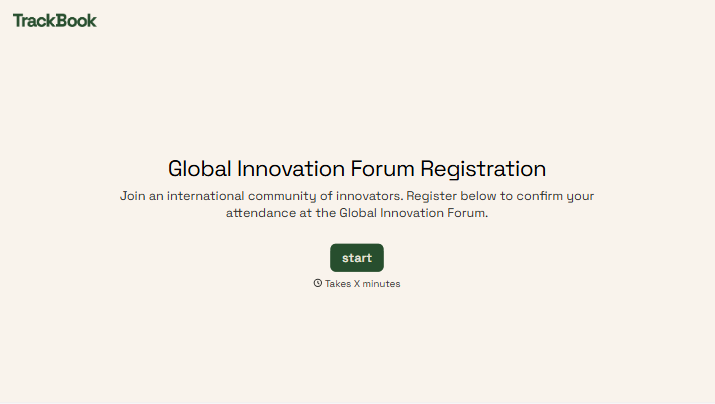
With Typeform, you can customize everything
Change text, colors, and even logos to match the look and feel of your brand. Then embed forms smoothly onto web and email.
Make forms feel effortless to fill out. Pace questions, call people by their name, and adapt the flow based on the data they share.
Stay efficient by connecting forms to your workflow. Typeform integrates with 300+ tools including Slack, Zapier, and HubSpot.


