Wedding Invitation Form Template
Collect RSVPs and guest preferences in one place, so your planning stays organized as responses come in.



Managing RSVPs for a wedding across email replies, text messages, and phone calls is a recipe for missed responses and planning headaches. Keeping track of dietary requirements, plus-ones, and song requests from 150 different guests in a spreadsheet you're updating manually adds stress you don't need in the lead-up to the day.
A Typeform wedding invitation form brings all RSVPs into one organized response stream. Guests confirm their attendance, add their plus-one's name, note dietary requirements, and leave a message, all in a single submission. Conditional logic means guests who decline don't see the meal preference questions, and guests bringing a plus-one are prompted to enter their companion's details.
You can customize the form to match your wedding aesthetic, embed it on your wedding website, or share it via a link in your invitation. Responses land in one dashboard for easy reference.
A wedding invitation RSVP form is a digital way for guests to confirm their attendance, share meal preferences, note dietary restrictions, and provide any other information the couple needs before the event. It replaces paper response cards and collects everything in one place.
It removes the manual work of chasing responses and organizing them across different channels. Every RSVP arrives in the same format, making it easy to count confirmed guests, plan seating, and brief your caterer without reconciling a dozen different spreadsheets.
Cover the details your venue and vendors need:
- Guest's full name and attendance confirmation (attending / not attending)
- Number of guests attending and plus-one name if applicable
- Meal preference for each attending guest (if applicable)
- Dietary restrictions or allergies
- A song request or message to the couple (optional)
- Accommodation interest or transportation needs if relevant
Send it with your invitations, typically 8 to 12 weeks before the wedding, with a response deadline 3 to 4 weeks out. This gives you time to follow up with non-responders and finalize your headcount and catering details with enough lead time.
Yes. You can include the form URL on a physical invitation card using a QR code or short link. Guests can then complete the RSVP on their phone without needing a special app or account.
Get inspired by relevant templates and categories
3200+ Templates, 300+ Integrations
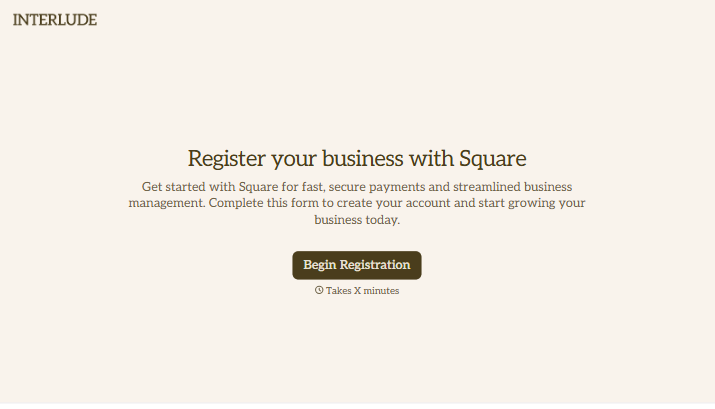
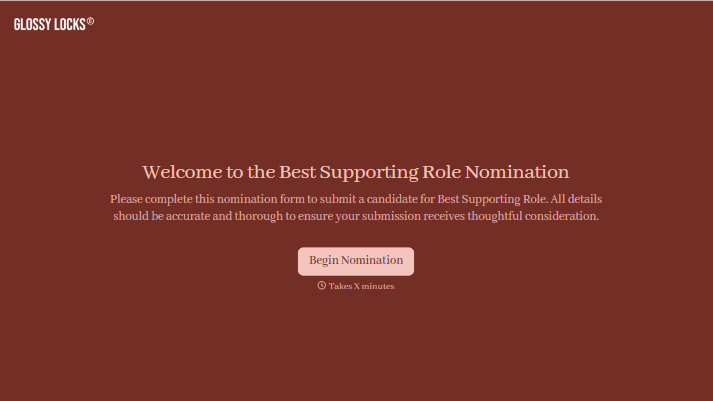
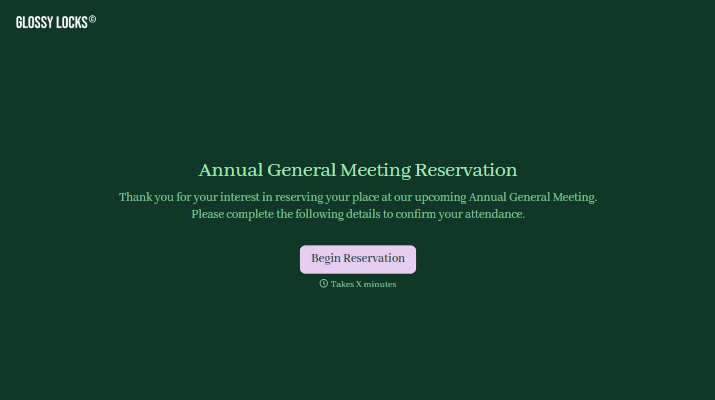
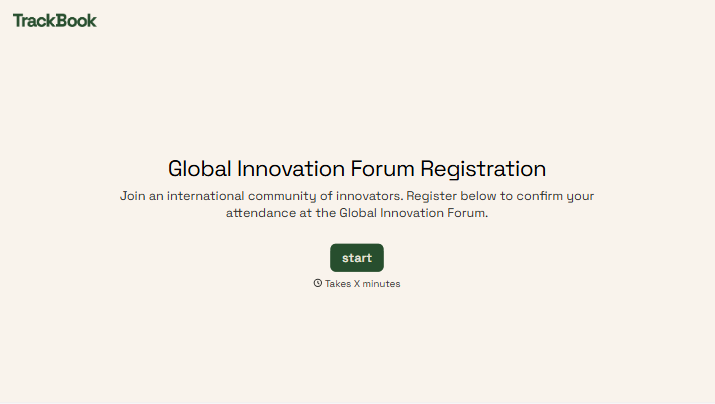
With Typeform, you can customize everything
Change text, colors, and even logos to match the look and feel of your brand. Then embed forms smoothly onto web and email.
Make forms feel effortless to fill out. Pace questions, call people by their name, and adapt the flow based on the data they share.
Stay efficient by connecting forms to your workflow. Typeform integrates with 300+ tools including Slack, Zapier, and HubSpot.


