Digital medical forms make life easier for patients and staff. Discover how to create effective and secure medical forms with Typeform.
Share
Latest posts on
Free online trivia maker: custom trivia quizzes in minutes
|
September 4, 2026
Read more
AI survey builder: create smart surveys in minutes
|
September 4, 2026
Read more
How to make a test online: tips and tricks
Typeform
|
September 4, 2026
Read more
How to build a landing page that converts
Typeform
|
September 4, 2026
Read more
Share
Nearly every medical appointment is associated with a medical form. Healthcare providers know, getting complete forms is never easy. Perhaps a patient didn’t arrive early enough to complete the necessary paperwork, or they don’t have the requested information on hand. It’s a headache for administrators, providers, and patients alike.
Fortunately, there’s a solution: online medical form builders. By providing patients with online medical forms, you can collect necessary medical and insurance information earlier. This reduces patient frustration and eliminates human error.
Read on to learn how Typeform can help you build medical forms that patients can complete anywhere.
What are medical forms?
Medical forms are used by healthcare providers like doctors, therapists, psychiatrists, and physical therapists. They collect vital patient information, like medical history, insurance details, and other information. The information gathered informs treatment, billing, and other aspects of healthcare administration. Medical forms enable healthcare providers to prescribe the best solutions and provide the best service possible.
Common types of medical forms
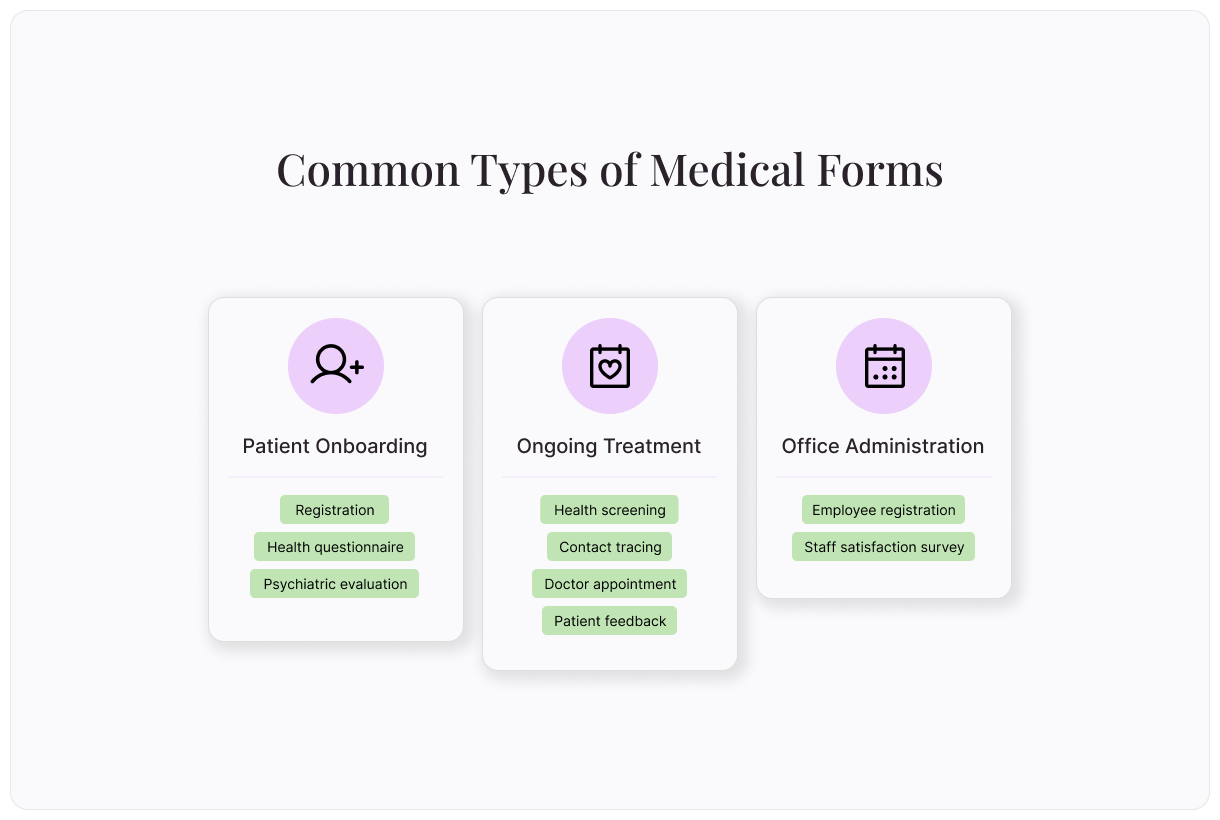
Whatever medical information you need to collect, Typeform has a pre-built template to get you started:
Patient onboarding forms
There’s a lot of necessary information associated with onboarding a new patient to your practice. From personal information to healthcare history and insurance information, these medical forms can make your life easier:
Patient registration form: Collect contact info, insurance details, and other necessary information in a single form.
Health questionnaire: Get a complete medical history and learn about patients’ health habits.
Psychiatric evaluation form: Assess a patient’s psychiatric status and history, including family psychiatric history and treatment history.
Ongoing treatment forms
Regular updates ensure your patients’ treatment is on track. They’re also a good opportunity to check for changes to health information. Use these free medical form templates for existing patients in your practice:
Health screening form: Determine whether your patients may have Covid-19 or other highly contagious diseases before they expose your office.
Contact tracing form: Protect public health and limit the spread of highly communicable diseases with a contact tracing form.
Doctor appointment form: No one likes to sit on hold. Make it easy to book a follow-up appointment with an online doctor appointment form.
Patient feedback form: Feedback surveys are an easy way to improve your services and allow patients to get the best care possible.
Medical office administration form
Forms aren’t only useful in dealing with patients. Use these forms to help your workplace administration tasks run more smoothly:
Employee registration form: Gather employee information like contact details and emergency phone numbers in one place.
Collecting accurate patient information is critical, but it shouldn’t be complicated or time-consuming. In fact, 95% of Typeform customers collect more data with less effort after switching to Typeform. By switching to Typeform medical forms, you can streamline intake, reduce errors, and create a better experience for everyone involved.
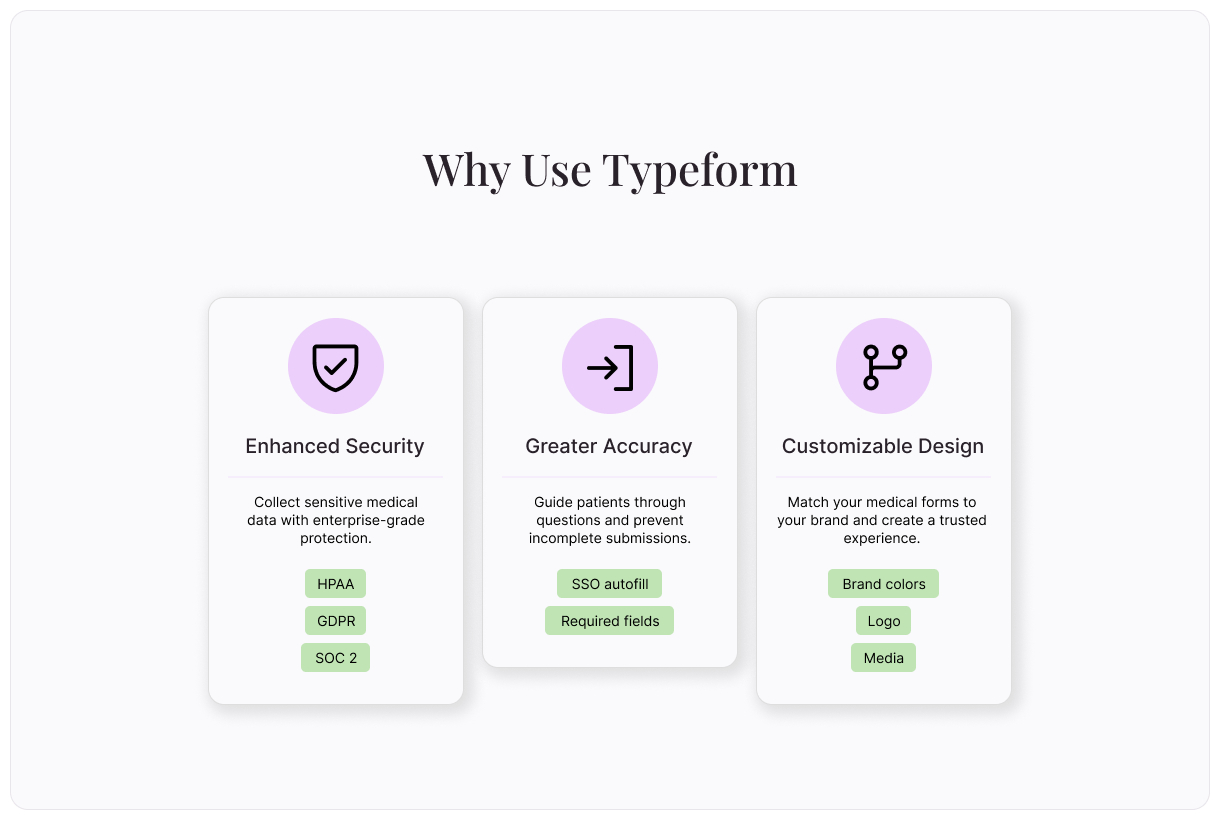
Enhanced security
When it comes to medical information, security is always top of mind. We’ve built Typeform to meet global compliance standards with enterprise-grade data protections. Securely collect and store your patients’ most sensitive information.
Typeform is HIPAA-compliant and designed with security at every layer. Confidently collect medical histories, consent forms, and intake questionnaires online without putting patient privacy at risk. Learn more about security at Typeform.
Greater accuracy
Paper forms introduce unnecessary risk. Illegible handwriting, unanswered questions, and manual data entry increase the chances of medical errors and cost your staff valuable time correcting them.
By switching to online medical forms, your practice can improve data accuracy. Typeform guides patients through each question one at a time. Then, it ensures required fields are completed before submitting. With additional services like Single Sign-On (SSO), patients can autofill information from existing databases for even greater accuracy. The result is more accurate patient data.
Customizable design
Trust plays a major role in patients' comfort levels when sharing personal health information. Reassure them that they’re in the right place with consistent branding. With Typeform, you can customize all medical forms to match your branding, including logo, brand colors, and media. Create seamless experience across all your assets to reinforce trust and familiarity.
Branching logic
Health screening questionnaires and other medical forms can get lengthy. Not only is it important to screen for a range of medical issues, but each question leads to more questions. When were you diagnosed? Are you taking medication to treat it? A single form with every follow-up question for every common health concern can get prohibitively long.
That’s where logic comes in. With logic, patients’ medical forms change based on their answers. If a patient indicates that they have a certain condition, they’ll be presented with follow-up questions. If they don’t, they won’t. Include logic in your medical forms to boost form completion rate.
How to build medical forms with Typeform
Before building any medical forms with Typeform, you’ll need to set up a Business Associate Agreement (BAA) with us. This agreement helps you stay HIPAA compliant. Fill out this Typeform or contact your Typeform account manager to set up your BAA.
How to build a medical form from a pre-built template
Our library includes lots of free, pre-built templates to give you a head start.
If you need to make changes to the template, do so in the Content panel. Customize questions, modify answers, and more.
Review the medical form ending on the left. This is the screen your respondent will see when they’ve completed your medical form.
Edit your medical form appearance using the “Design” feature. Choose from themes based on your Brand Kit or select a theme from the Gallery.
Your medical form can follow a unique path based on your patients’ answers. To do this, create custom logic by selecting “Branching” on the bottom left, or clicking the “Workflow” panel on the top.
Integrate your medical form with your other tech tools in the “Connect” panel on the top. Find your desired tool, then select “Connect” and follow the prompts. We integrate with lots of common apps in medical practices, like Google Drive, CRMs, scheduling tools, and more.
Once you’re happy with your medical form, select “Share” to make it live!
How to make a medical form using ai
Typeform AI makes it even easier to build effective medical forms. Answer a few prompts, and you’ll end up with a custom form that meets your practice’s needs.
Log into Typeform and select “Create a new form”
Write a few sentences about the type of medical form you’d like to create. Tell Typeform AI what types of information you’d like to collect and any other relevant information.
Typeform AI will guide you through a series of questions and build a medical form according to your answers. Once you’re satisfied with your form, select “Apply”
Edit questions, branching, and other aspects of your form, or ask Typeform AI to make modifications for you.
Integrate your medical form with your other tech tools in the “Connect” panel on the top. Find your desired tool, then select “Connect” and follow the prompts. We integrate with lots of common apps in medical practices, like Google Drive, CRMs, scheduling tools, and more.
Once you’re happy with your medical form, select “Share” to make it live!
How to build a medical form from scratch
Even a totally from-scratch form is simple with Typeform. Follow these steps to custom-build your medical form.
Log into Typeform and select “Create a new form”
Select “Start from scratch”
Choose the first question type for your form, then fill in any relevant information.
To add the next element, select “+Add content”
In the “Endings” panel on the left, create the end screen patients will see when they complete your medical form.
Edit your medical form appearance using the “Design” feature. Choose from themes based on your Brand Kit or select a theme from the Gallery.
If you’d like to add custom logic to personalize your medical form flow, you can do so by selecting “Branching” on the bottom left or the “Workflow” panel on the top.
Integrate your medical form with your other tech tools in the “Connect” panel on the top. Find your desired tool, then select “Connect” and follow the prompts. We integrate with lots of common apps in medical practices, like Google Drive, CRMs, scheduling tools, and more.
Once you’re happy with your medical form, select “Share” to make it live!
Digitize your medical forms with Typeform
Offering digital medical forms improves workflows for patients and staff alike. Patients can complete forms quickly and provide more accurate information. Staff can easily organize medical information for future retrieval. Everyone wins.
For the best in digital form technology, try Typeform. We’re trusted by 95% of the Fortune 500 and across a range of industries. Improve your administrative practices and provide better patient care by switching to Typeform today.
About the author
We're Typeform - a team on a mission to transform data collection by bringing you refreshingly different forms.
Free online trivia maker: custom trivia quizzes in minutes
Trivia is engaging. People love testing their knowledge, competing with friends, and proving they know random facts nobody asked them to memorize. That’s why trivia works as a learning tool, a marketing hook, an event activity, and just plain fun.
AI survey builder: create smart surveys in minutes
Creating effective survey questions is easier said than done. You need to ask the right things, in the right order, to the right people—and do it in a way that actually makes people want to answer. Most survey builders make this harder, not easier. You’re staring at a blank form, second-guessing every word, wondering if your logic flows or if you’ll get useful data back